Multiple mounted disks in a windows VM

Hi!

I used this guide to mount a directory in a windows VM How to run a Windows virtual machine on Incus on Linux – Mi blog lah!

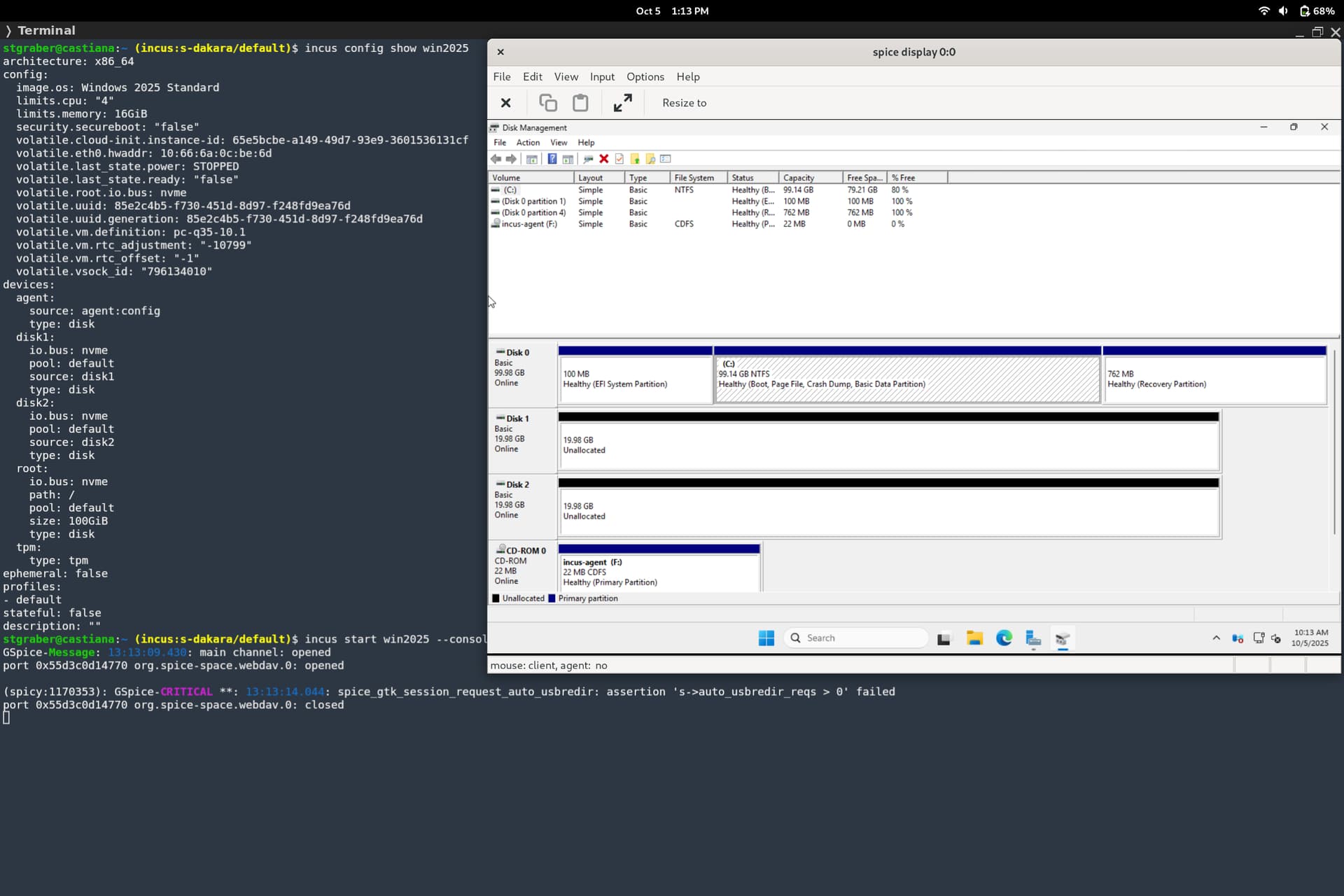
Works really well BUT, i can only add one disk. If i add a new one the old one gets replaced. Ofc its unique names etc.

I tried to see if i could set a specific bus but no luck. Any thoughts or solutions?

Windows 11 with all updates etc.

Incus 6.17 with the zabbly kernel on ubuntu.

In that example, they’re adding a disk named SHARED, there shouldn’t be any problem in your adding SHARED1, SHARED2, or any other name you want.

Thats not whats happening here. If I add share1 first and then shared2. Shared2 is the only one in the VM.

Oh, I see, you’re using virtiofs exported filesystems, not full (raw) disks.

Hmm, then there may be an issue or some extra stuff needed to get WinFSP to handle it correctly. At the Incus level we definitely exported multiple virtiofs drives and that can be accessed just fine from Linux VMs, so it’s likely an issue or missing config with the Windows implementation (WinFSP+virtiofs)
Yes exactly. Ok. Well il see if i can find anything. But any help is always wanted.