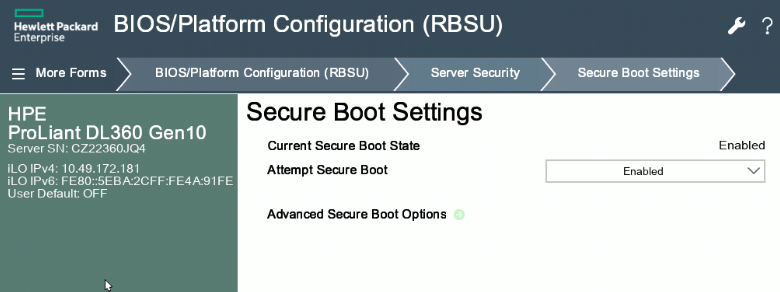
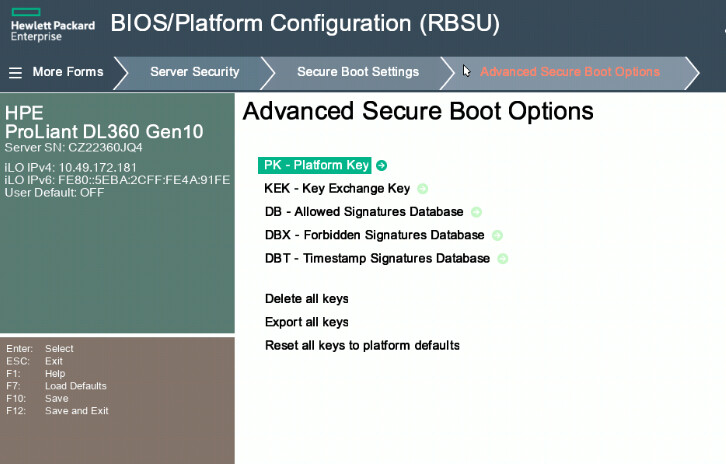
I am trying to install IncusOS on HPE server and running into issue.
When I enable secure boot, the server can not be booted using IncusOS iso. But if I disable secure boot in HPE server BIOS, the iso can be booted but it can not be installed because secure boot is disabled.
Any idea or advice how to get over the issue?
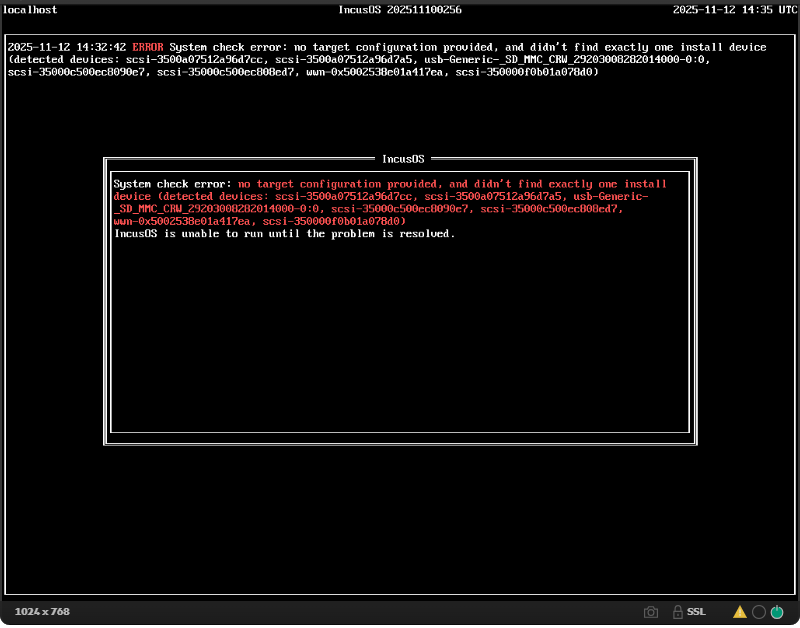
Okay, so you have multiple disks on that system. IncusOS needs to know which one to install to.
There is an option on the download page to provide the drive you want to install to.
@gibmat we should really do something to make the output easier to read in this situation, ideally providing some more details to easily figure out what is what.