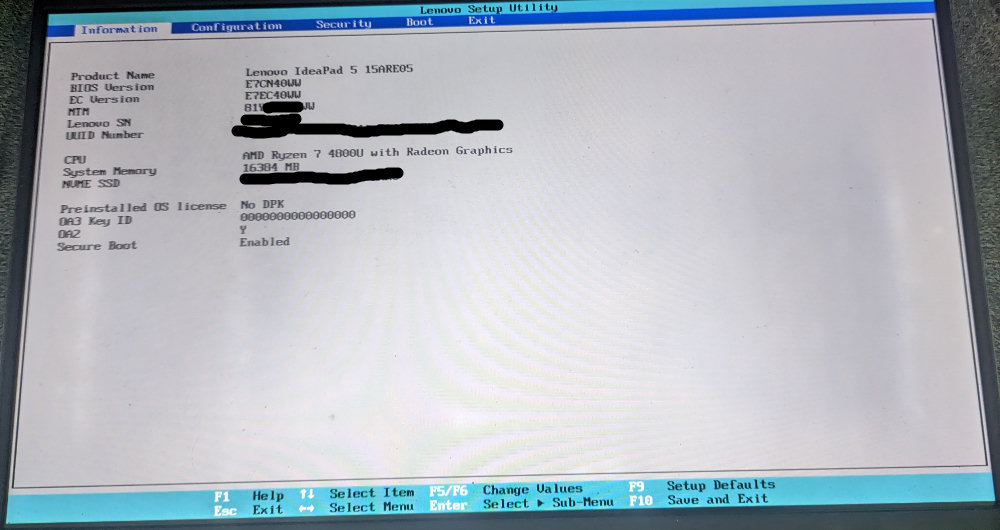
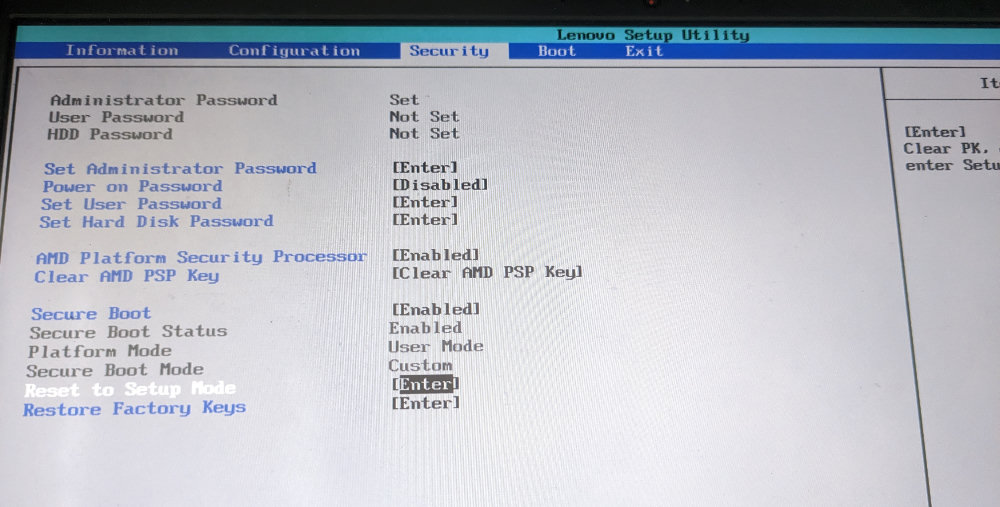
I have set UEFI Secure Boot to “setup mode” as the docs explain, which shows Secure Boot as disabled, but apparently allows enrolling keys.
Boot from USB device.
IncusOS properly shows a warning for some seconds before enrolling the key.
Then it reboots.
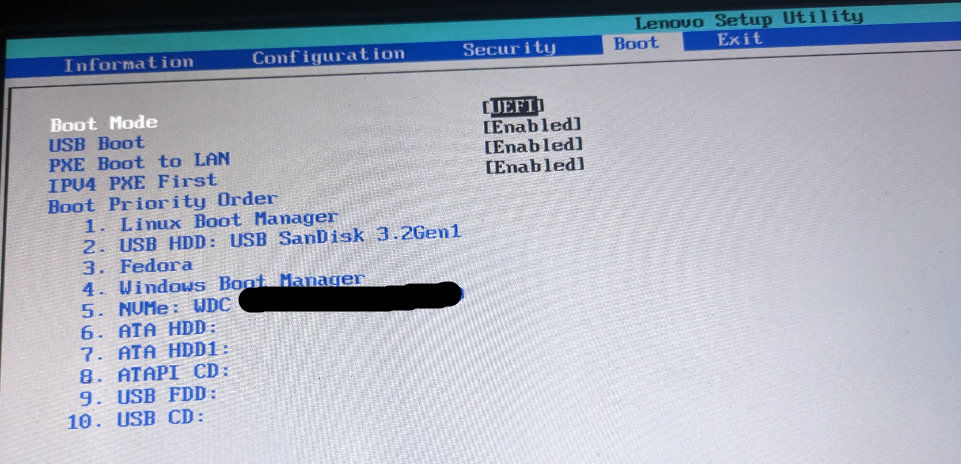
First, it did not boot at all (selecting “Linux Boot Manager” [now shown as the #1 entry, which is okay IMHO, but before it was my USB drive] in the boot menu).
Okay so, got back to UEFi menu, enable setup mode → add “factory keys” and then boot.
Then IncusOS boots, but shows this:
IncusOS is starting…
IncusOS failed to verify PE binaries: Error: open /sys/class/tpm/tpm0/pcr-sha256/4: no such file or directory
I’d go check the TPM settings in the BIOS. Make sure that SHA256 is enabled if it’s an option and if there’s nothing interesting in there, at least try clearing the TPM state.
Note that if this is an operation image, you may need to re-write the image to the USB stick. If this was the first boot post installation from an installation image, you may need to reinstall as a TPM reset would cause the OS to prompt for the recovery key which you haven’t yet had a chance to retrieve.
Hmm okay, the information that the USB image needs to be rewritten is an important fact. Because it somehow always boots into the on-disk image (I think) and thus ends in the TPM error.
Also after enrolling the BIOS key, it does reboot, does not it? Then setup mode is gone (I guess), and it has (at least the last time) successfully booted from the USB device (because my boot order prioritized the USB device). And only then writes the data to “disk”?
Hmm, there is no such option. But I can try a reinstallation in “setup mode” again.
Also see the OP again, I could now edit it so the other images are shown.
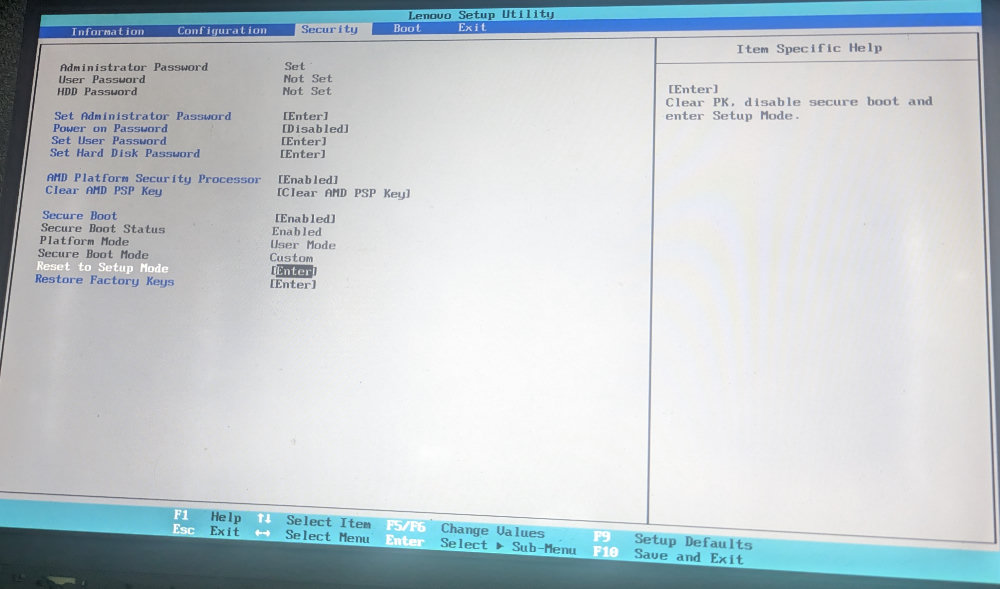
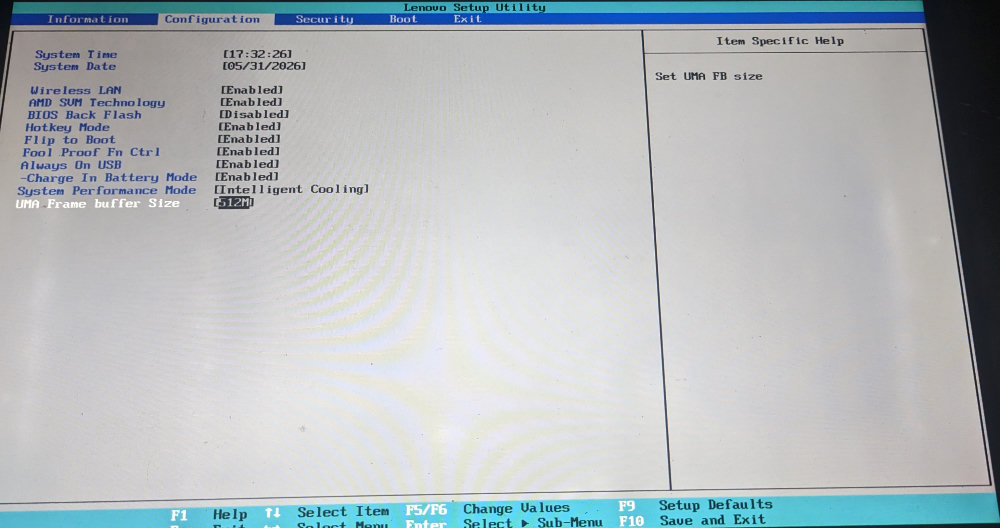
Also here the description for each (relevant) option:
Also note I cannot – as your docs indicate – deploy the key manually in the BIOS. I know, however that a manual key deployment as shown in Ventoy’s guide for Secure Boot when it tries to boot Ventoy(?) works, via that blue menu screens that guides you through it (exactly like the GIF there shows). I, however, cannot trigger that from the UEFI’s GUI.
Frustratingly, when trying to redo the whole process (again in “Secure Boot setup mode” and after clearing the target disk with a GParted live ISO; reflashing the USB drive and then booting from it), it also boots from the USB drive and shows the “I am going to enroll the key” message, but at the next reboot directly(!, without even trying to write any data to the target disk) shows the PCR-04 error…
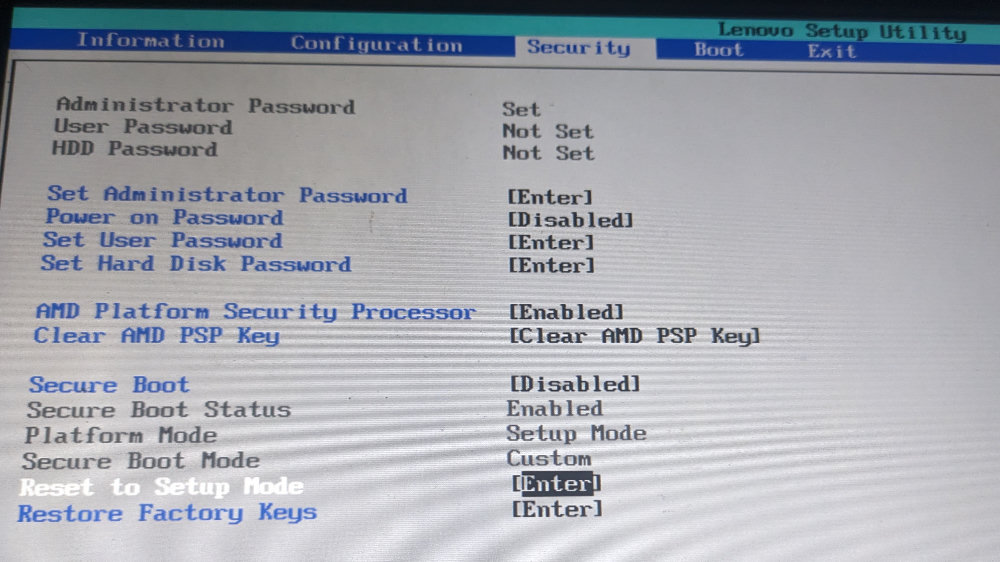
Note BTW that the “[Secure Boot] setup mode” I am referring to, when enabled (aka I selected the highlighted “Reset to Setup Mode”) shows this (IMHO confusing) state:
“Secure Boot Mode” shows what I guess it should be set to “Custom” - the first lines I interpret as "Secure Bot is currently enabled, but disabled in next reboot [for the “setup mode”/“purpose”)? But I may be wrong here.
No “reset AMD PSP key” seems to have like no effect at all…
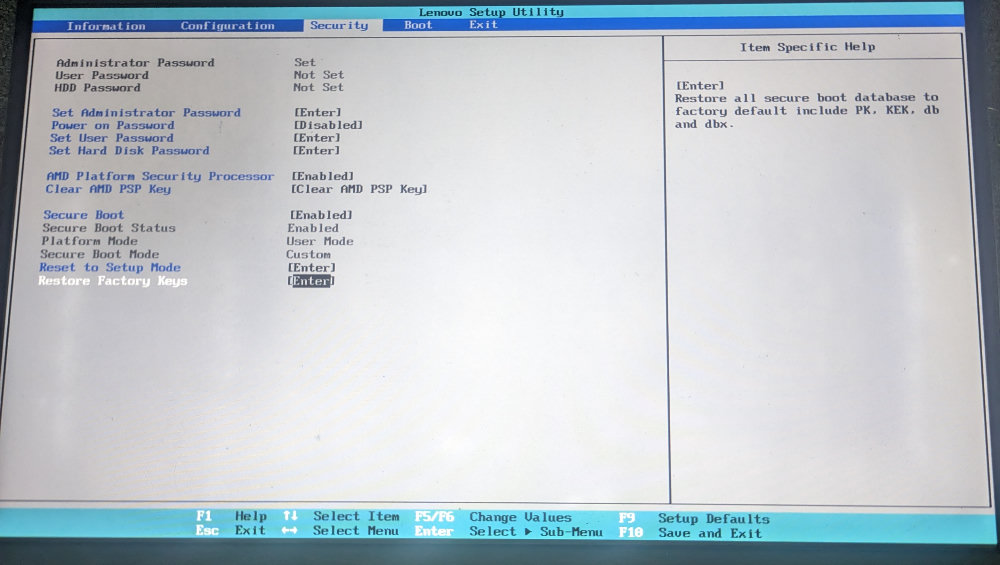
when I am in this broken PCR-04 state the BIOS as shown earlier shows Secure Boot Mode: Custom and enforces it, and properly boots Incus (which itself then just shows that error)
when I there “Restore Factory keys” this switches to Secure Boot Mode: Standard (which I guess clears Incus enrolled key?) Incus does not even boot anymore (from the USB)
I have wild memories though that once that device had a TPM error and had there itself offered such a reset…
I’ll maybe try to get Windows on that machine to search for BIOS updates or whatever…
Or trying that Novo button…
You could also grab an image that uses the software TPM instead. But that assumes that disabling PSP turns off the AMD fTPM. I don’t know that it’s necessary the case as those are usually different options under a traditional AMD BIOS menu.
Okay system update via Windows has no new information (and for the record: that novo button is useless, you also just get to the usual boot menu etc.), but I used the chance to use some Windows tools to collect some random TPM diagnostics. E.g. it can list the PCRs:
Ah yeah, you can try doing a TPM reset from Windows.
We also trigger one during IncusOS installation when using an installation image as we’ve definitely found systems where the TPM needs a nudge to behave.
Well… in any case a TPM reset also does not change it a bit. So I’ll conclude this is a totally broken TPM. What just is wondering me is why it has worked once (as said in the original post it has enrolled the key and apparently could complete the “installation” once.
All tries afterwards already failed after the first reboot after the key was enrolled (it seems?) - at least now also noticed the boot menu shows a “enroll key: auto” entry or so, which then disappears (at next boot).
@rugk just to clarify, have you ever gotten to the screen that states “Starting install of IncusOS to local disk” and shows a progress bar on the screen? The normal sequence of events should be an initial enrollment of Secure Boot certificates, reboot, running of install, reboot, IncusOS first boot.
I’d also be interested to see what the TPM reports from a Linux live system, specifically if tpm2_pcrread returns any SHA256 values.
Thanks yes, as said, this has worked exactly once for some reason, but not further. Maybe I’ll try booting some other Linux live ISO for checking more PCR values, but really… the TPM of that device just somehow seems borked.