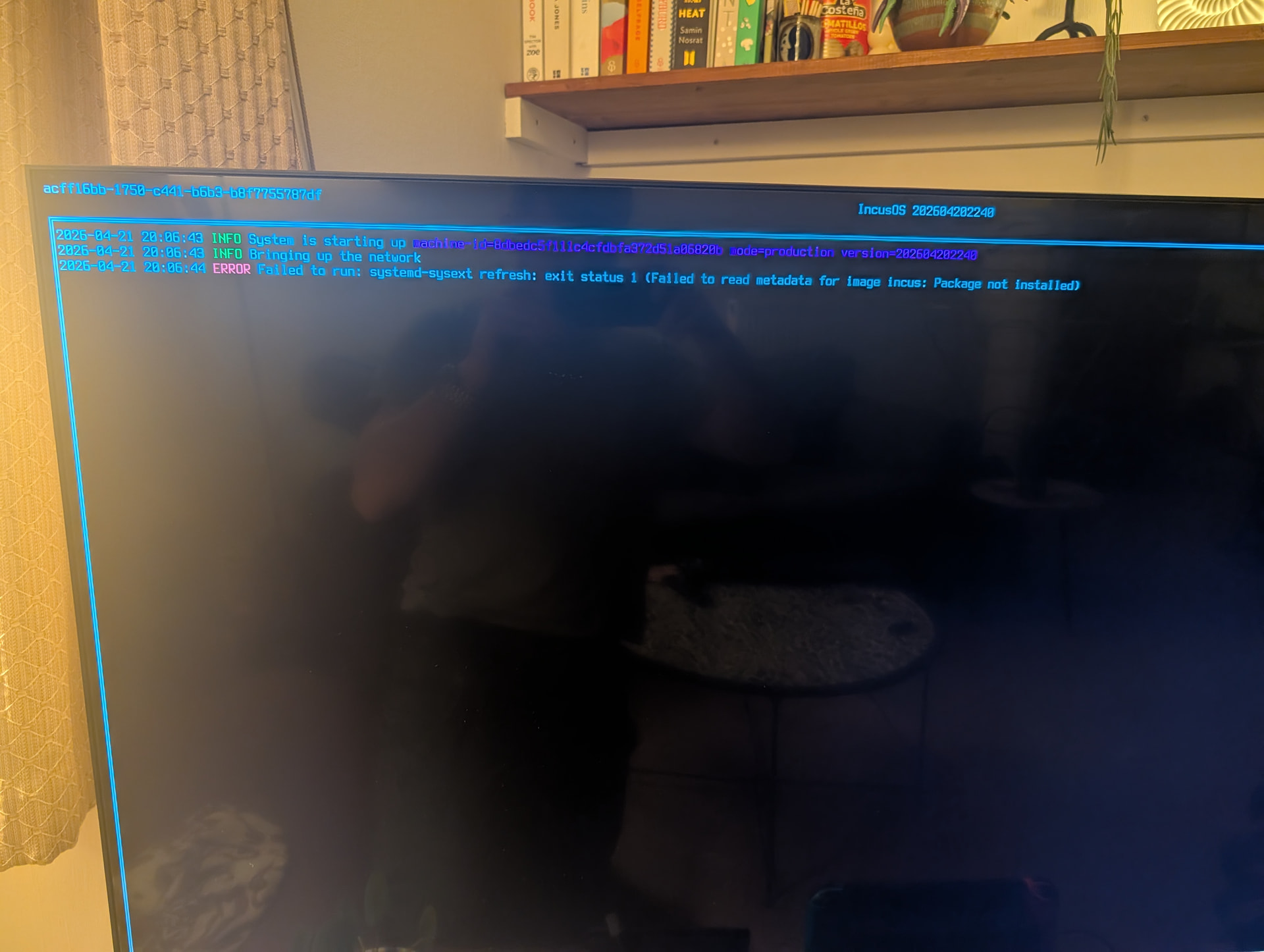
Interesting; that error happens when the actual sysext application image is corrupted somehow and no longer matches its digital signature. When IncusOS downloads an application it does verify the signature and would have returned an error if something didn’t match. (If the sysext image was actually missing there would be a different error returned.)
You mentioned that version 202604150351 is also showing the same issue – did it boot properly before updating to 202604202240? The application versioning logic was first present in 202604080359, and I tried to ensure if something did go wrong migrating an application it would fail without breaking the system.
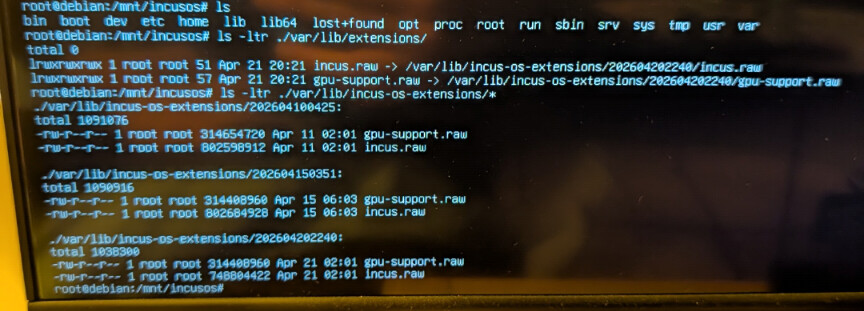
Do you have the recovery key saved somewhere? If so, it would be helpful if you could follow the steps at Emergency Procedure for a Lost Client Certificate - IncusOS documentation to mount the encrypted LUKS root partition of your system, then show the output of ls -ltr /var/lib/extensions/ and ls -ltr /var/lib/incus-os-extensions/*. (You can ignore the bits about generating/replacing an existing client certificate.)
I might be able to add some fallback logic that could detect this error situation and attempt to re-download the application, which would get things back to a known good state.
Is your IncusOS system able to boot and grab an OS update? If so, that should have the appropriate logic to automatically recover your system after applying and then rebooting.
Otherwise, if you remove /var/lib/extensions/ and /var/lib/incus-os/extensions/ by hand and reboot, that should also trigger an appropriate update check which would download the most recent version of each application.