Fair warning, my networking experience is just okay.
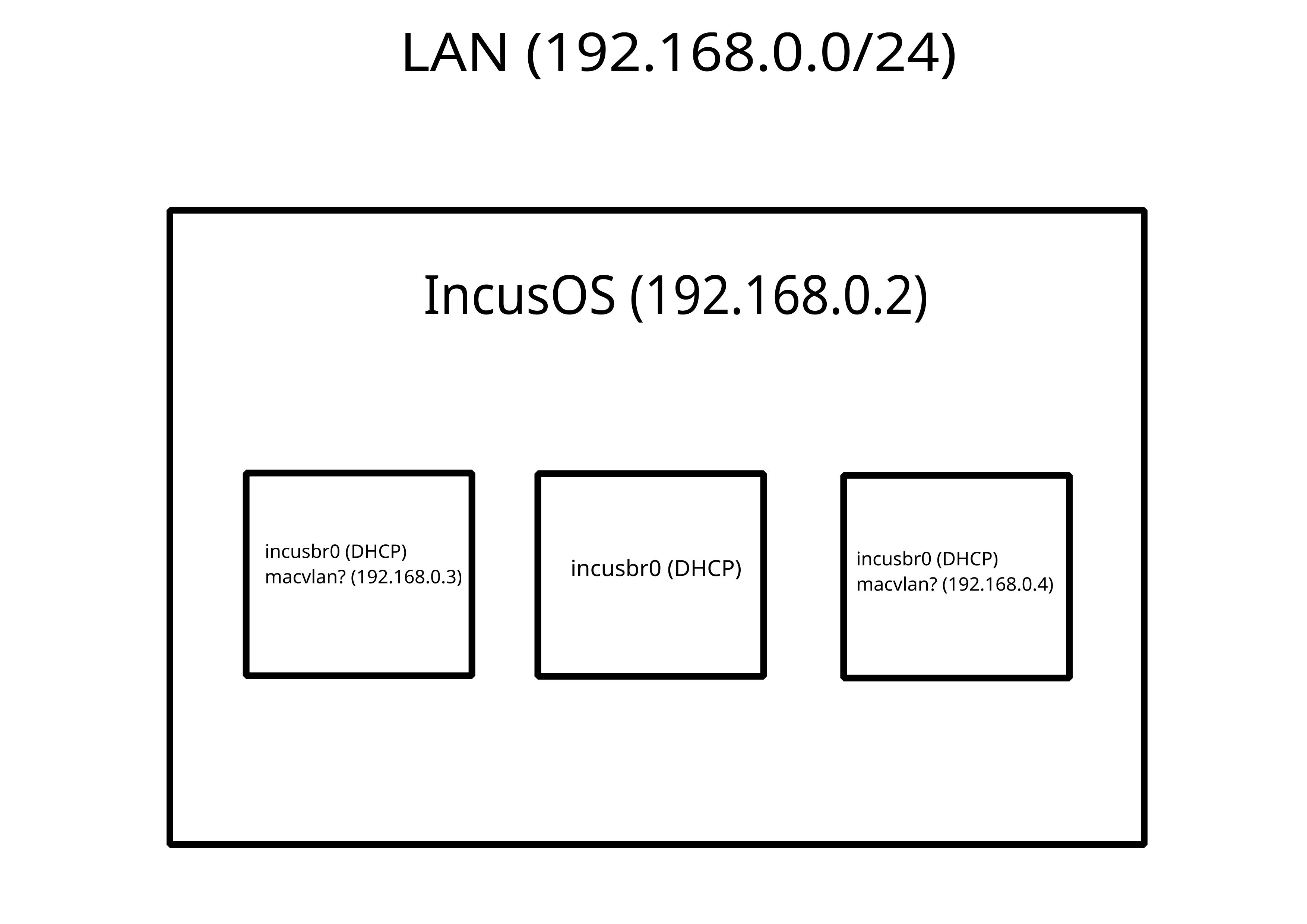
I have two Incus containers, both are on the default incusbr0.
They are on incusbr0 because it’s convenient for them to be able to access each other by containername.incus. I will add many more containers to incusbr0 in the future, and incusbr0’s DHCP makes that easy.
However, I also want to have one container (and more in the future) to be accessible from the normal people LAN, 192.168.0.0/24.
What would be the best Incus network setup to do this? I do want this container to be accessible by the host too.
Might be easiest to give them a second network interface on your LAN.
I’d probably configure that with static IPs though to avoid the usual issues when you have two gateways.
Also, one of the containers is a docker OCI, and I can’t find a way to configure a static IP inside it, so I might just do a DHCP reservation on my router.
P.S. keep up the good work, so far I’m loving IncusOS!
If it’s a wired network on a desktop type machine, then macvlan is likely easiest. System level bridges work too but that usually needs a bit more work to setup at the OS level.
For your OCI, you can set ipv4.address on the NIC device for that.
For the macvlan, do I need to specify the parent as enp42s0 (in my case)? This only seems to appear as a parent option if I add the instances role to the NIC’s config on host. Currently enp42s0 is the parent, just making sure this is correct.
And by “NIC device”, do you mean the macvlan device attached to the OCI? I tried that, and it won’t let me:
incus config device set samba eth-1 ipv4.address=192.168.0.3
Error: Invalid devices: Device validation failed for "eth-1": Invalid device option "ipv4.address"
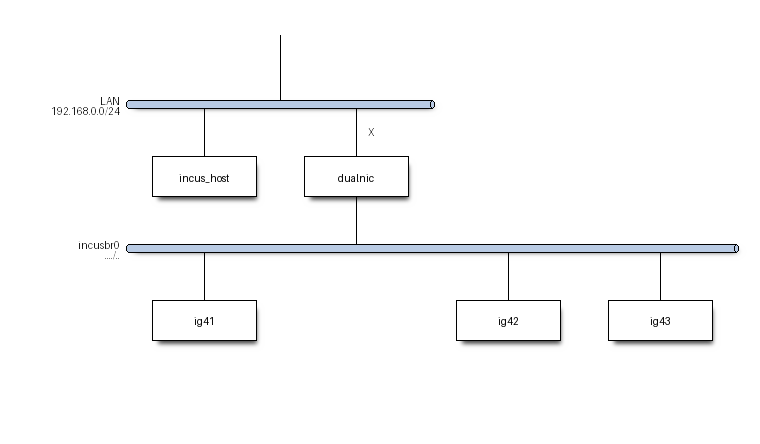
Please provide a network sketch ( a simple diagram of network ) that serves as whiteboard. The plan is that the “white board drawing” can be used as “roadmap”, for giving further directions.
Thanks everyone, I wasn’t really understanding, but I ended up making a macvlan with my ethernet NIC as the parent. In my case, the NIC has the “interfaces” role in the host config, which opens up a “bridge” device that I can use as the parent for the macvlan.
My experience might be different from yours, since I am mainly a GUI user, I just find them more tangible. I have some more issues, but one of those is my crapass router and the other I will make another post about.