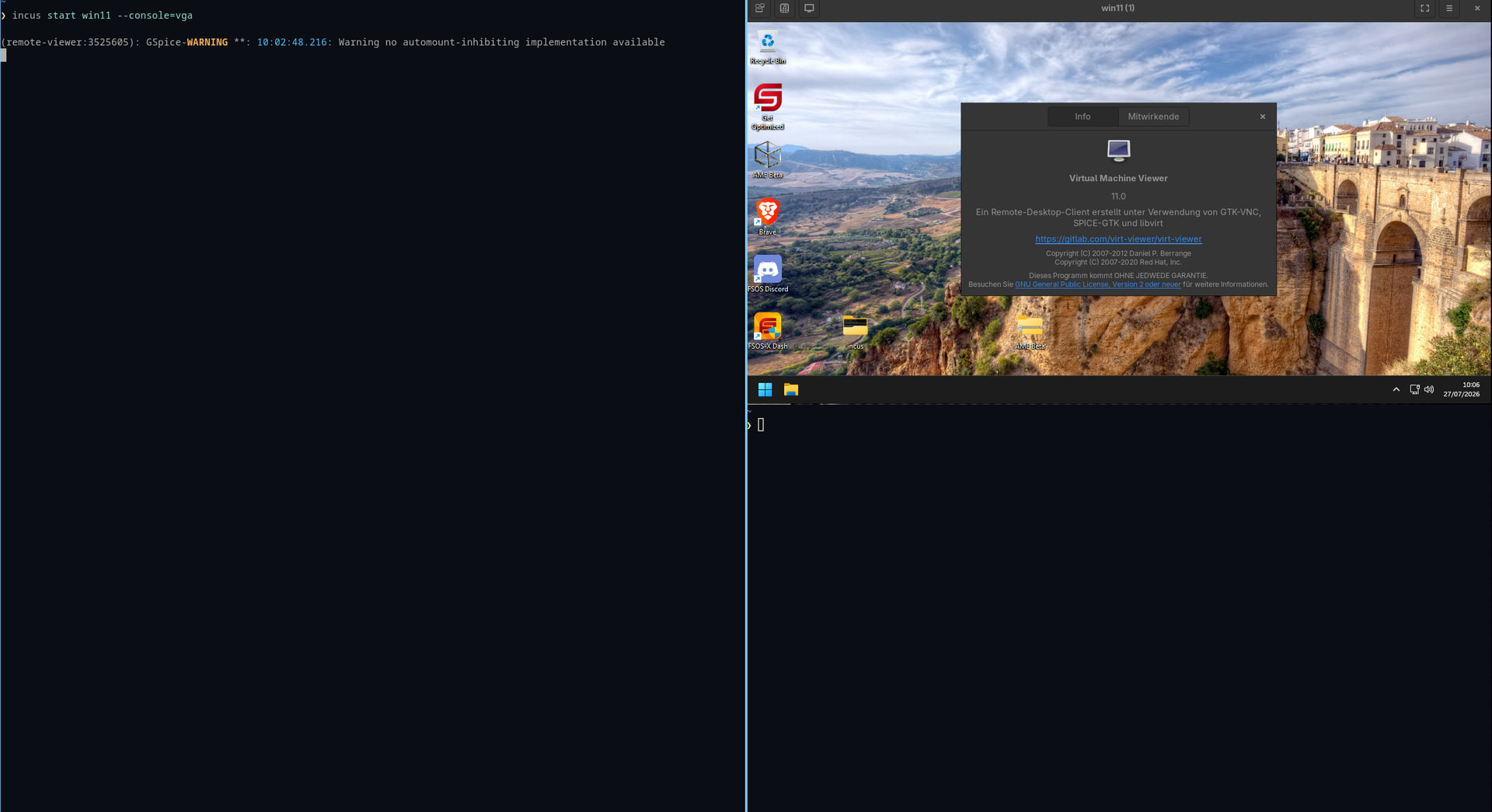
I have been running an incus VM with Win11 for a while. It uses the “virtio-vga” driver (apparently the default) and virt-viewer on the host (KDE Linux). Unfortunately, the display is very slow (often one can see the screen being drawn) and mouse movement is very sluggish so that it becomes hardly usable. Also it does not allow dynamic adapting the display resolution only a few fixed resolutions can be manually chosen in the guest. It had been significantly faster without much issues before.
Any ideas what the issue could be and how to debug and fix this?
Just to be sure: I would add ||raw.qemu.conf: |- [device “qemu_gpu”] driver = “qxl-vga” bus = “pcie.0” addr = “3.0”|| (without the double bars) as a single line to the configuration with “incus config edit win11vm” next to the “raw.qemu: …” line, right? I found something like this before on the net but was confused by the “|-”. What does this do? I could not find any info on this.
Maybe some more info: I am running Incus and the VM under KDE Linux using virt-viewer running in a Ubuntu container (since its not preinstalled and its an image-based distro). A small script “remote-viewer” gets called by Incus and starts “virt-viewer” in the container. But all this should not really make much of a difference, since virt-viewer can connect to the spice port of the Incus VM fine and also runs fine with the Wayland compositer of the host. Or is the virt- vs remote-viewer an issue?
Thank you very much, @jochumdev! Those slightly different characters were the issue! Apparently, happened when I copied the text from your (automatically mangled!) message text and not the quoted copy of the configuration text in the linked document. Good to know!
I now have very fast display and mouse movement again (not sure when and how I lost that). However, I still do not get the automatic adaptation when I change the size of the virt-viewer window, although that option is activated in virt-viewer. Any idea of how to also get this?
Actually, just noticed that when I change the window size through scaling it (Ctrl±/+ in virt-viewer) it DOES adapt the resolution in the Windows guest but not when I change the window size directly with the mouse or go full-screen or such. But even when it adapts, the resolution is not the native resolution of the host window either. Weird, but apparently it works in principle :-).
BTW: One suggestion for your document that you so kindly linked to above and that I had found before: You might want to add how to change the configuration (incus config edit …) as I was trying to change it via “incus config set …” and could not figure out how to do this with the multi-line construct. Also, maybe someone can add an explanation of the “|-” somewhere in the incus documentation. It confused me and I could not find what it means and does. Happy to do it myself if someone points me at how to do it.
And thanks to all for develop and maintain incus in the first place. I much prefer it over libvirt/virt-manager! Great work!
All I am still missing is a nice and native KDE frontend to it instead of virt-viewer. And maybe one that eventually even takes advantage of HW acceleration (dmabufs and such, maybe even Vulkan in the guest at some point). Just dreaming …