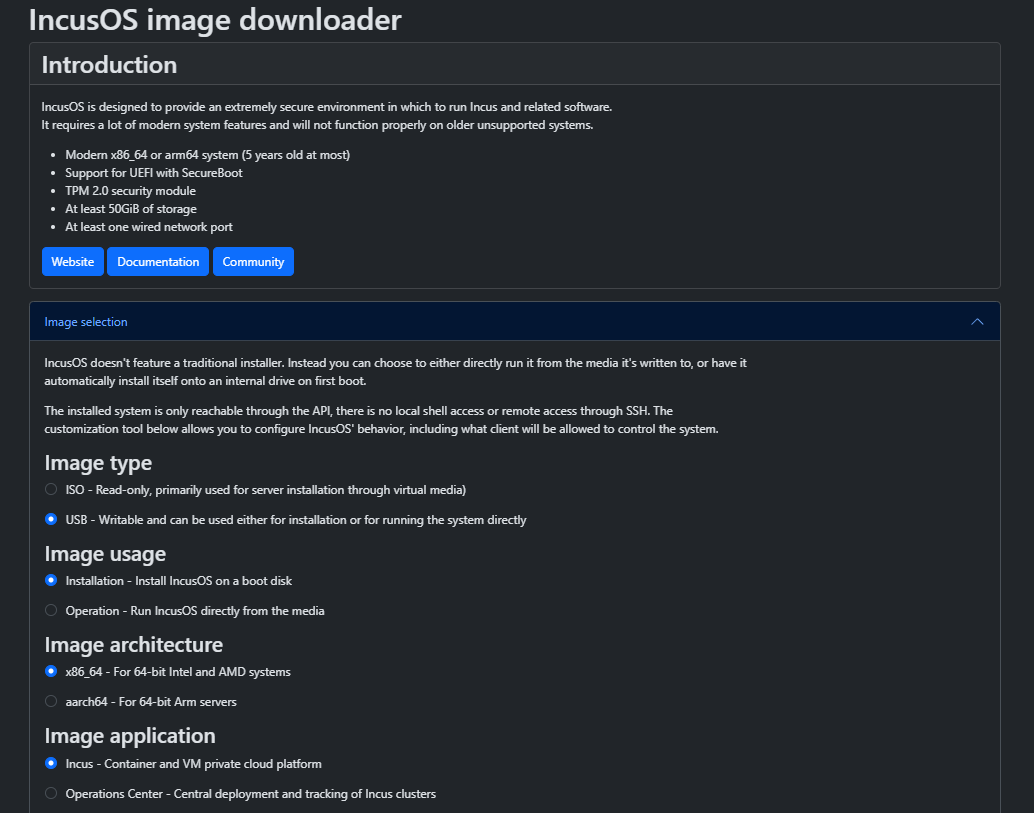
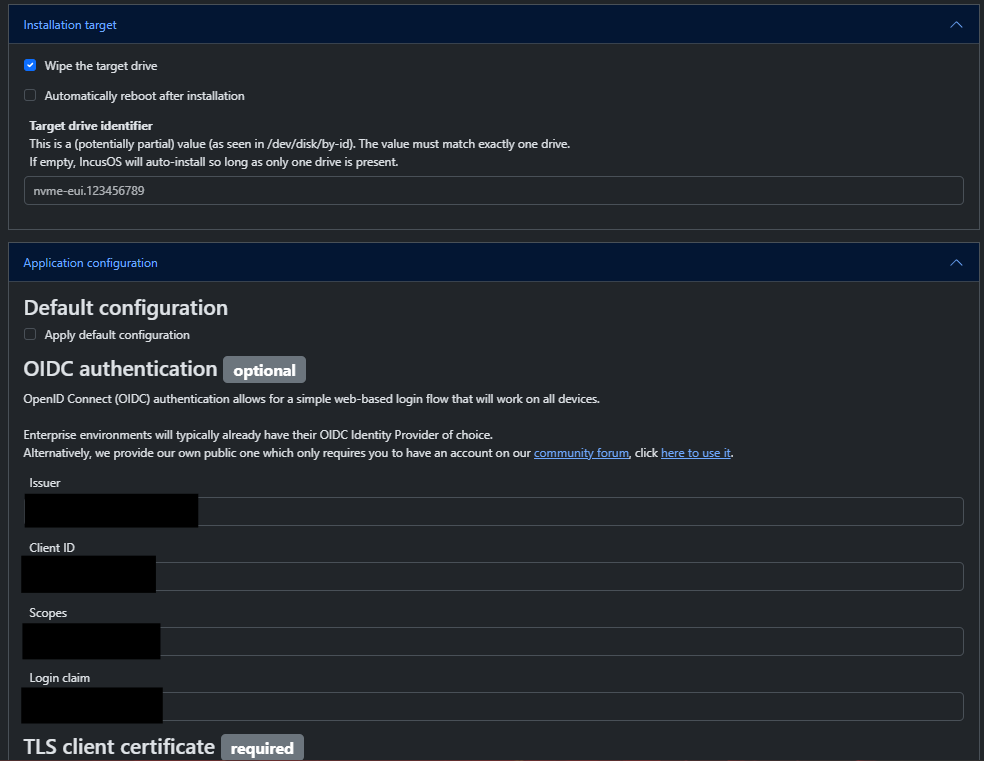
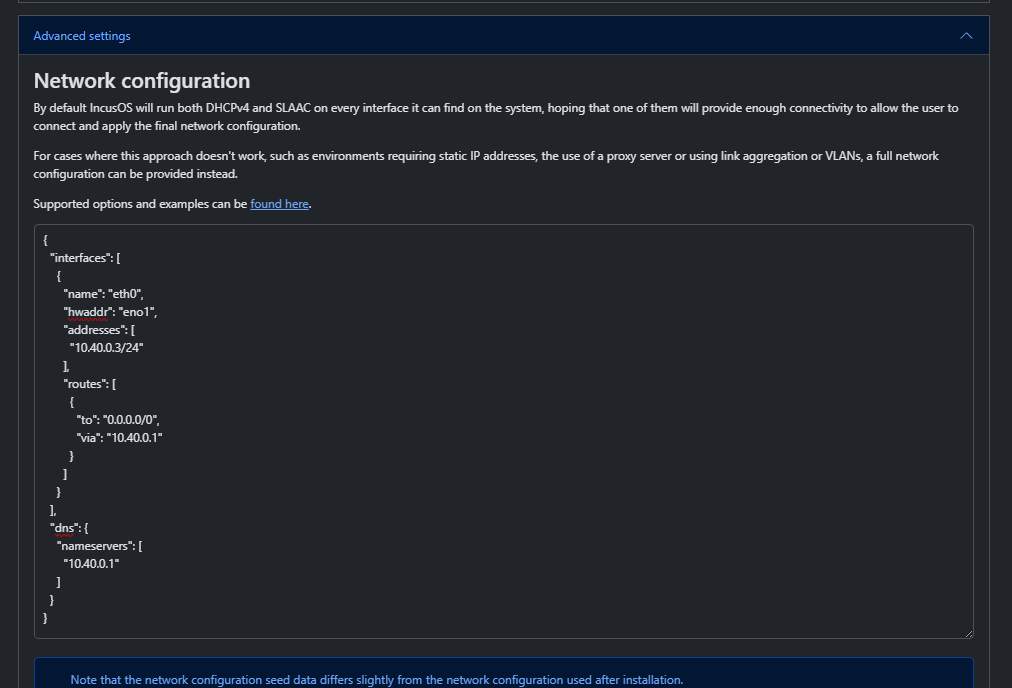
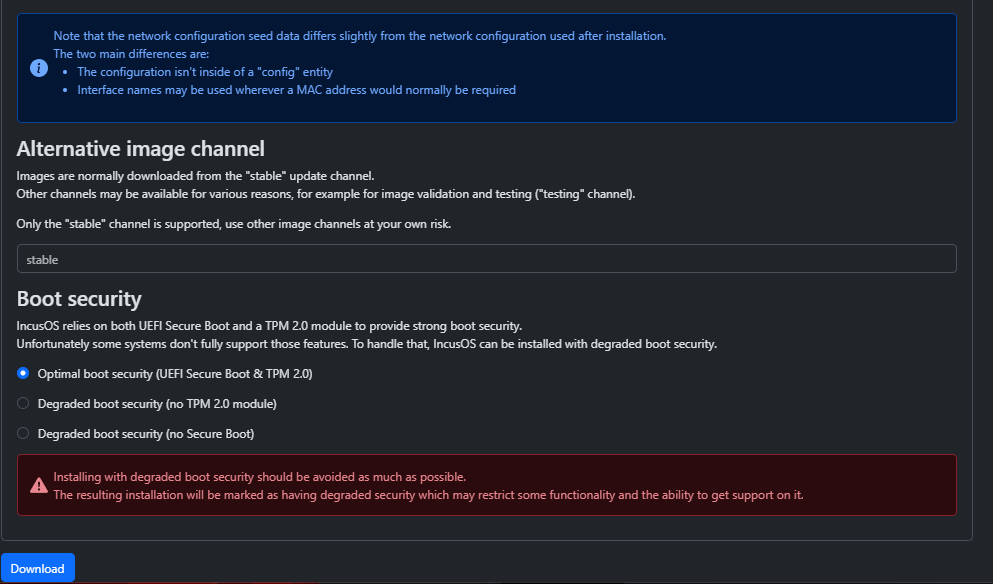
I have Debian on a live USB that I use to delete the partitions on the internal drive since IncusOS cant install over itself yet. After I install IncusOS, this is what I’m getting:
PS C:\Users\Chase> incus remote add 10.40.0.3
Certificate fingerprint: xxxx
ok (y/n/[fingerprint])? y
URL: xxxx
Code: xxxx

PS C:\Users\Chase> incus cluster join IncusCluster: 10.40.0.3:
What IP address or DNS name should be used to reach this server? [default=10.40.0.3]:
What member name should be used to identify this server in the cluster? [default=f3bdd818-166e-11f0-996b-31eea3194a00]: incus3
All existing data is lost when joining a cluster, continue? (yes/no) [default=no] yes
Choose "source" property for storage pool "local":
Choose "zfs.pool_name" property for storage pool "local":
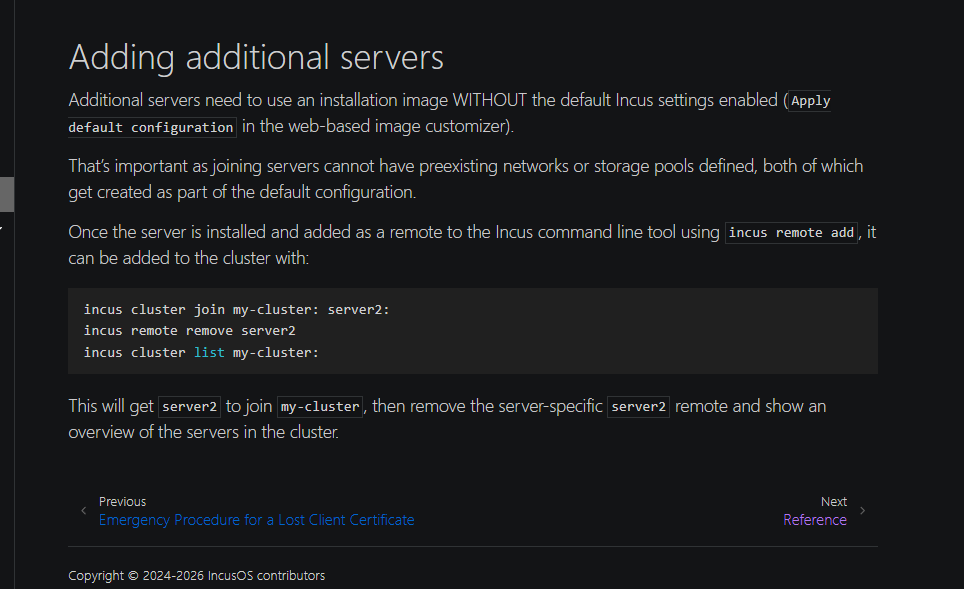
Error: Failed to join cluster: Failed to initialize member: Failed to initialize storage pools and networks: Failed to create storage pool "local": Failed to run: zpool create -m none -O compression=on local /var/lib/incus/disks/local.img: exit status 1 (cannot create 'local': pool already exists)
PS C:\Users\Chase> incus remote switch 10.40.0.3
PS C:\Users\Chase> incus storage list
+------+--------+-------------+---------+-------+
| NAME | DRIVER | DESCRIPTION | USED BY | STATE |
+------+--------+-------------+---------+-------+
PS C:\Users\Chase>
Troubleshooting steps I haven’t tried:
Not using a custom network config
Not using SSO
Trying to name those storage pools instead of default
Doing a hard format and zeroing out the drive before installing IncusOS
Selling all of my technology and becoming a Goat Farmer
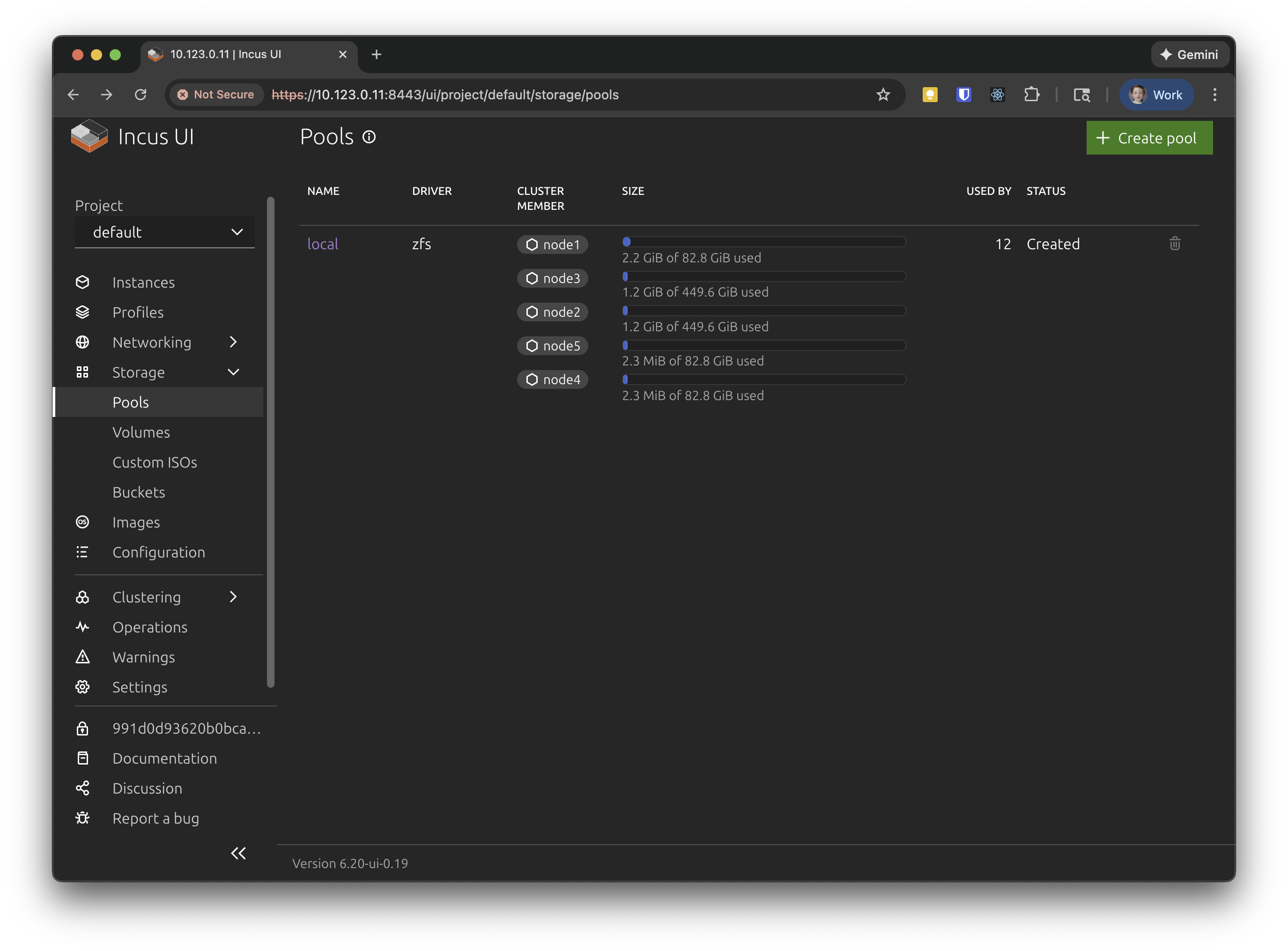
This kinda tripped me up… I have a 5 node lab cluster identical hardware (125GB SSD for OS and 500GB HDD for storage) when I first built my cluster I monkeyed around with it eventually getting the install always on the 125GB SSD but two of the nodes I had the ZFS pool on the HDD as a pool called int even though it was listed in the pool with the local pools:
I’ve since recreated the cluster and now have a uniform local/incus pool configuration (not pictured).
Question:
How can I add an additional pool using the internal HDDs? I was hopeful I could basically have a second local (doesn’t need to extend the local pool) where all the instances live when on a particular node. I can use incus admin os system storage show --target <node#> to list the dev path for the disk but I don’t see how to create the pool. Unless I’m meant to just incus admin os system storage edit --target <node#> each one configuring each then import it?
Basically you would use incus admin os system storage edit --target SERVER to create the storage pool with the drives that you want and ZFS type that you want. Once all servers have the pool (I’d recommend you use a consistent name), then you can use it with Incus.
Note that we also have support for volumes within IncusOS, so I’d usually recommend creating a pool, then create an incus volume on top of it and finally tell Incus to use POOL-NAME/incus as the source for its storage pool. That can be useful if you later want to create another Incus storage pool on the same physical pool or if you need storage for something like Linstor.