I am new to Incus, so forgive me if I do something wrong. So I am using IncusOS and want to deploy it in Incus.
I found the official HAOs guide that seems to be it, but I always get different errors…
So STRs:
- Download the
qcow2image linked on said page. (Current link: https://github.com/home-assistant/operating-system/releases/download/17.3/haos_ova-17.3.qcow2.xz) - Notice it is actually a
.qcow2.xzfile, which raises the question whether it should be extracted? - Anyway, tried without extracting (via the web GUI) and
- The HAOS website has no specific details for Incus, but the usual instructions mention that you should disable SecureBoot for it (and increase the resources somewhat), which I found options for.
- IIRC I used the “Upload custom ISO” dialog, which looked as if i was a good fit for me.
.xz file boots into that
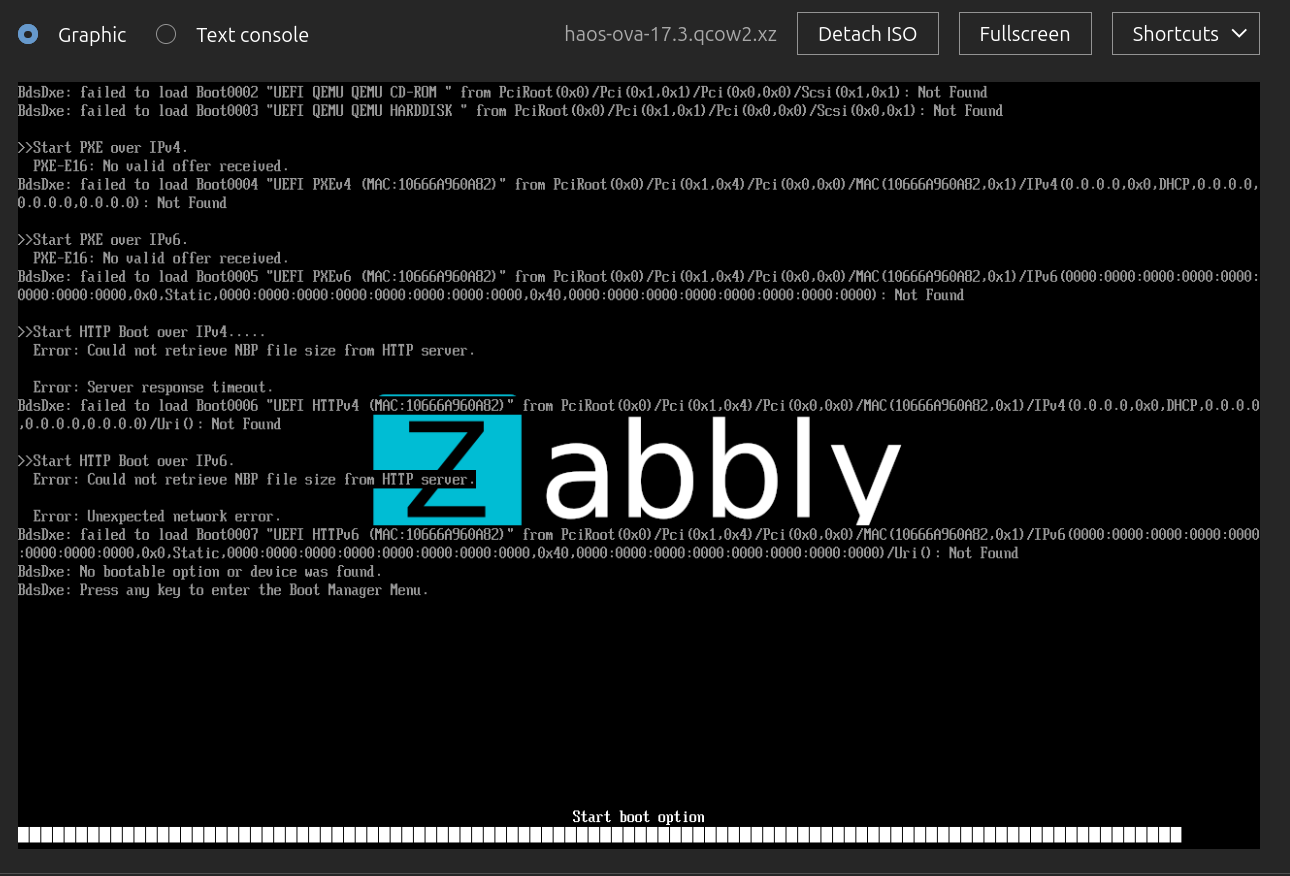
Somehow it does not really boot, but shows a lot of errors?
Unpacked file
Okay, so I thought maybe it is because it should be “un-archived” and I extracted the file haos_ova-17.3.qcow2 locally (it’s more than 1 GB!). Interestingly, now, following the steps above does not quite work at all, because if I upload it as a custom ISO I just get an error directly while doing that (which is unexpected IMHO):
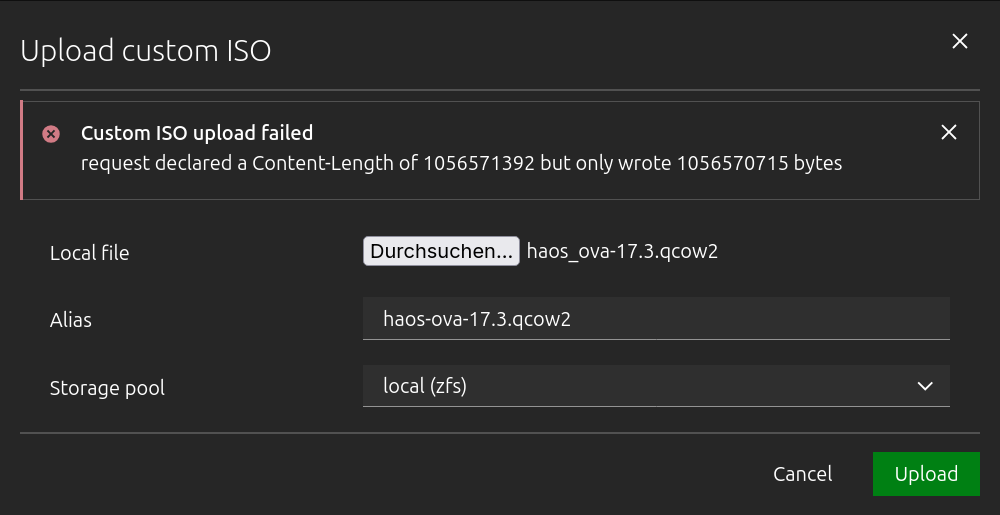
request declared a Content-Length of 1056571392 but only wrote 1056570715 bytes
IMHO, even if I am doing something wrong here this error message does not help much. It indicates this is maybe a network error(?), but I tried multiple times and I can reproduce it. With this one file, it always shows that error.
Resources
I saw Incus vm image request: HomeAssistant OS for arm64 (Raspberry Pi) on images.linuxcontainers.org - #3 by johannstieger and Importing Home Assistant as a Virtual Machine in Incus | Manuel cortez
I now see I may need to add some metadata and pack it again etc. But do I really? After all, the metadata is just some description stuff etc. Except of maybe os: Debian, but does not it boil down to “just run some ISO” as I would run it from an USB drive?
If not, I would at least thought that the GUI of Incus could ask for these values interactively, instead of letting me chase errors here…
System
incus 202606030722
Version 7.1-ui-0.19
