@stgraber Any idea on how I can create an Ubuntu 24.04 Incus Virtual Machine using Xorg X11 rather than Wayland? Any time I switch to X11 the GUI only displays a blank screen. I have some apps that need X11.
You should be able to select Wayland or X11 from the greeter screen. Is there a specific DE you’re looking at and does `dmesg` show anything?
Nope not possible. Try to set x11 as a default and you will see that incus console goes to a blank screen on remote viewer. Easy to reproduce.
Could you provide what instance image you used for the VM and the steps you took to configure it?
I spun up a Debian 13 VM with cloud-init configuring a user and installing task-kde-desktop and am able to login into a desktop and verify X11 works with xeyes
Here’s the VM:
incus launch images:ubuntu/24.04/desktop --vm Test -c limits.memory=4GiB -c limits.cpu=2
Here’s starting the console
incus console Test --type=vga
Here’s where I set Xorg as you mentioned.
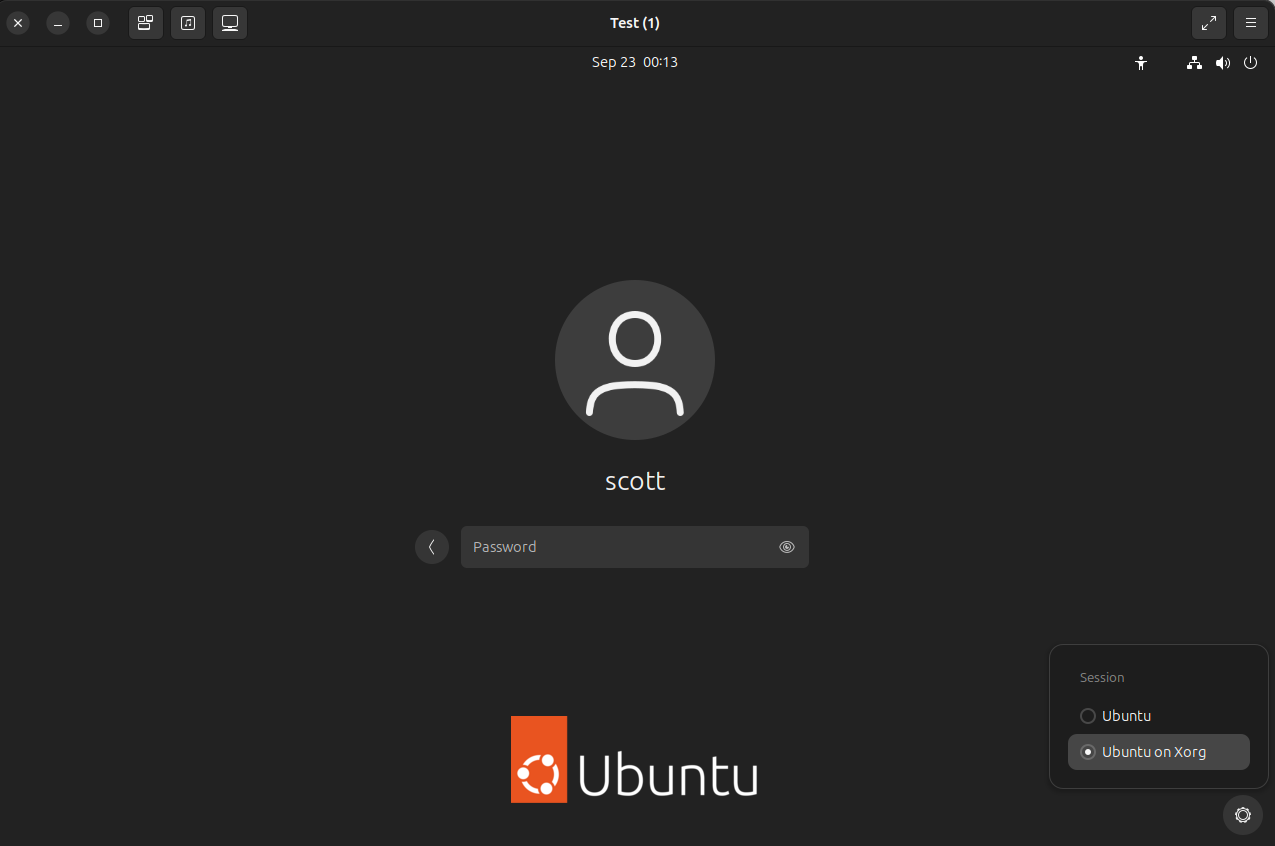
and that does sign me in as Xorg.
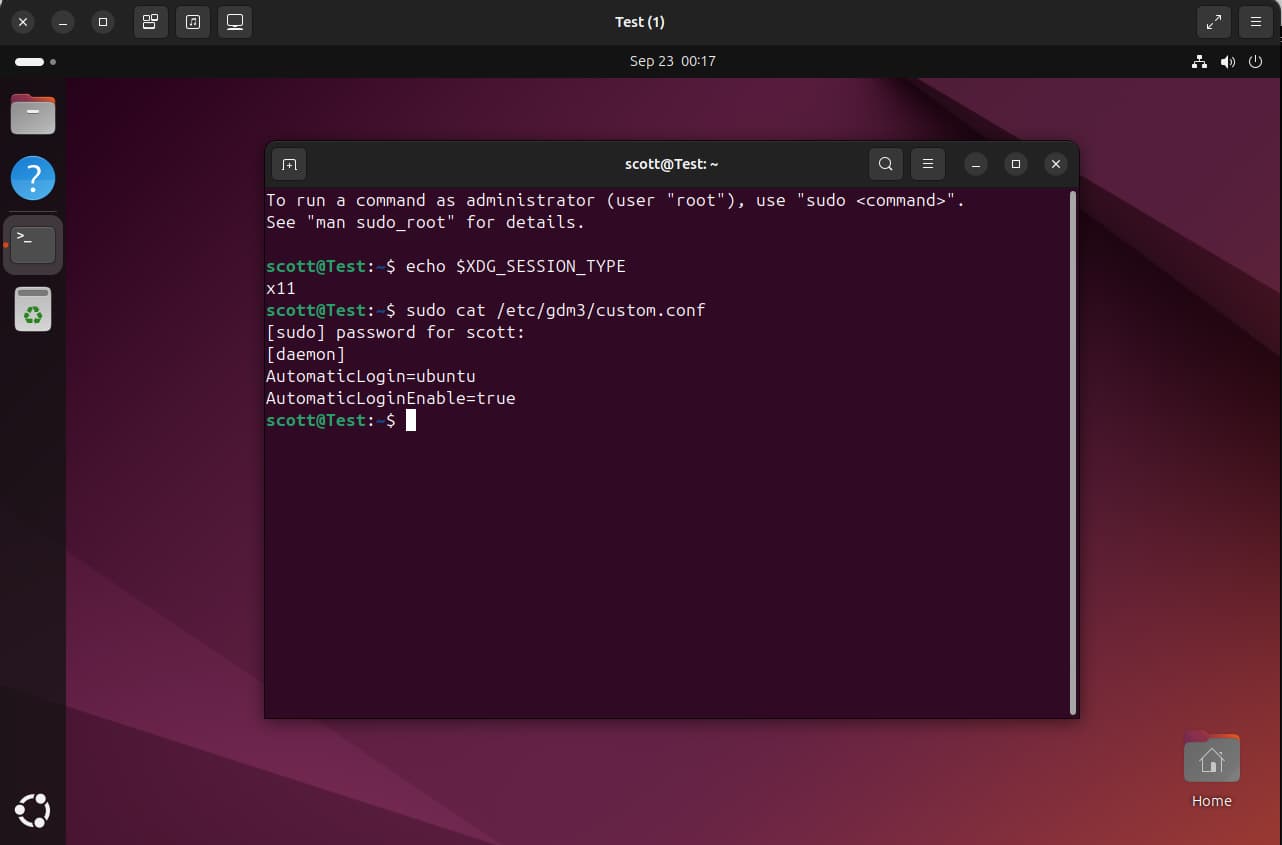
So, I want to set the default to be Xorg.
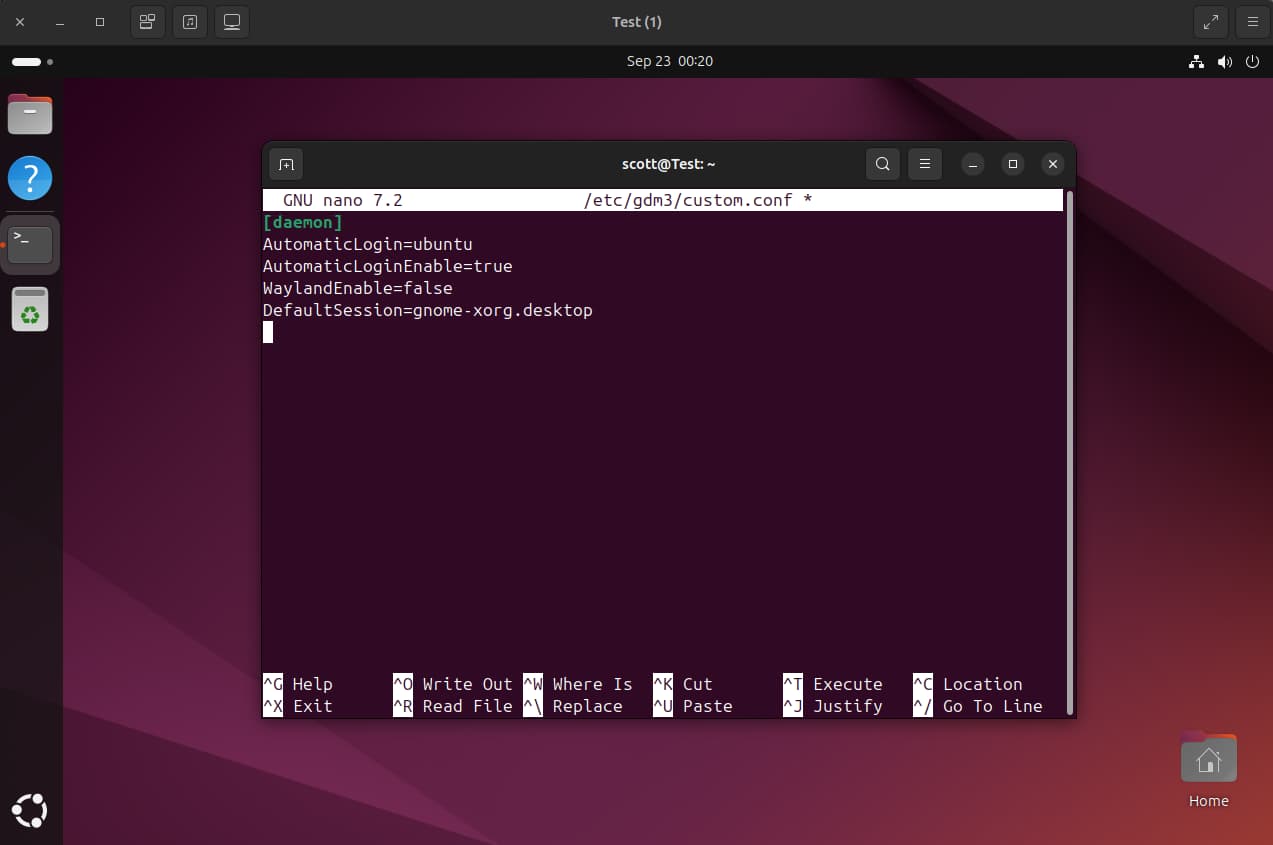
Once I reboot, no display.
So, the issue is that I want an incus VM that always starts X11 rather than Wayland. I know I can use the gear as above, but I need the VM to boot with X11 as the default. Normally I could:
sudo nano /etc/gdm3/custom.conf
and add these lines:
[daemon]
WaylandEnable=false
DefaultSession=gnome-xorg.desktop
This works with a QEMU VM, but not with an Incus VM.
Did a test on Debian 13 with your changes and I could not replicate the issue there.
However I did replicate the same issue on ubuntu/24.04/desktop with the configuration you listed but this was fixed by switching to another TTY, log in, and switch the TTY back.
journalctl -xe wasn’t able to show a definitive cause outside of errors related to network and SPICE vdagent.
@stgraber Can you weigh in on this issue which does not seem to affect Debian.
I was able to get X11 working properly. However, it seems to have broken the incus remote viewer. I am able to connect to a desktop session on Ubuntu 24.04 in an Incus VM by adding a dummy display.
First install the dummy display driver.
sudo apt install xserver-xorg-video-dummy
Then edit xorg.conf
sudo nano /etc/X11/xorg.conf
Input the following.
Section "Device"
  Identifier "DummyDevice"
  Driver "dummy"
  VideoRam 256000
EndSection

Section "Monitor"
  Identifier "DummyMonitor"
  HorizSync   28.0-80.0
  VertRefresh 48.0-75.0
  Modeline "1920x1080" 148.50 1920 2008 2052 2200 1080 1084 1089 1125 +hsync +vsync
EndSection

Section "Screen"
  Identifier "DummyScreen"
  Device "DummyDevice"
  Monitor "DummyMonitor"
  DefaultDepth 24
  SubSection "Display"
    Depth 24
    Modes "1920x1080"
  EndSubSection
EndSection

Section "ServerLayout"
  Identifier "DummyLayout"
  Screen "DummyScreen"
EndSection
Reboot the VM.
That worked for connecting via Mesh Central, but the Incus remote viewer now shows a black screen.