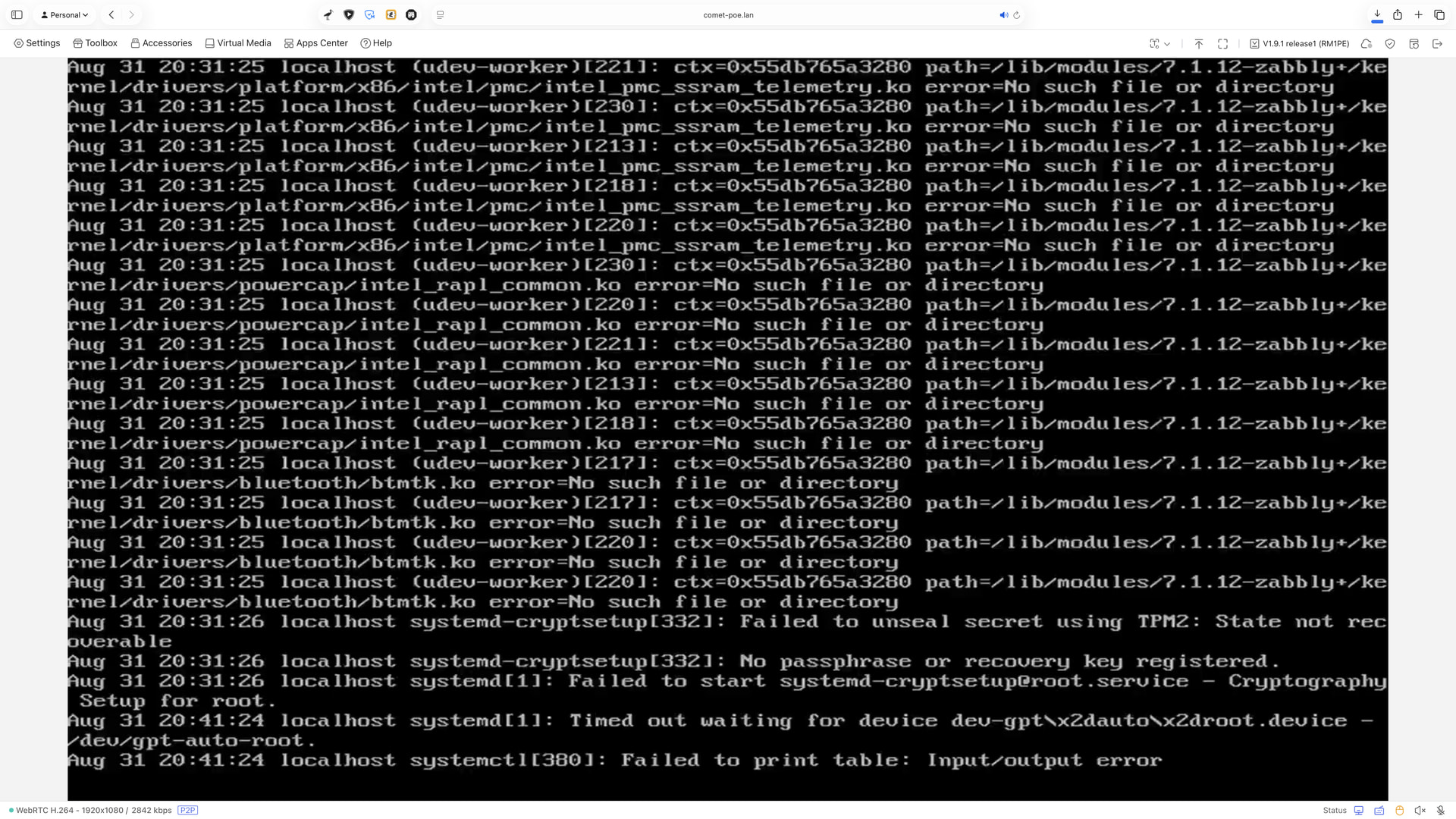
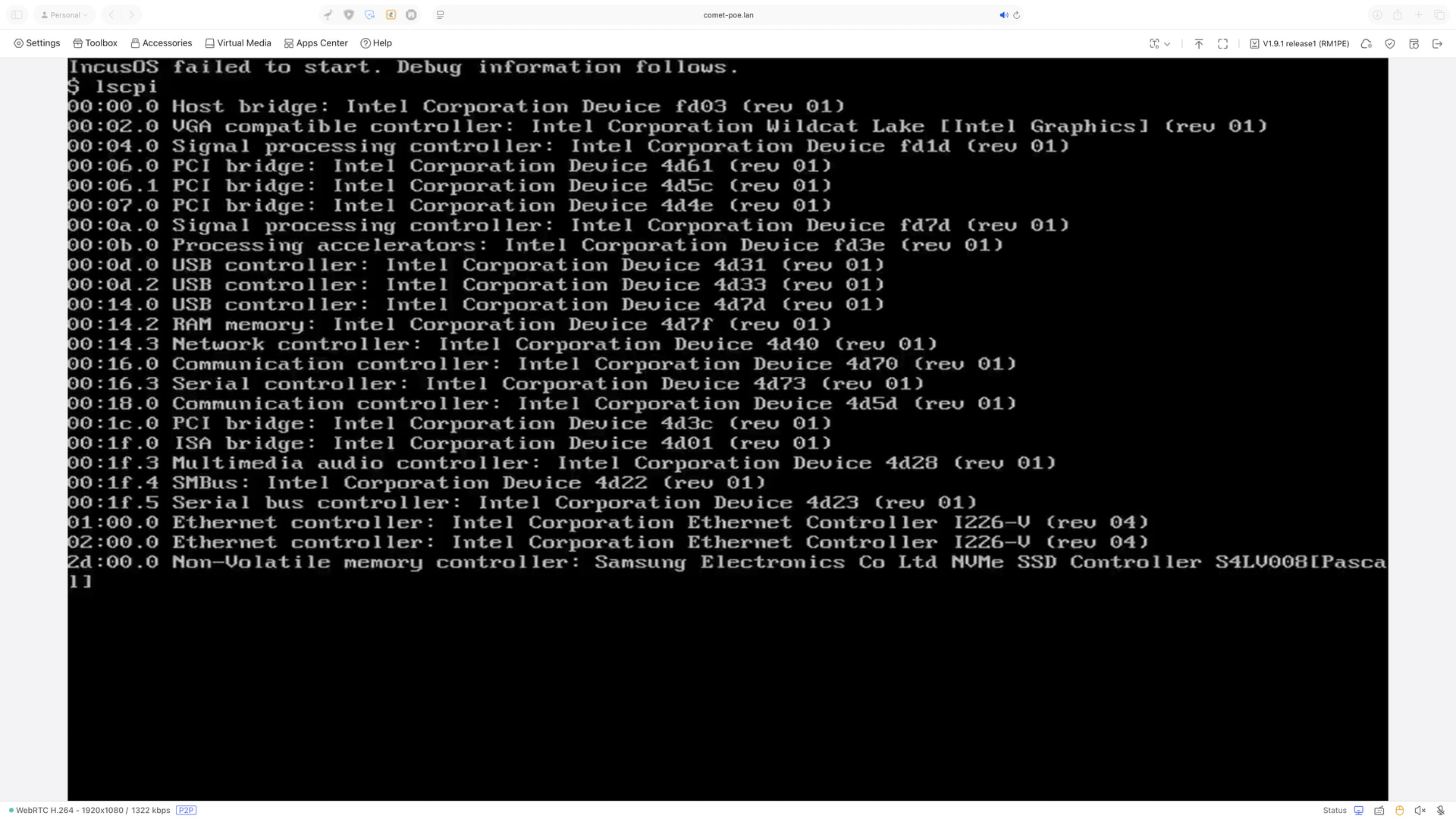
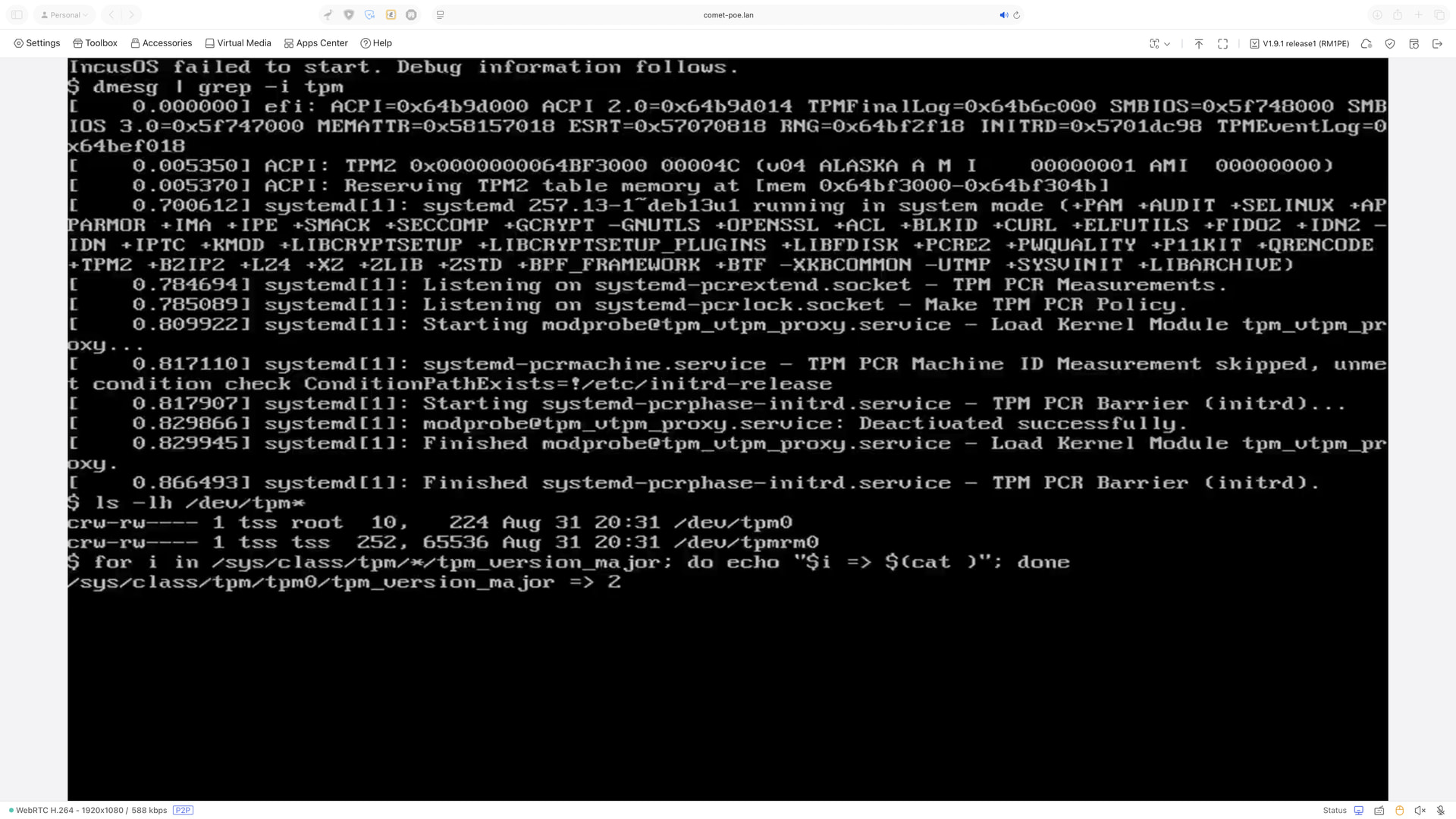
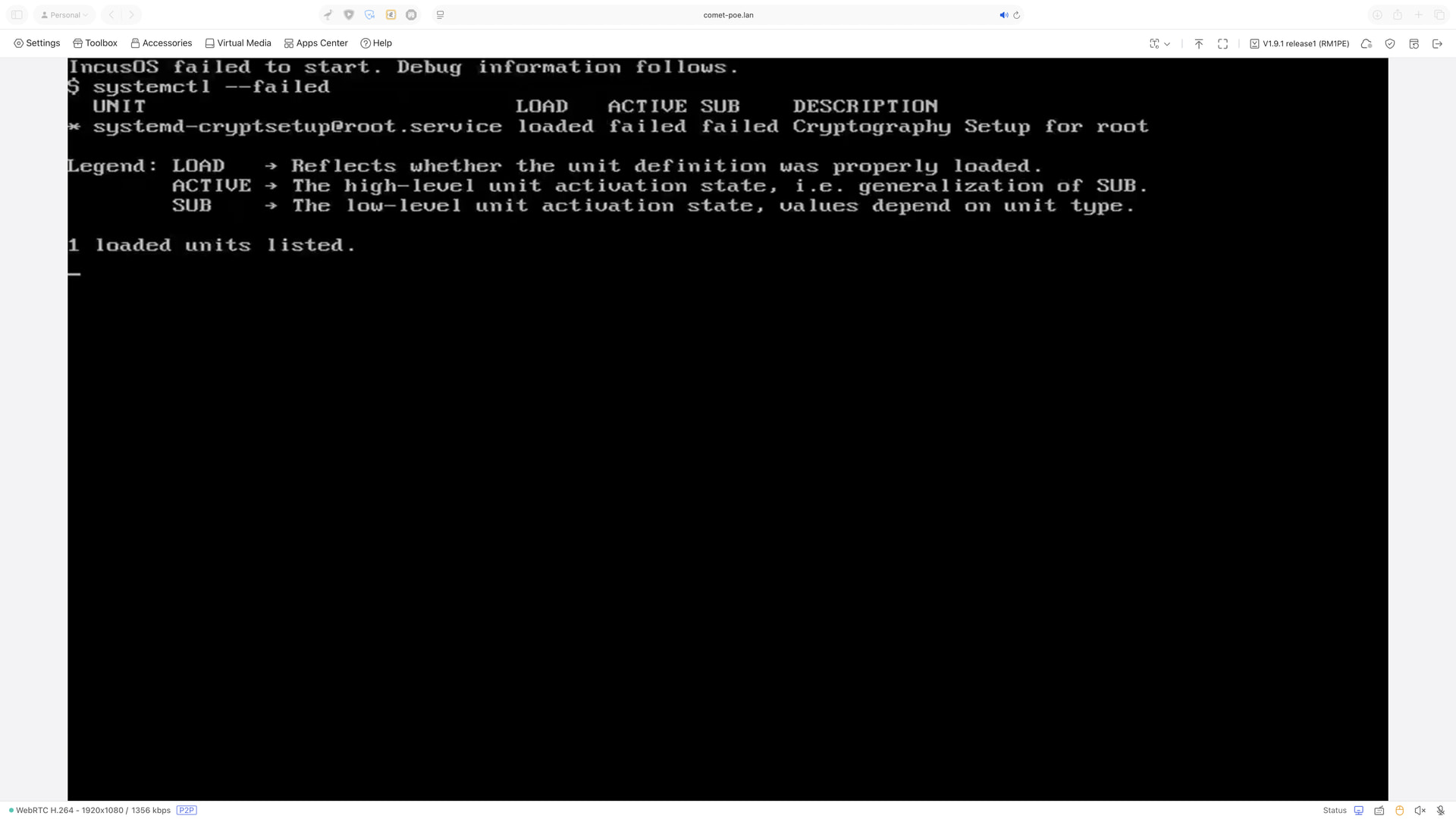
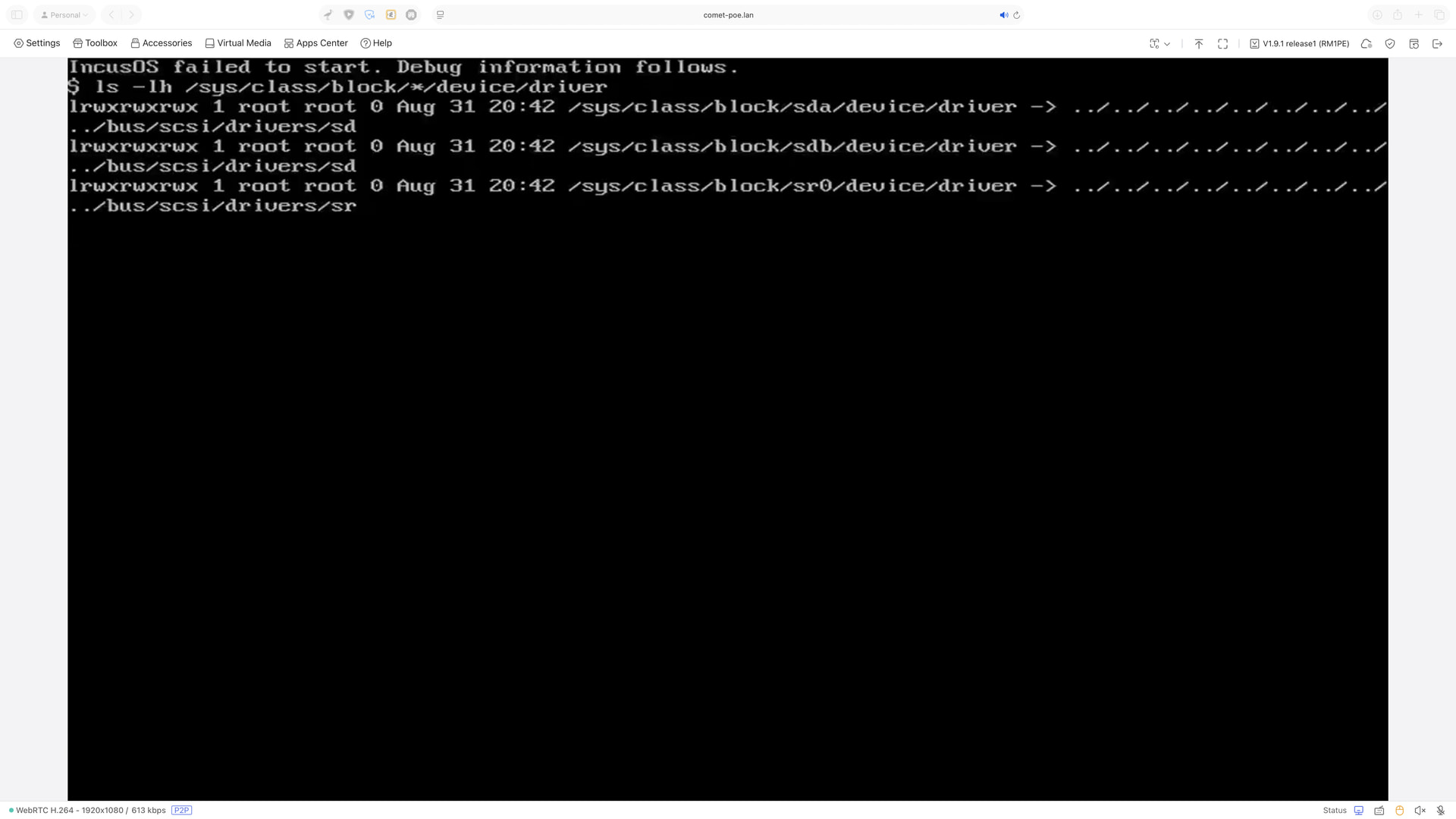
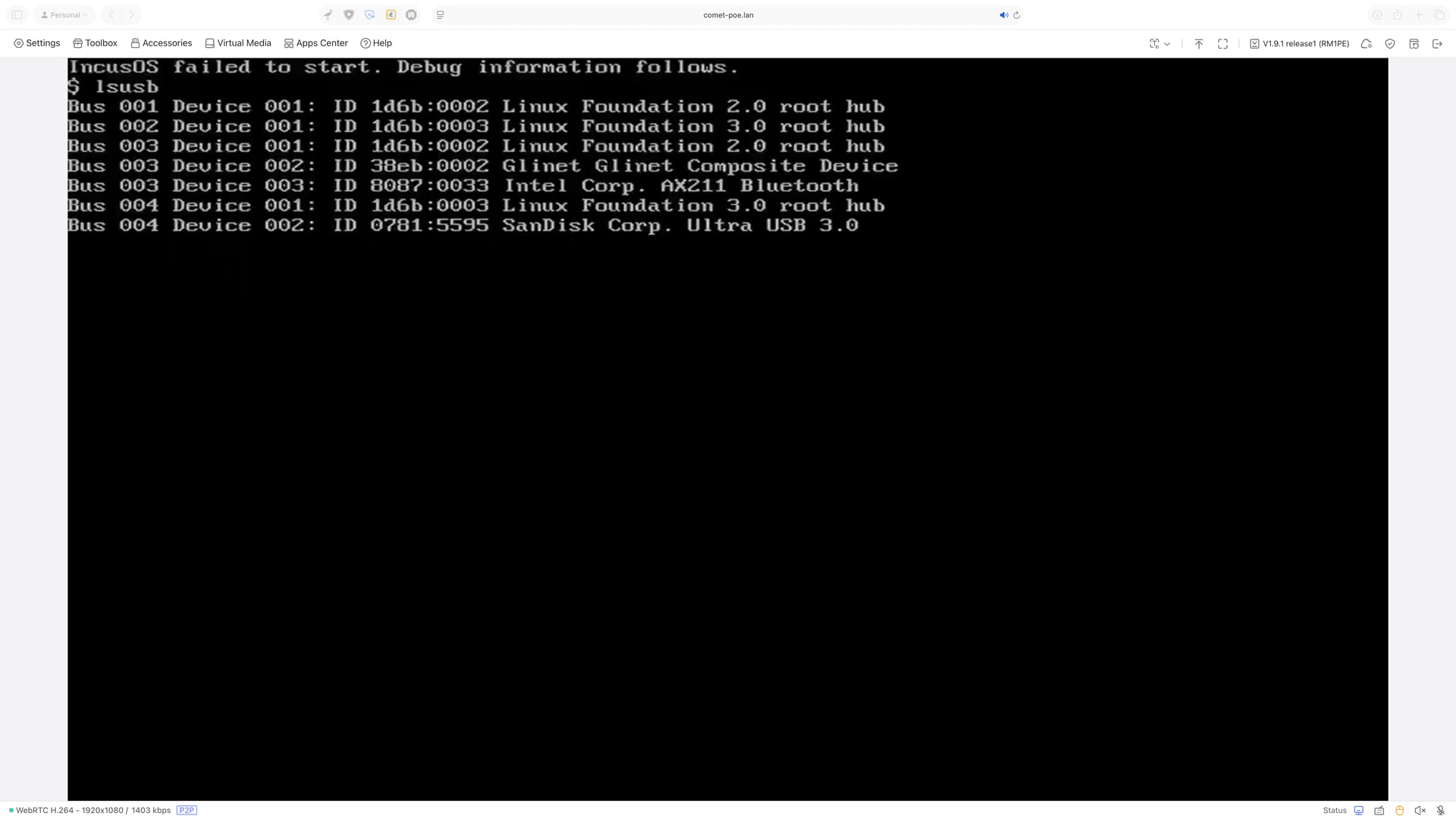
Hello, I recently bought a MINISFORUM Elite Mini M2 Air-304, which admittedly does have a relatively new CPU, the Intel Core 3 304. I tried installing incusOS from USB using the USB image like I would with any other machine, but unfortunately the installer does not start. Eventually I get debug information, and I will post those screenshots below.
Hardware looks supported but something bad happened with the TPM on the initial boot as it’s showing that the TPM can’t unlock the disk and that no recovery key are present.
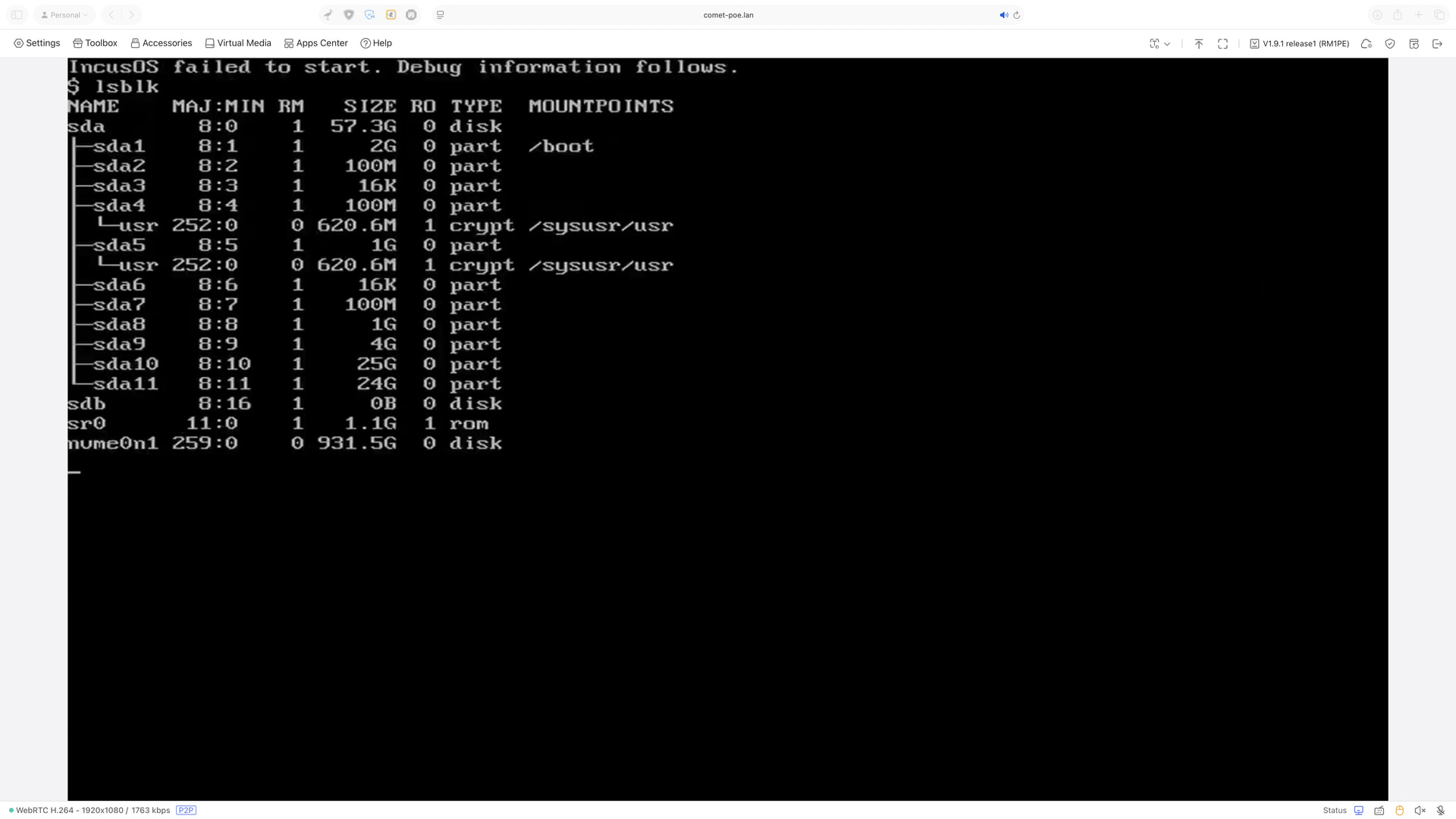
You’re seeing 11 partitions on the installation media when an installation media should normally have 7. When the installation media isn’t read-only (using a USB drive), it will temporarily get partitioned on boot but those partitions then get deleted to allow reuse.
Perhaps I did? Though I put on a clean GPT partition table on the NVMe drive, so, I would’ve figured that would become irrelevant. I’m going to rewrite the installation media and try again.
Okay, rewrote the install USB drive and got further, now my only problem is I don’t see the installer (just had a black screen during install), but it rebooted, so I bet it did install this time. Let me remove the install media and see.