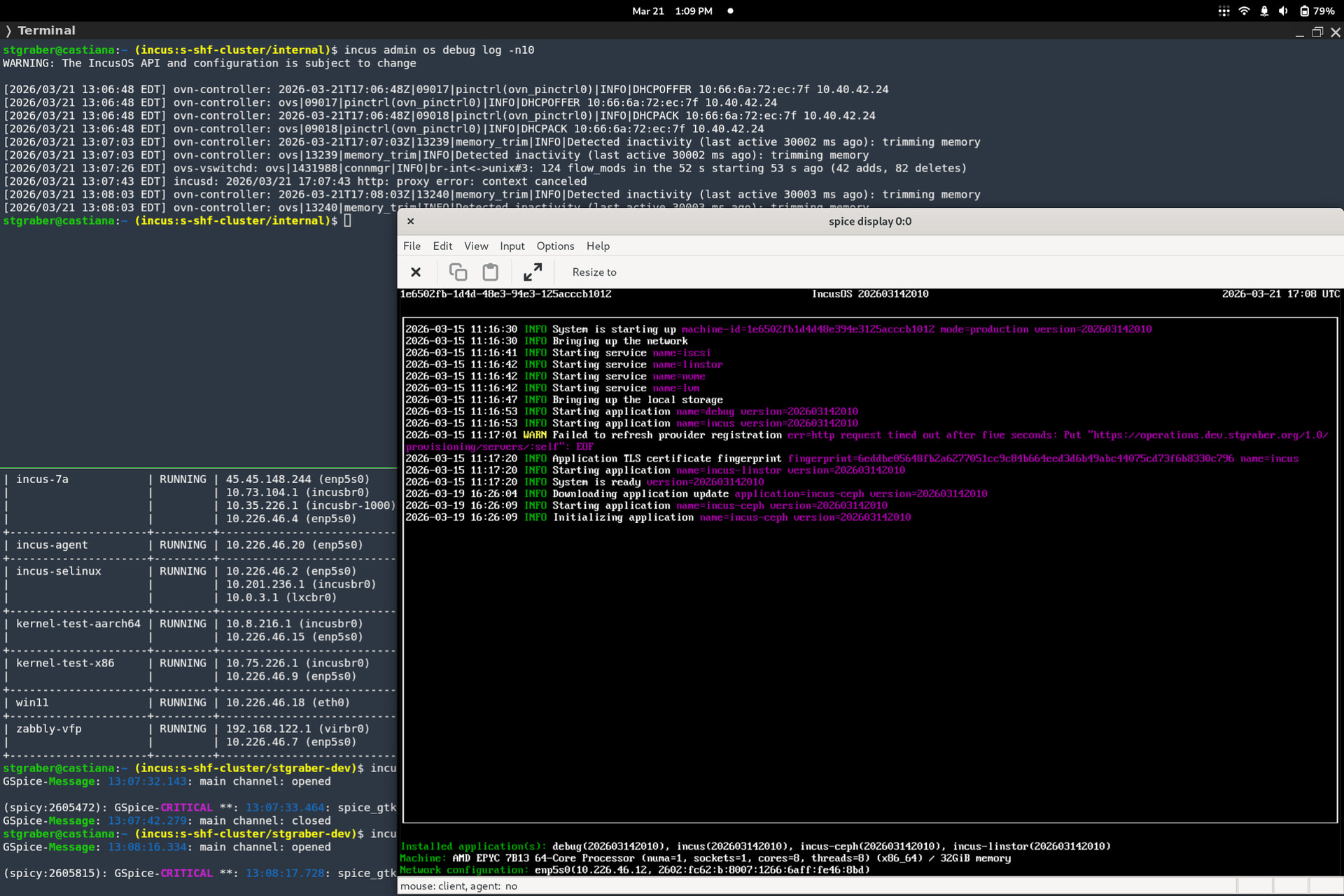
Is it possible to set a 24H timeformat for OS logs in IncusOS?
AM/PM timeformat is way to incosistent for server logs imo especciallly when it comes to day changes.
Is it possible to set a 24H timeformat for OS logs in IncusOS?
AM/PM timeformat is way to incosistent for server logs imo especciallly when it comes to day changes.
Where are you seeing AM/PM?
Oh true the CLI output also gives me 24h timeformat here, but webui under OS → logs wont.
Looking at the code, we rely on toLocaleString for formatting, so it’s the browser doing that…
Oh okay, then i have to find out how to set a 24h timeformat with not changing the language of my browser to something else then english. I guess this is out of scope of incus then.
Thanks for your quick response as always!
As a follow up on this, i was not able to get 24h timeformat working in the browser (chromium). Setting the Browser language to either US (Canada) or Germany — both should give me a 24h timeformat but had no luck with those changes.
So i checked settings of my Desktop Environment (KDE) and /etc/locale.conf All those settings seems to be correct and i am not sure what else i could check at that point and wont give it much further attention because its really a low priority thing here on my side.
Anyway, if the timeformat in the Incus webUI depends on changing the language in a browser it might would make sense to enforce it with a setting?
Detecting a user’s time format in Chromium is best done via the Intl.DateTimeFormat API, leveraging resolvedOptions() to access the hourCycle property. This method avoids the unreliability of toLocaleString() string parsing and directly reflects the user’s actual OS/browser settings.