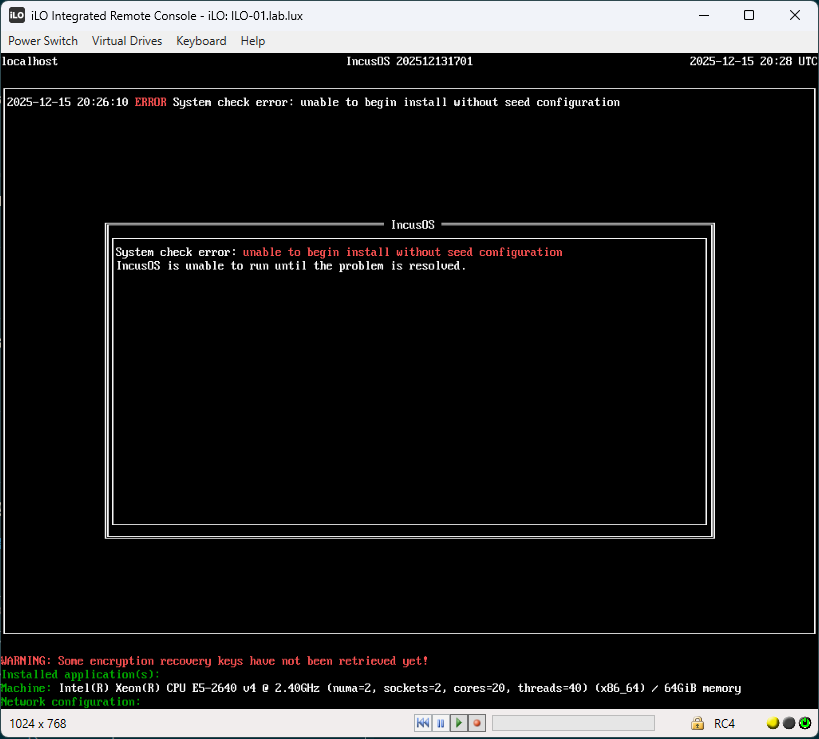
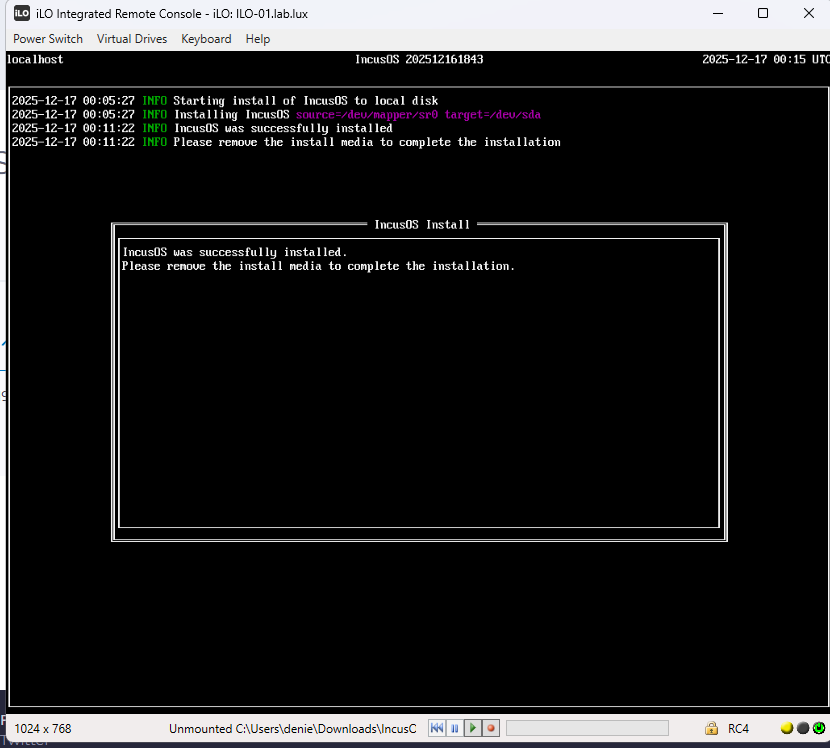
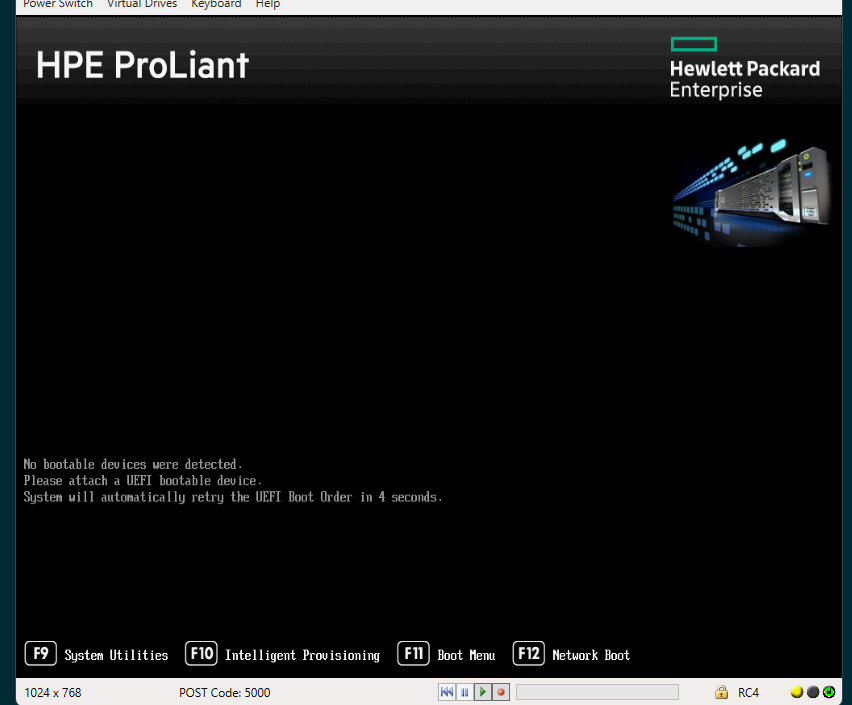
Are you sure that the installation media has been fully disconnected when booting the server? The error suggests that IncusOS may be seeing both the installation media AND the installed OS at the same time.
And are you sure that it installed onto the HP Smart Array?
I’m asking because as far as I can tell, we don’t have the HPSA driver in our initrd, so it shouldn’t be possible for IncusOS to boot from a drive connected to an HP Smart Array Controller at this point.
Something that may have happened is that some other storage device got picked up as the installation target, for example a SATA DOM or a built-in USB device. If that’s the case and that device is smaller than 50GB, then the error you’re getting would make sense.
@gibmat does the installer check for the target disk size? If not, we should really add a check that it’s 50GiB or more so we can avoid boot failure on smaller drives post-install.
I’m pretty sure as my hp smart array is set on hba mode all it does seem to see my 500gb SanDisk SSD fully by its name not just random hp uuid or something and it’s only disk in there I made sure I did try every and did try with two gen9 servers all same issue I keep coming to
Just to confirm, did you follow the instructions at Getting an image - IncusOS documentation to properly set an install seed in your USB image? If not, you will always get that exact error message when IncusOS is booted from a USB media that is read-only and/or less than 50GiB in size. (If running from a read-write USB media that’s at least 50GiB in size, IncusOS will automatically repartition the device and immediately start running from it.)
That’s pretty odd as even in HBA mode, you’d still need the hpsa driver to even see a disk…
I sent:
Which will add the needed driver to the initrd, but the fact that you seem to get past that point at the moment and are getting an error that would normally only occur if booting from a read-only media or one that’s too small to fit the installation is a bit puzzling.
@Luxxy-GF reported going through the installation so that’d suggest that all the requirement tests have been cleared. I’d have expected the HPSA thing to be the main issue but then the system should have gotten stuck on “Starting IncusOS” after installation, not boot back into incus-osd…
Post-install we would only get that error if systemd-repart has failed for some reason. But just before that error in the code we verify a working TPM, and the target device would have been verified to be large enough during install. I’m trying to think if there’s anything else that might be causing the first-boot partition setup to fail.
I did get everything to do with the iso from the incusos download website all I did as config just put basic stuff like the certificate from the remote get-certificate
I own some Gen7 blades and had a lot of fun getting it to work with ZFS. Best bet is to install either an internal Sata drive or SD-Card for the OS to boot correct including loading the right patched HPSA module. Alternative disable HBA mode and create a Raid-0 for all internal drives.
Unfortunately I can’t run any IncusOS tests on them as they have no UEFI support.
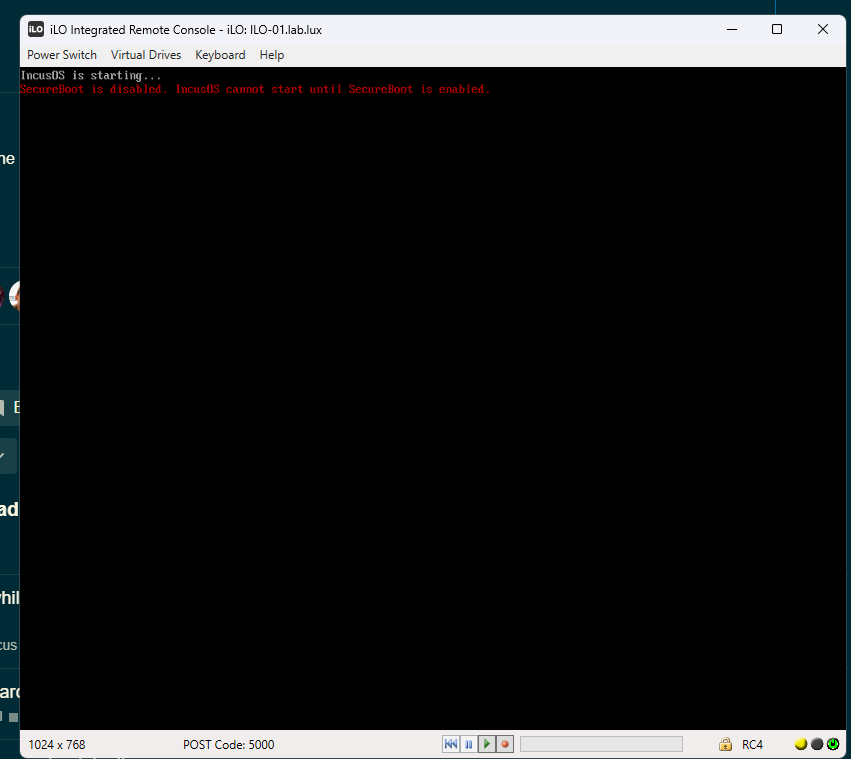
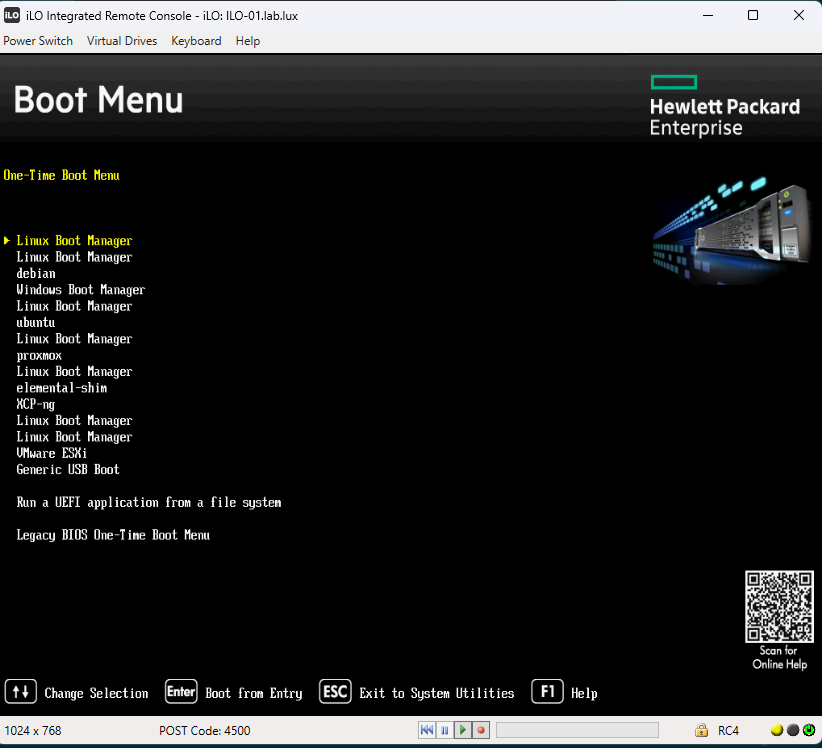
Hello after testing with the testing branch isos basically reinstalled onto the SSD but with secure boot on it does not see the boot device now but when i turn secure boot off it boots onto the SSD but ofc gets this
Ah, so this may be a case of the server itself needing another Secure Boot key to see the storage controller.
I’m assuming you set up Secure Boot by clearing all the keys and then loading our KEK and the two DB keys in there? Maybe see if it’s possible to reset Secure Boot back to factory settings and this time, wipe KEK and load ours and then add our two DB keys but don’t remove any pre-existing DB keys?
We’ve seen something similar on some DELL servers where the Microsoft UEFI CA 2013 key needed to be kept around in DB for the NVME controller to be bootable.
I’m guessing that something similar may be happening here with the Smart Array, so effectively another Secure Boot key being needed for it to be bootable.