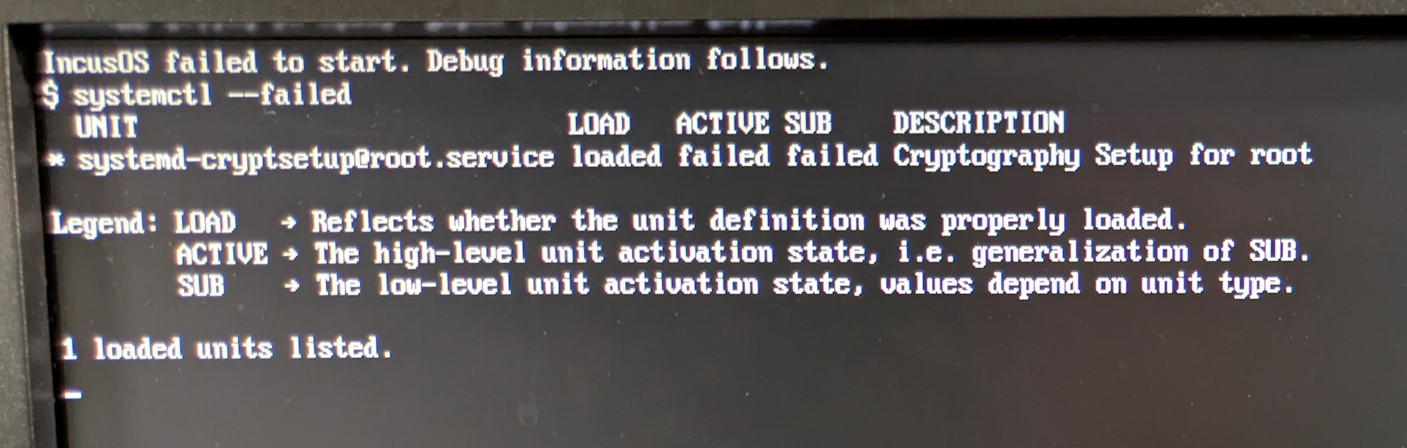
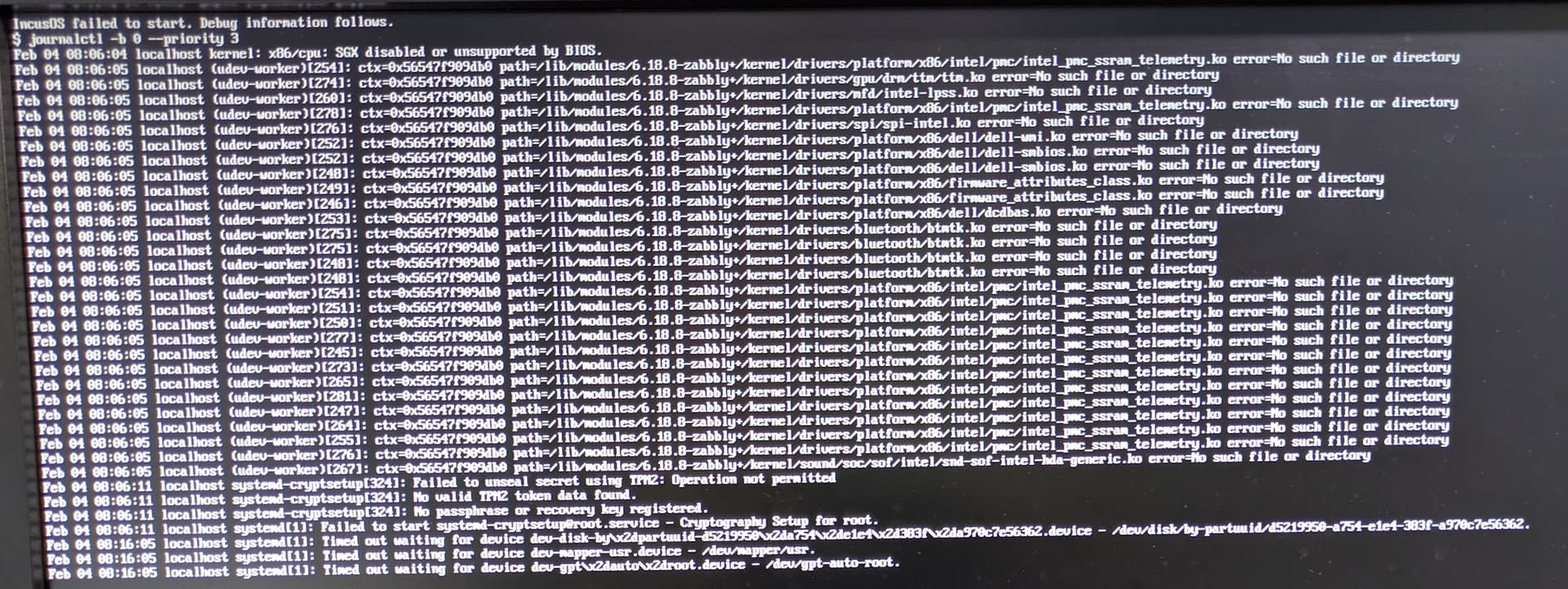
I tried to install IncusOS on a Dell OptiPlex 3090 but it fails because systemd-cryptsetup unit failed. In the debug logs 10 minutes after being stuck on IncusOS is starting, I can see:
systemd-cryptsetup: Failed to unseal secret using TPM2: Operation not permitted
systemd-cryptsetup: No valid TPM2 found.
systemd-cryptsetup: No passphrase or recovery key registered.
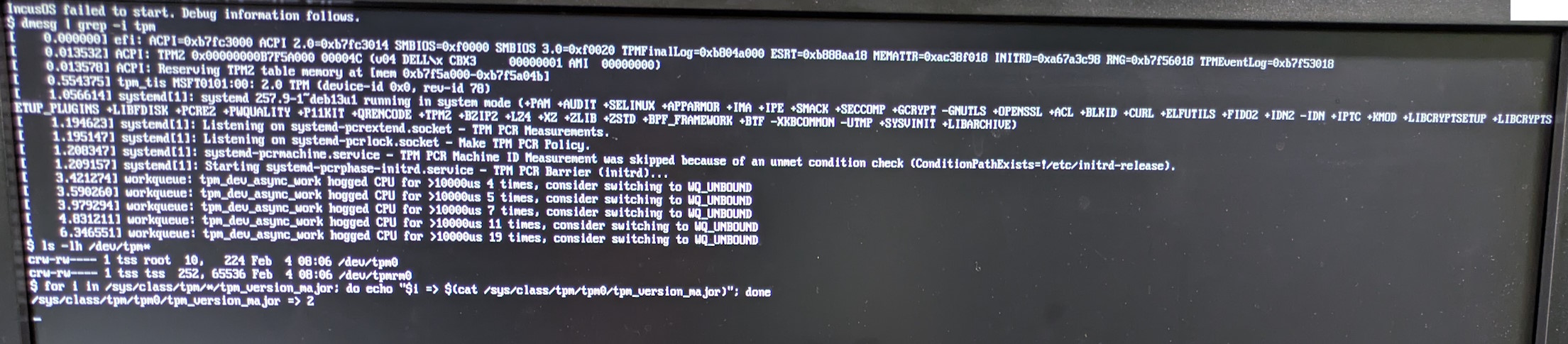
Below are photos of the relevant debug logs.
I used systemd-creds with TPM2 successfully in the past on a Debian system on this same hardware, even though it did not work immediatly. I’m sorry I don’t remember exactly what was the issue then, but I think I installing tpm-tools (and maybe another library…) fixed it.
What could I do to troubleshoot? Maybe on a Debian live system?
Hmm, we’ve seen similar TPM errors in the past that were resolved by forcefully resetting the TPM from the server’s BIOS, then re-running the IncusOS install. We did add an attempt to clear the TPM at the conclusion of install but before the system reboots the first time. However, we know that not all TPMs allow for a complete reset to be triggered from user-space code.
My suggestion would be to go into the BIOS and reset the TPM, which should trigger a system reboot. Then wipe the install disk and try installing IncusOS again. Hopefully that gets things working properly for your server.