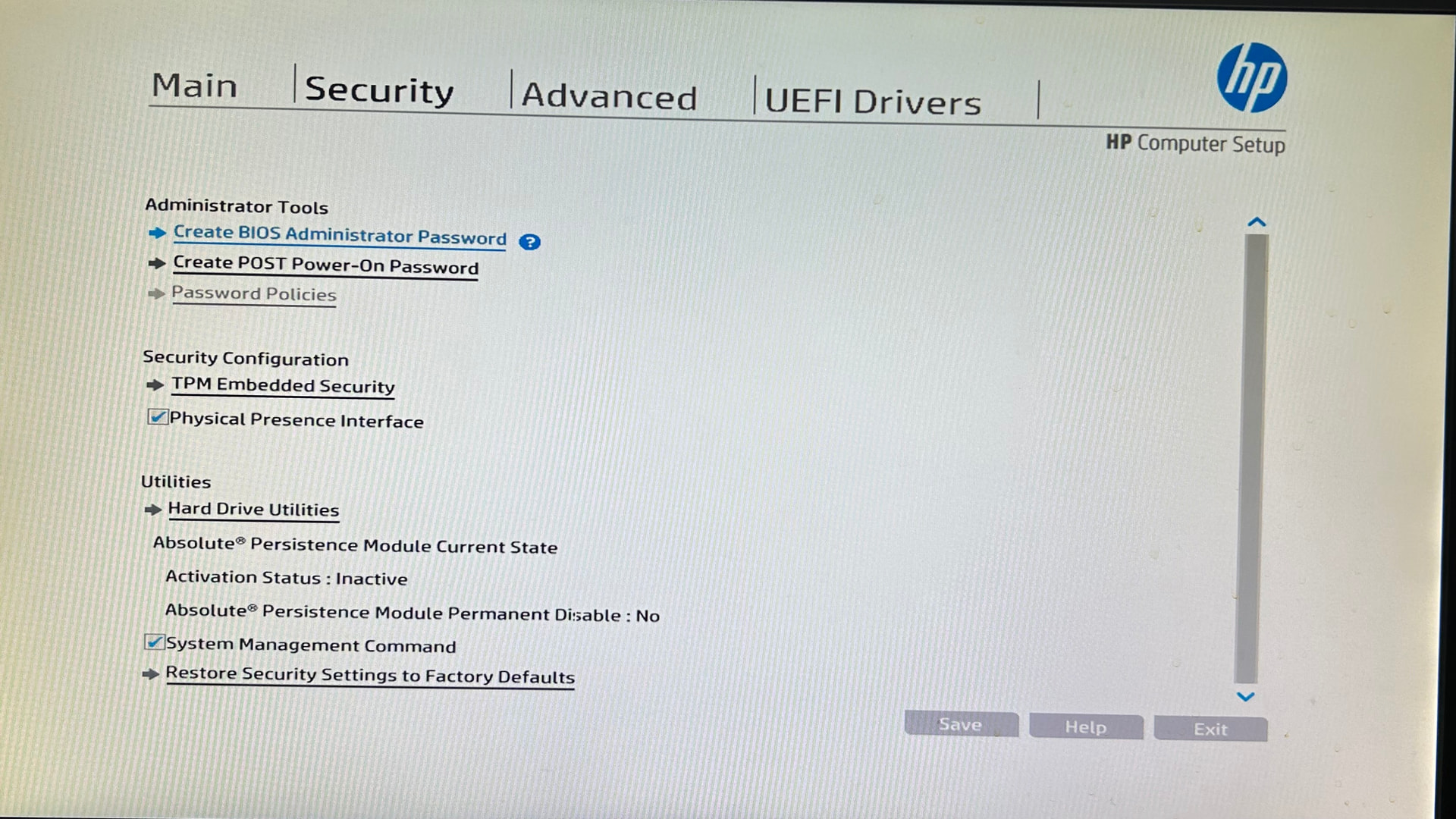
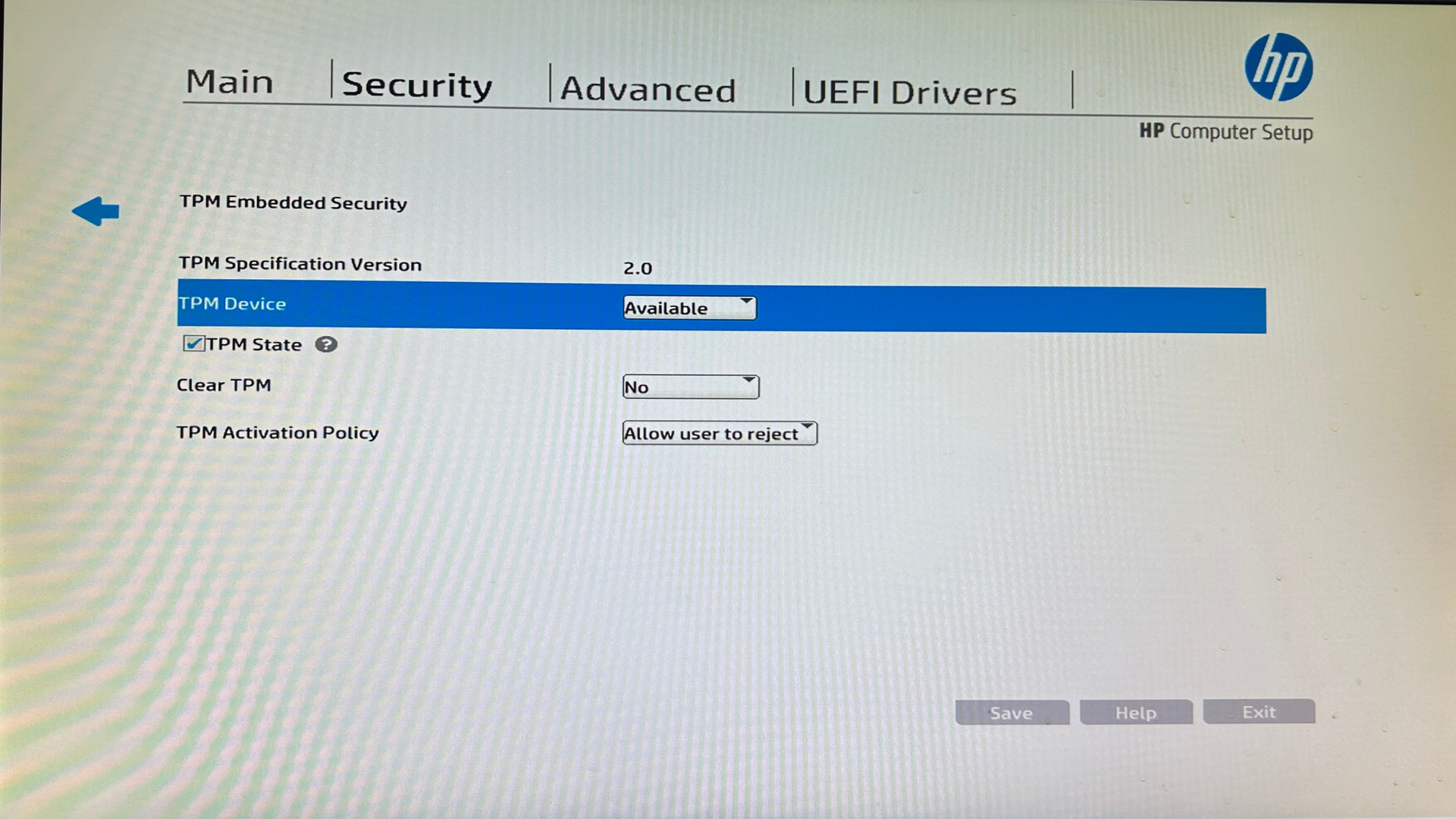
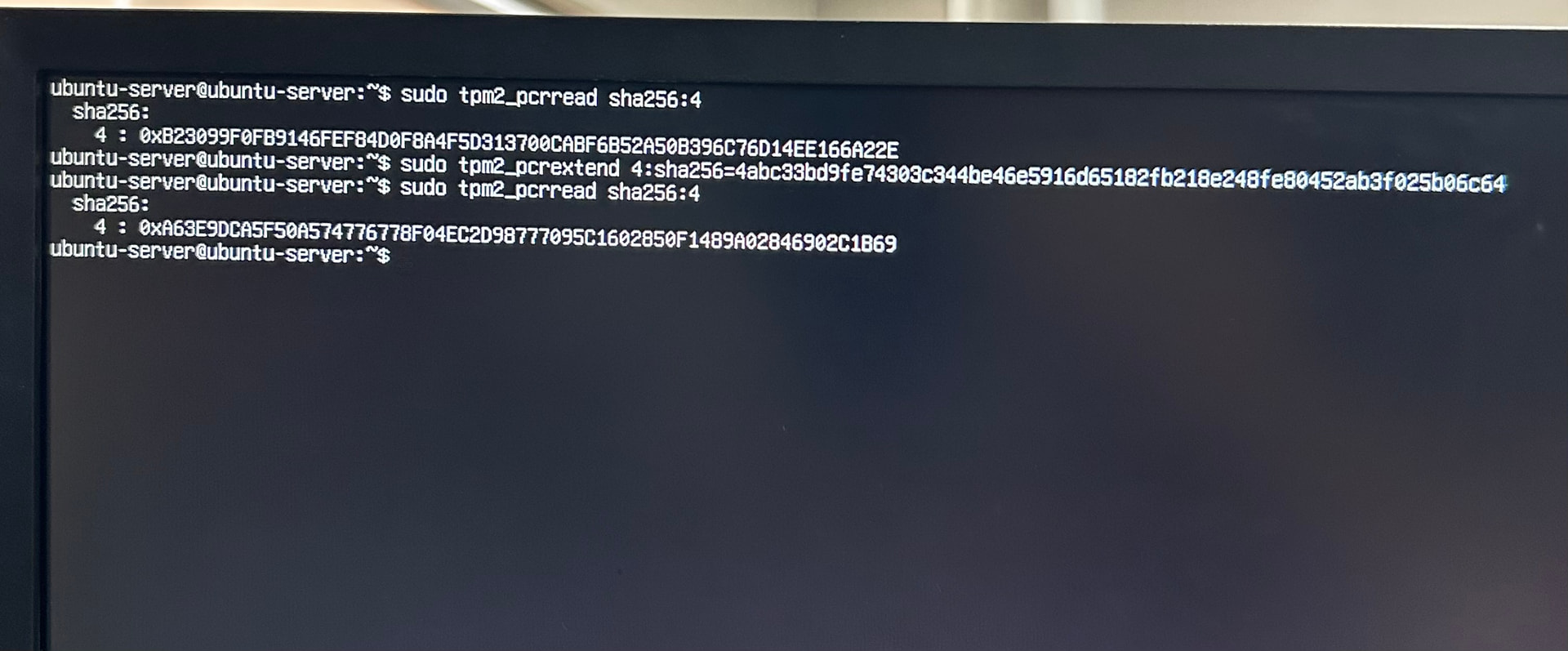
I am trying to install IncusOS on an HP ProDesk 600 G2 SFF, but the installation fails with the following error: IIncusOS failed to verify PE binaries: ERROR: computed PCR4 (12771355e46cd47c71ed1721fd5319b383cca3a1f9fce3aa1c8cd3bd37af20d7) doesn't match actual value (de62c5b65745b270487978ceae097095d915ba971c36202036d9ad4097859046)
This machine originally had TPM 1.2, but I updated it to TPM 2.0 via a firmware update. However, it appears that the SHA-256 digests are missing from the TPM event log.
As I am not highly familiar with TPM internals, I asked an AI (Mr. Opus 4.8) to analyze the situation. I have attached the generated report for reference.
I am happy to assist with further debugging or provide additional logs if needed.
incusos-pcr4-sha1-only-report.txt (3.5 KB)
eventlog.txt (29.4 KB)

 The first thing I would try is force-resetting the TPM’s state from the BIOS. I’d hope the firmware update would have done that, but maybe it left the TPM in a weird state. We’ve also seen some TPMs in the past that wouldn’t work properly until they had been reset; IncusOS does try to do this on its own, but sometimes this must be done from the BIOS. In the worst case, you’ve got a TPM with 1.2 hardware now running 2.0 firmware, but unable to properly deal with the newer 2.0 spec.