Add the TLS client to the incus daemon and restrict its use to the ‘pentest’ project with incus config trust add-certificate ~/Downloads/incus-ui-restricted.crt --projects pentest --restricted
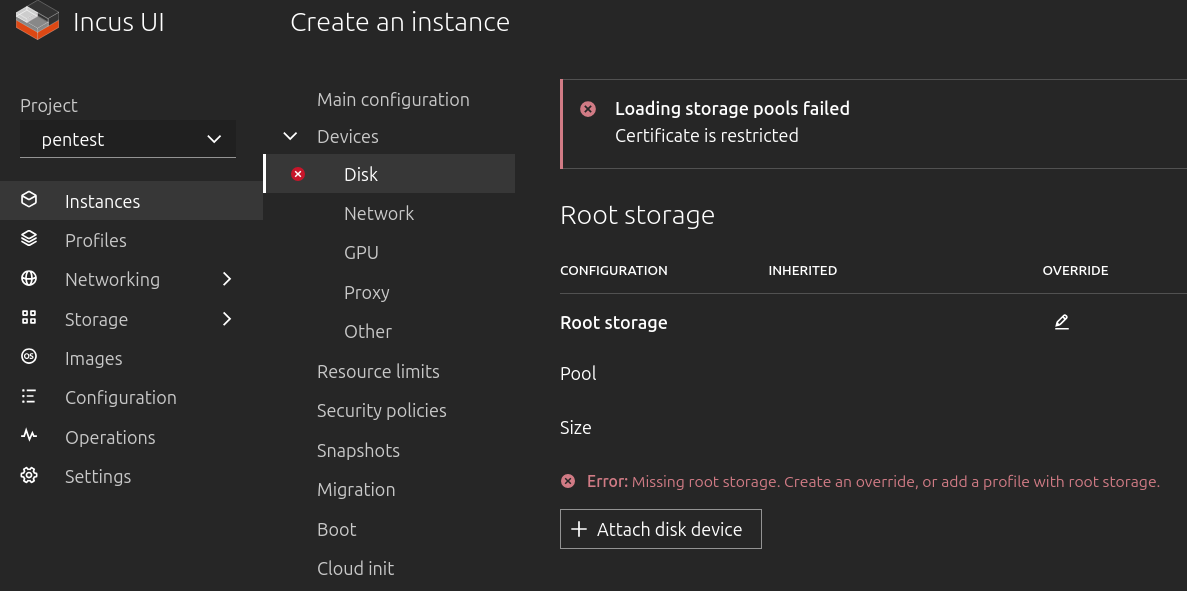
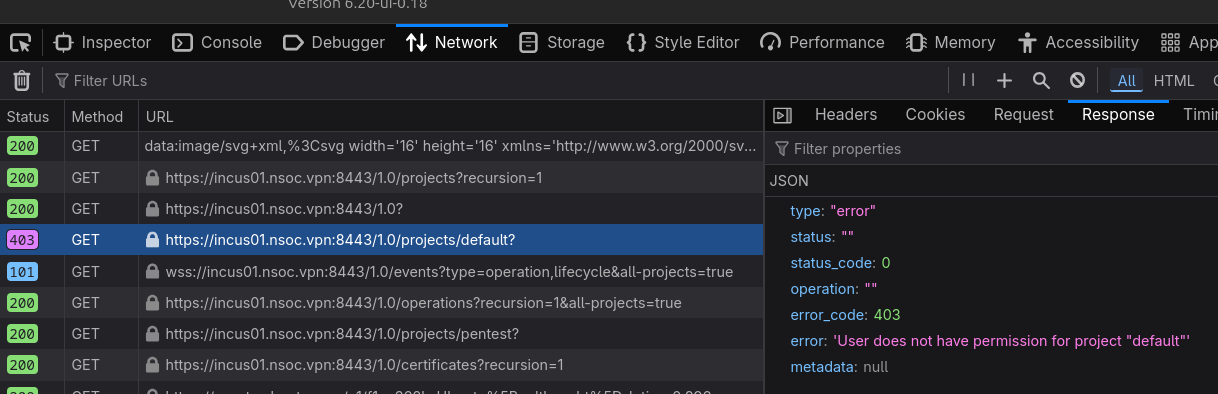
I thought I was good, but when trying to create a new instance from the webui with the TLS certiticate, I get this error:
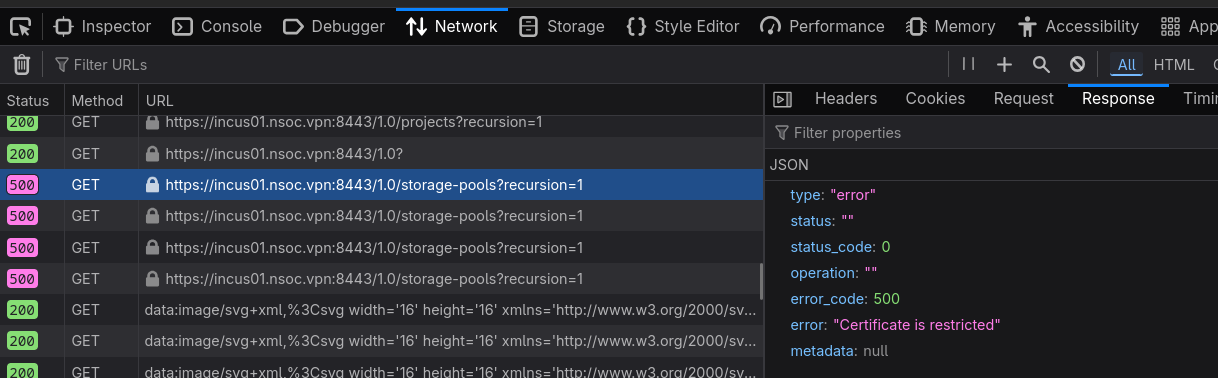
Okay, the GET /1.0/storage-pools?recursion=1 feels like a bug to me.
Normally restricted users can still list storage pools, they just can’t see stuff from other projects.
I read in the chat that it was possible to have several certificates for the same remote, but I cannot find how: for the time being I would like to use the restricted TLS client certiticate with incus-client (while still keeping the admin access):
Can someone point me to where this is documented/explained?
I guess I will hit the same bug though, is that correct?
The way you use the per-remote certificates is by creating a folder at ~/.config/incus/clientcerts/ and then write REMOTE-NAME.crt and REMOTE-NAME.key in there. That will be used over the default client.crt and client.key.