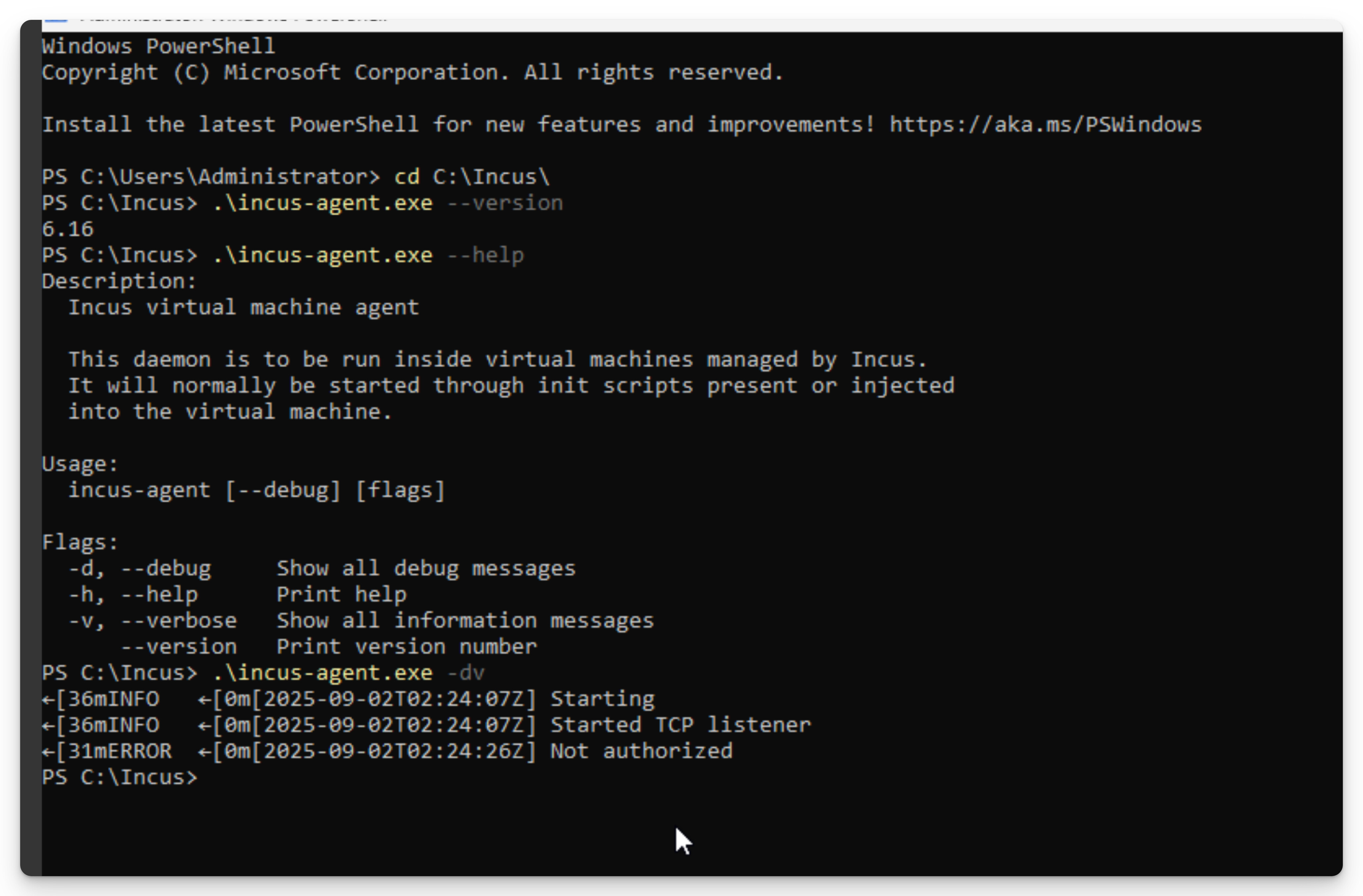
How do I verify that the certificates between the server and the Incus Agent are valid?
When I run:
incus exec vmname --debug --verbose --mode non-interactive -- powershell
The command errors with: Error: Failed to connect to the agent
And the agent says Not authorized
It’s difficult to determine from the logs (see below) whether the server is connecting to the VM over HTTPS, but since the agent is responding and VirtIO-vsock isn’t supported on Windows, I assume it is.
msg="Connecting to a VM agent over a VM socket"
msg="Sending request to Incus" etag= method=GET url="https://custom.socket/1.0"
msg="Failed to connect to the agent" err="Not authorized" instance=intunetest instanceType=virtual-machine project=default
msg="Updated metadata for operation" class=websocket description="Executing command" operation=9fea9ca5-ce94-4cd7-9df4-bc0088e0dc09 project=default
msg="Failure for operation" class=websocket description="Executing command" err="Failed to connect to the agent" operation=9fea9ca5-ce94-4cd7-9df4-bc0088e0dc09 project=default
- Running Incus 6.16 on Debian 12
- Running Incus Agent 6.16 on Windows 11 IoT