Need help for incus os installation, about seed configuration 2.0

Hi everyone,

I attempted to install IncusOS on a HP EliteDesk 705 Gen 4.

After enduring a lengthy struggle with TPM and SecureBoot (found some good info), I managed to successfully install IncusOS, but it encountered the same issue as mentioned in the „Need help for incus os installation, about seed configuration“ thread.

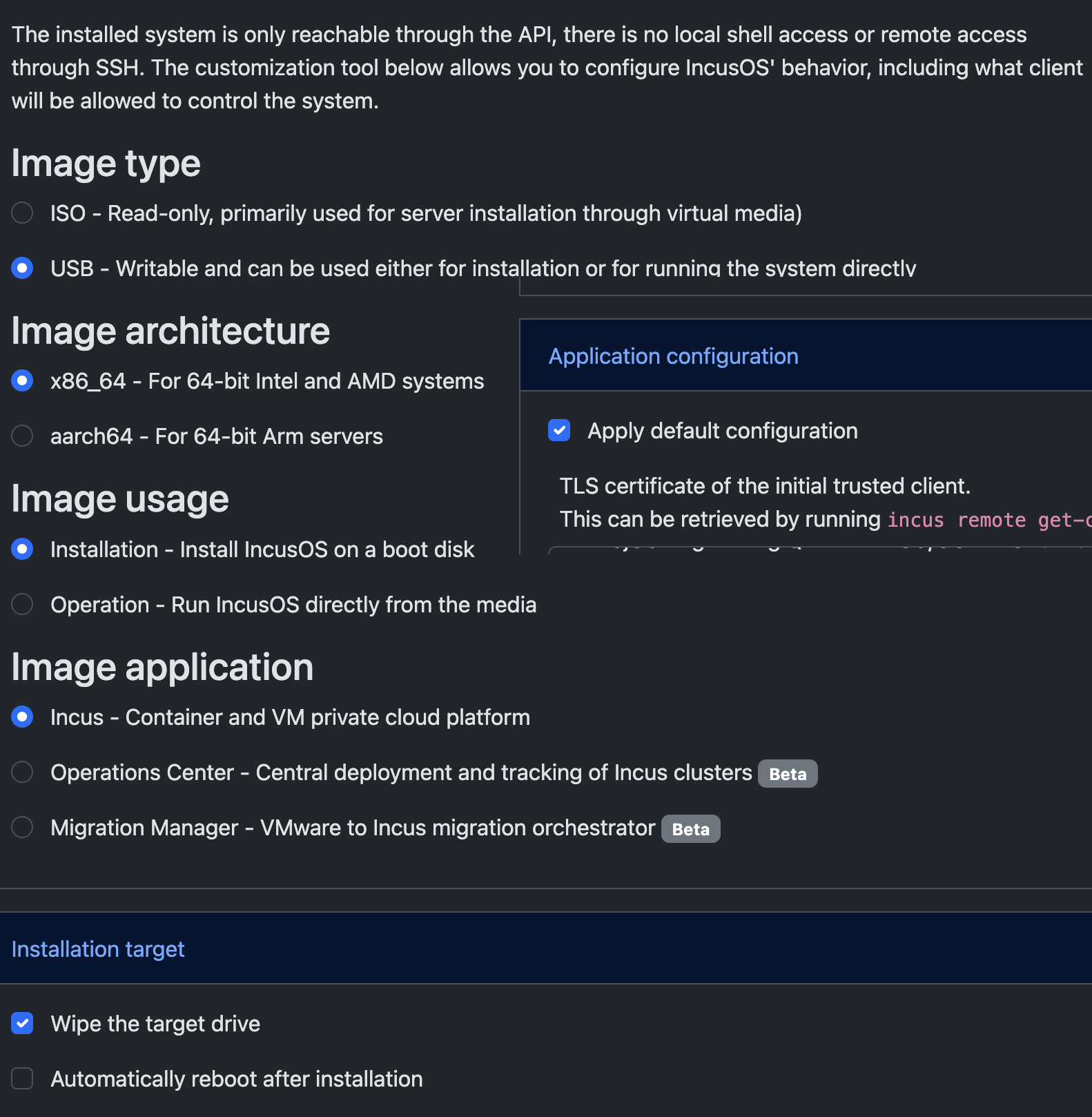
I used the Incus Customizer to create the image for the installation stick. I followed the specified settings and added only my TLS certificate.

@stgraber: Please don’t rush. This is just for a second node in my home lab! Thank you for your hard work and passion!

Regards,
Hans

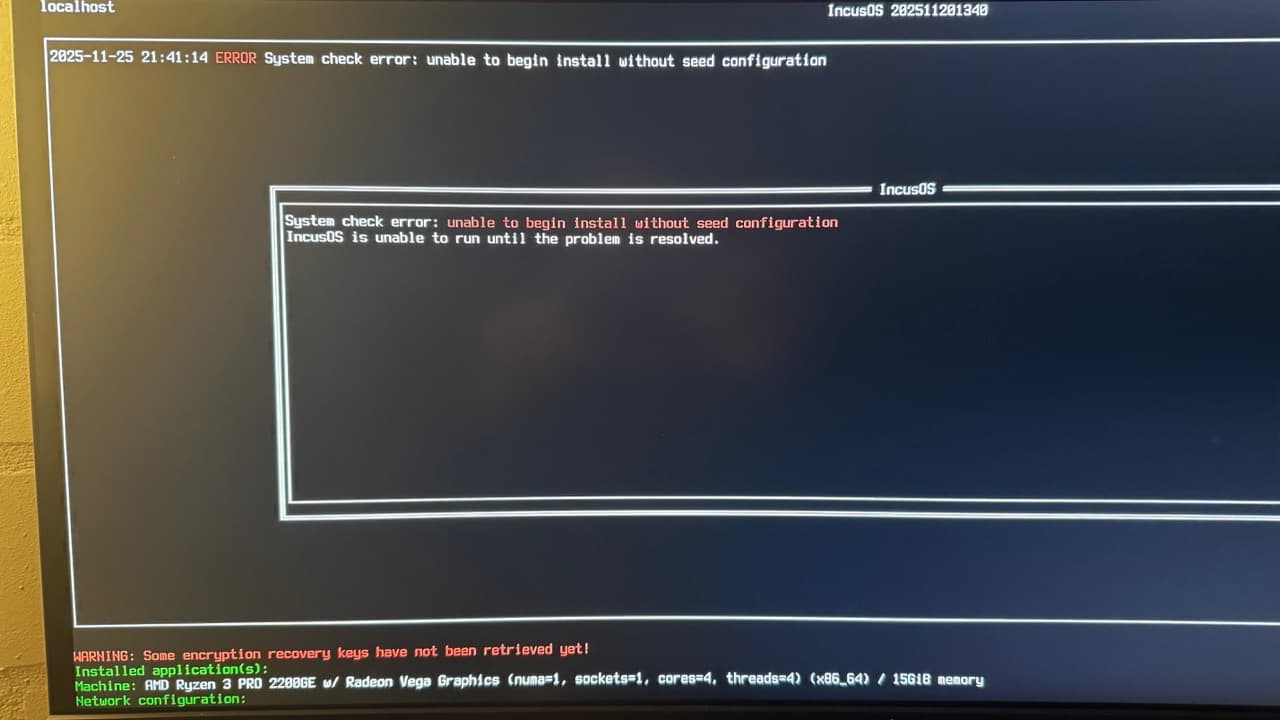
Okay, so it went through the installation and that’s the result after reboot?

Just to make sure, the install media has been disconnected before booting the system following installation?

Yes, it’s disconnected. Otherwise, you’ll receive another message.

The image of the installation looks good:

@gibmat any ideas?

1 Like

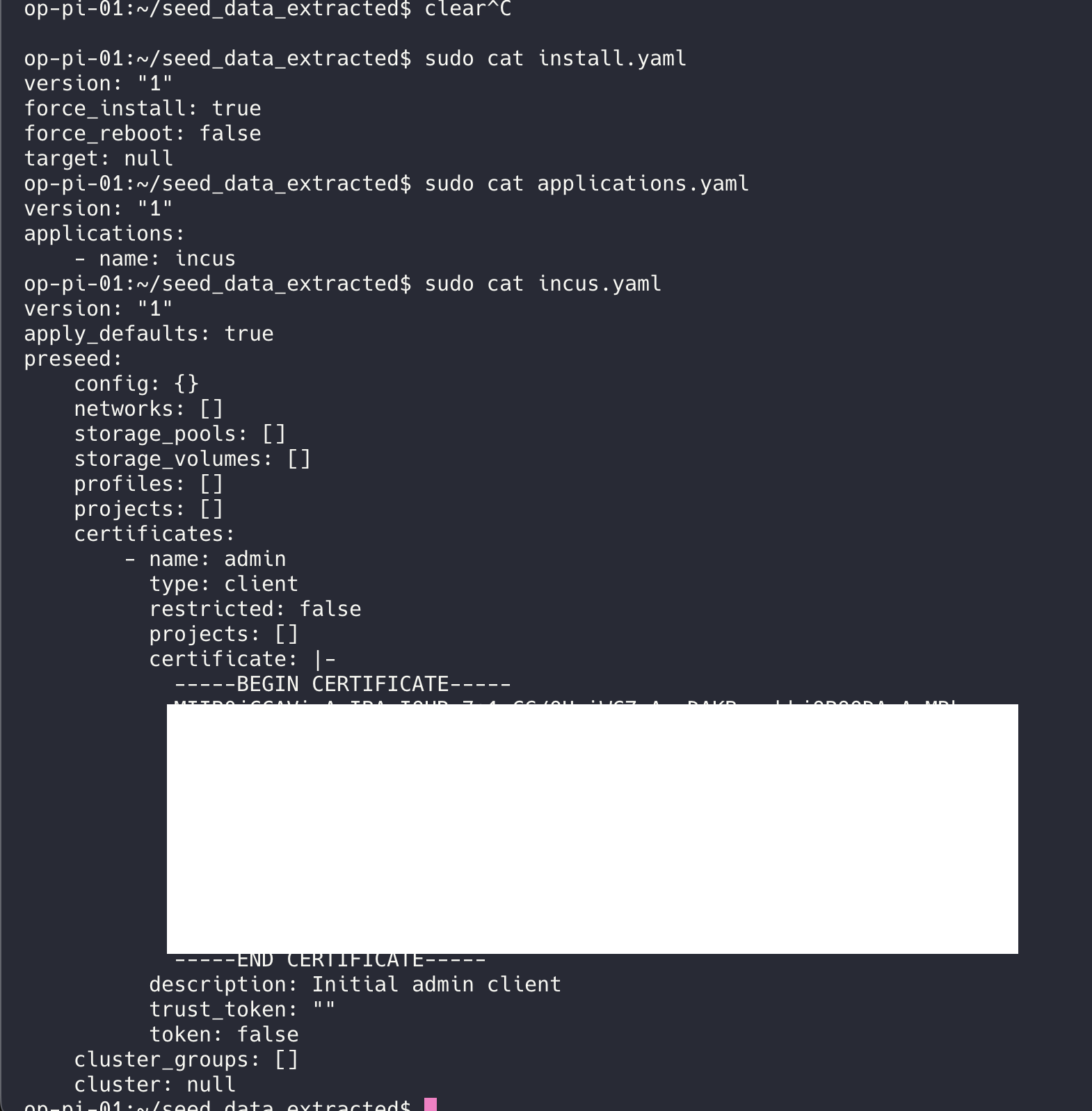
So I extracted the seed file out of the image:

That boot error message only triggers if systemd-repart fails or IncusOS thinks it’s running from a CDROM and there’s no install seed present. For a first boot, my guess is that the automatic partitioning is failing for some reason. Unfortunately in an early boot failure, the network isn’t up yet so we can’t grab journal entries.

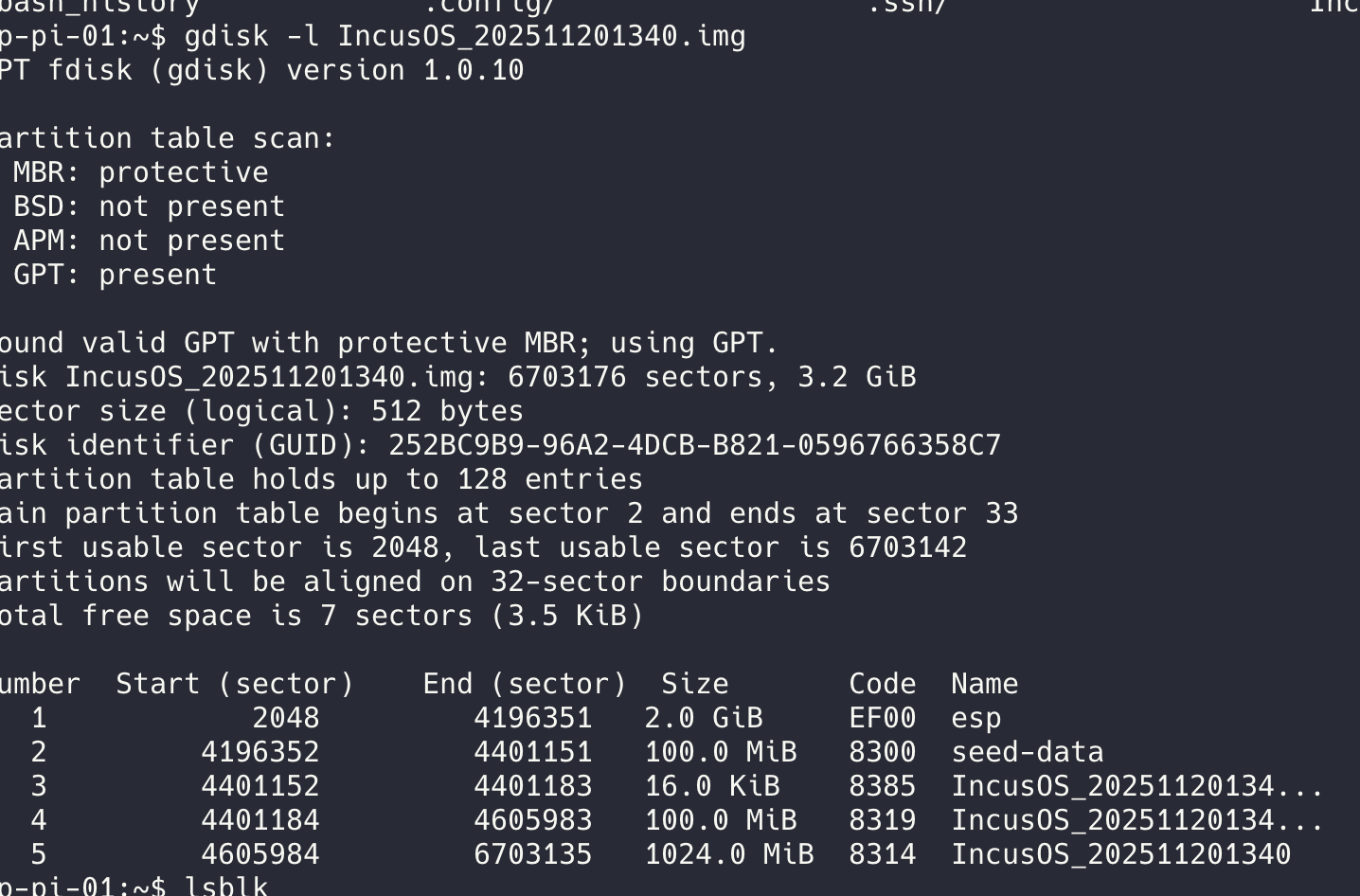
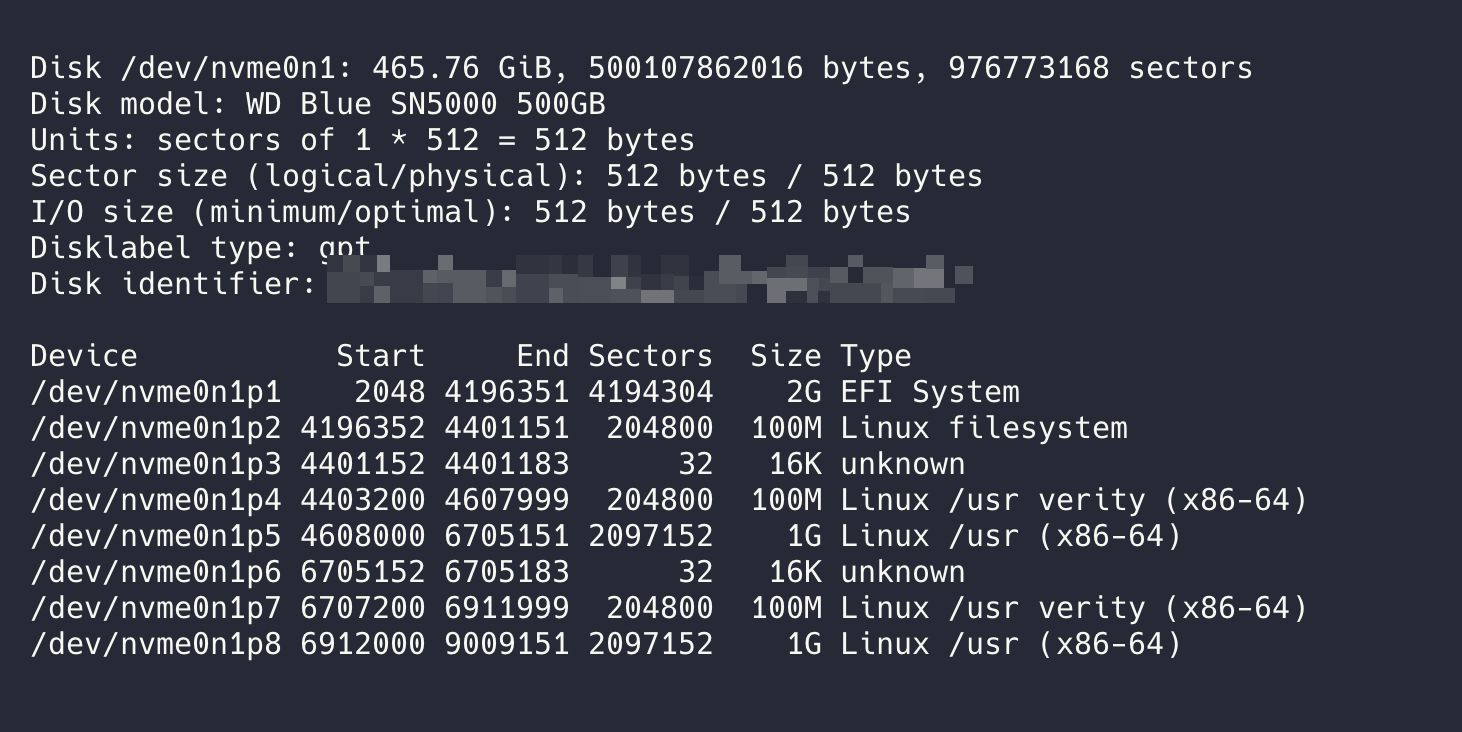
If possible, I think it would be useful if we could see what the partition table for the installed disk looks like. If you temporarily disable Secure Boot in the BIOS, you should be able to boot a live image of your choice to grab that info.
The two most common repart issues we’ve seen are a bad TPM or the disk being too small.

Yeah, you’re missing two partitions…

The disk is clearly big enough so that points at repart failing to set up the encrypted storage.

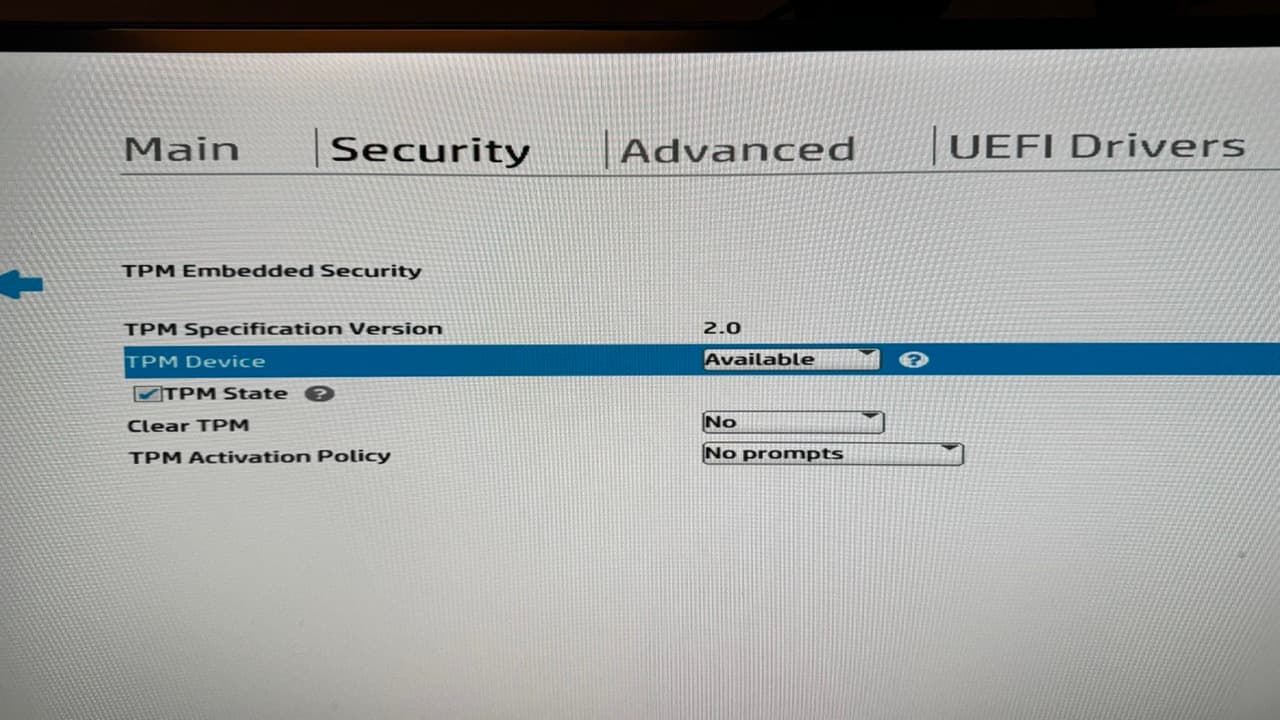
Can you show what you see that’s TPM related in your BIOS?

Thank you for your help.

After overcoming some challenges, I finally succeeded in getting my first IncusOS node up and running, and I can now access it.

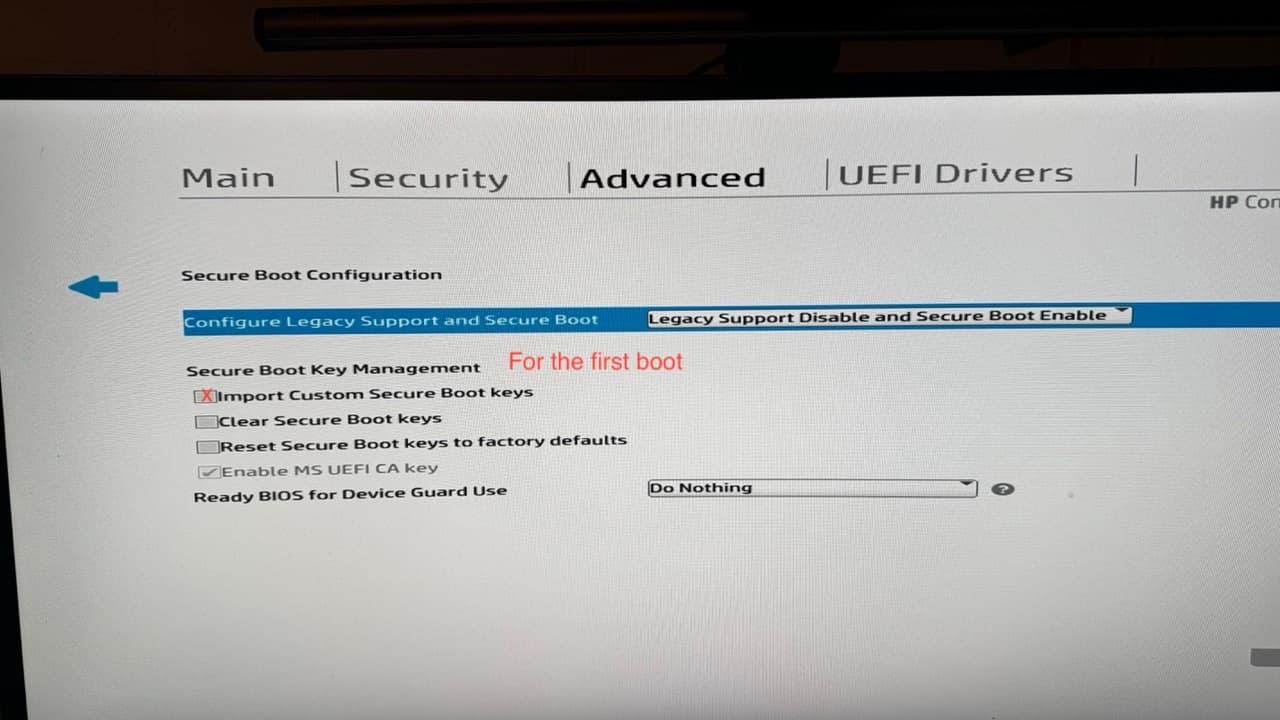
For anyone encountering a similar issue, here’s what I did and the relevant screenshots:

  1. Created img with incus-customizer
  2. flushed and created new bootable stick with dd
  3. Changed BIOS settings
  4. Reset BIOS (Because it’s a refurbished hardware)
  5. Set BIOS Password
  6. Enabled TPM and disabled legacy boot
    1. Enabled Secure Boot, checke Import Custom Keys

    2. After couple of boots with accepting Secure Boot changes by typing 4 digit number

    3. Incus Installation Booting

    4. Ejecting Installation Medium

    5. Added remote node (incus remote add …

So it’s up and running.. No I have to figure out how to configure the Incus-OS node.

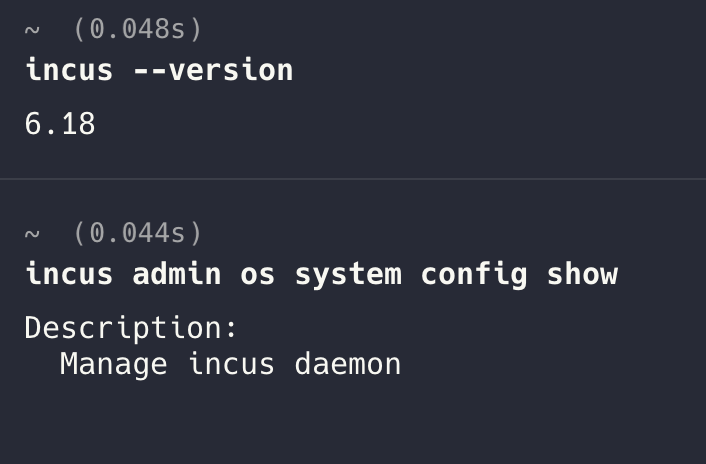
Currently, I am facing some problems with the mac os incus-client (installed with homebrew):

But it could be a layer 8 problem. :slight_smile:
Solution for layer 8 …. IncusOS CLI from MacOS

The MacOS and Windows clients in the app stores will finally get fixed on Friday when Incus 6.19 releases.

But until then downloading the static client binaries from our Github release will get you a functional client.

1 Like