Thank you for your help.
After overcoming some challenges, I finally succeeded in getting my first IncusOS node up and running, and I can now access it.
For anyone encountering a similar issue, here’s what I did and the relevant screenshots:
- Created img with incus-customizer
- flushed and created new bootable stick with dd
- Changed BIOS settings
- Reset BIOS (Because it’s a refurbished hardware)
- Set BIOS Password
- Enabled TPM and disabled legacy boot
-
Enabled Secure Boot, checke Import Custom Keys
-
After couple of boots with accepting Secure Boot changes by typing 4 digit number
-
Incus Installation Booting
-
Ejecting Installation Medium
-
Added remote node (incus remote add …
-
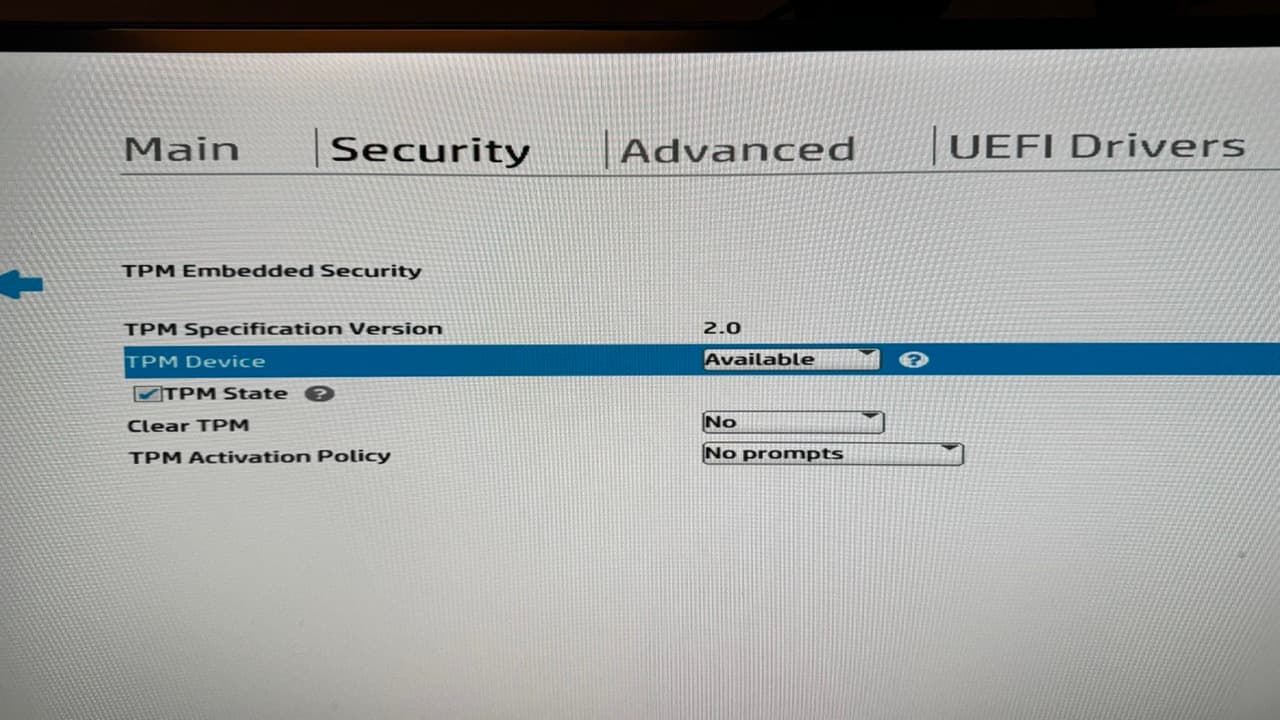
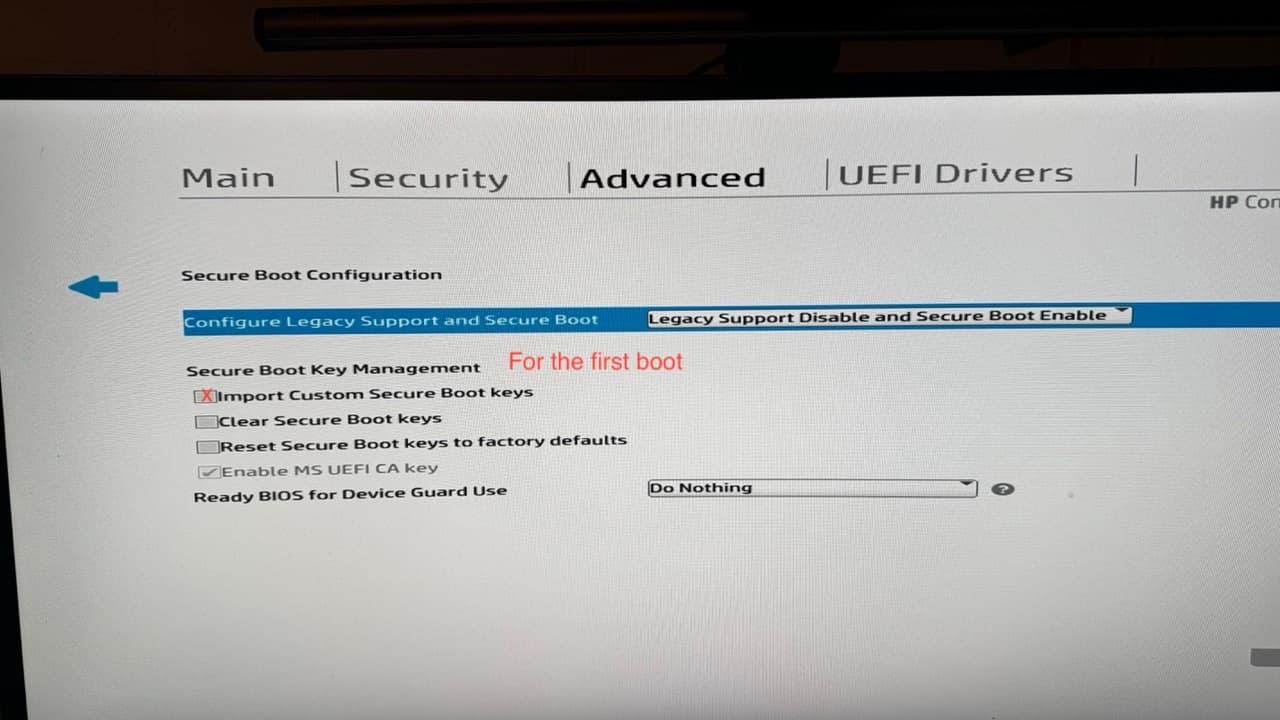
So it’s up and running.. No I have to figure out how to configure the Incus-OS node.
Currently, I am facing some problems with the mac os incus-client (installed with homebrew):
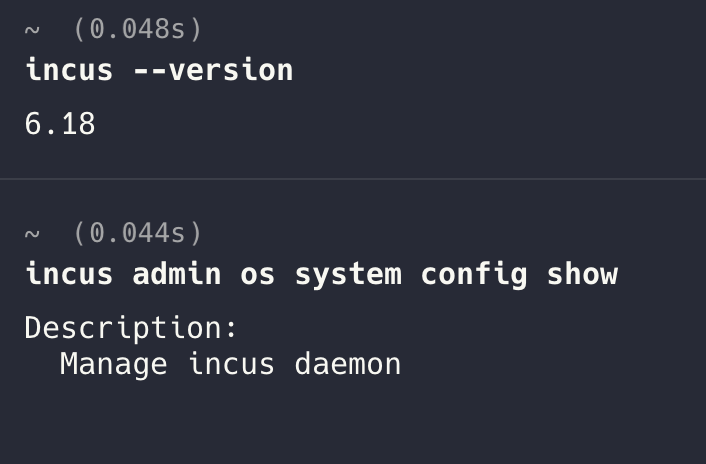
But it could be a layer 8 problem. 
Solution for layer 8 …. IncusOS CLI from MacOS