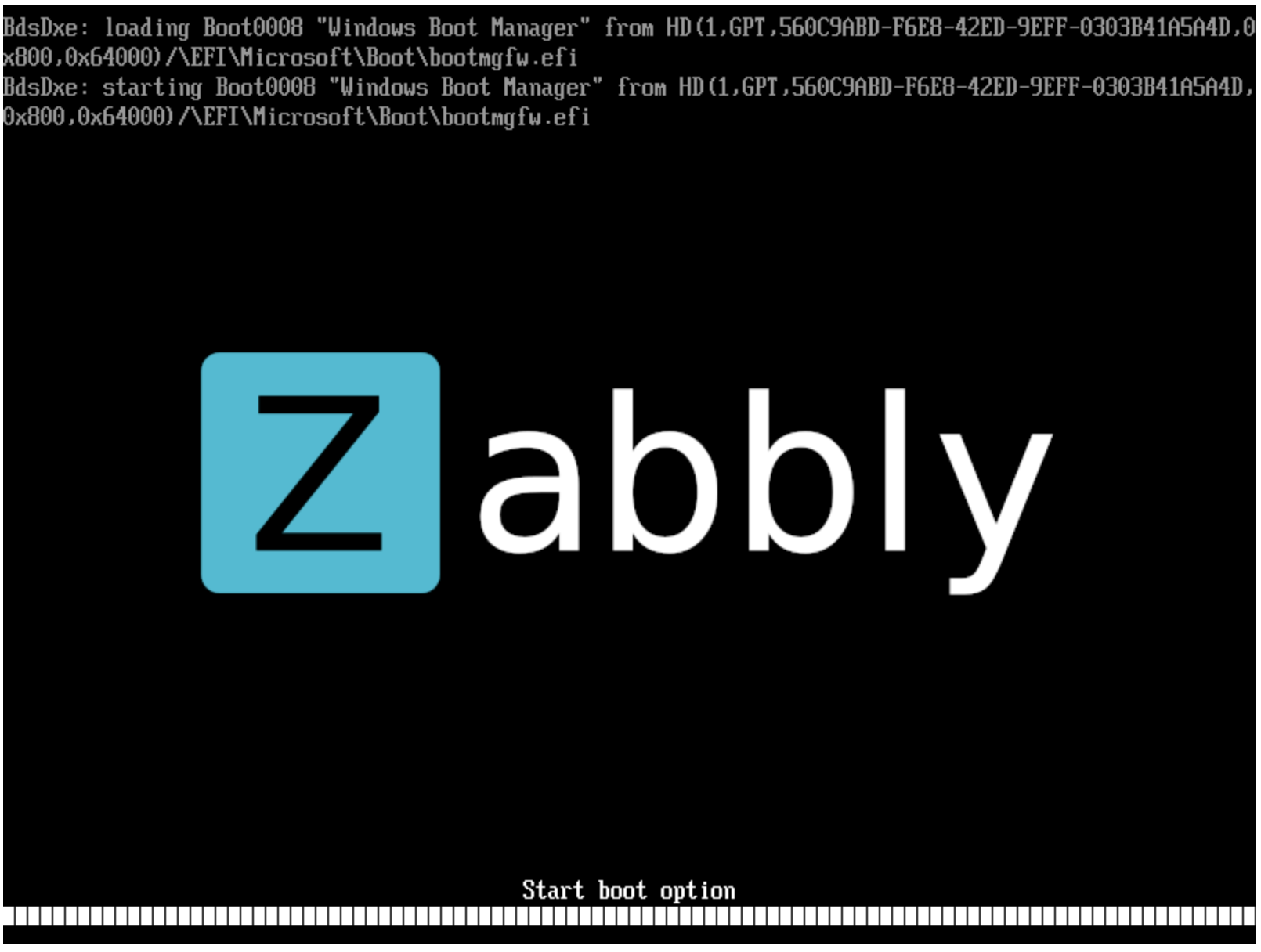
It worked eventually. I’ve got Windows 11 on Incus on arm64.
Now I’m gonna stretch my luck and run it with Colima (on macOS i.e. nested vm).
It worked eventually. I’ve got Windows 11 on Incus on arm64.
Now I’m gonna stretch my luck and run it with Colima (on macOS i.e. nested vm).
wow and yay! I got Windows 11 arm64 installer going finally! thank you @stgraber 
my config:
  raw.qemu: '-device usb-tablet -device usb-kbd'
  raw.qemu.conf: |-
    [device "qemu_gpu"]
    addr=
    bus=
    driver=ramfb
oh well… too early…
after the initial installation finished and rebooted, it is stuck again. I tried removing the iso device but it doesn’t help.
I was able to boot after installation without issues.
@stgraber After installation, I removed the qemu gpu config to hopefully get better graphics performance. While it works, the mouse is now missing and only the keyboard is responding.
Adding back raw.qemu: '-device usb-tablet' does not help either.
Reverting to ramfb works but the graphics is poor and resolution is stuck at 800x600.
In my own experience the hardware graphics isn’t really needed because you can enable RDP and connect to Windows using any resolution you need and it should work really well using CPU and RAM only.