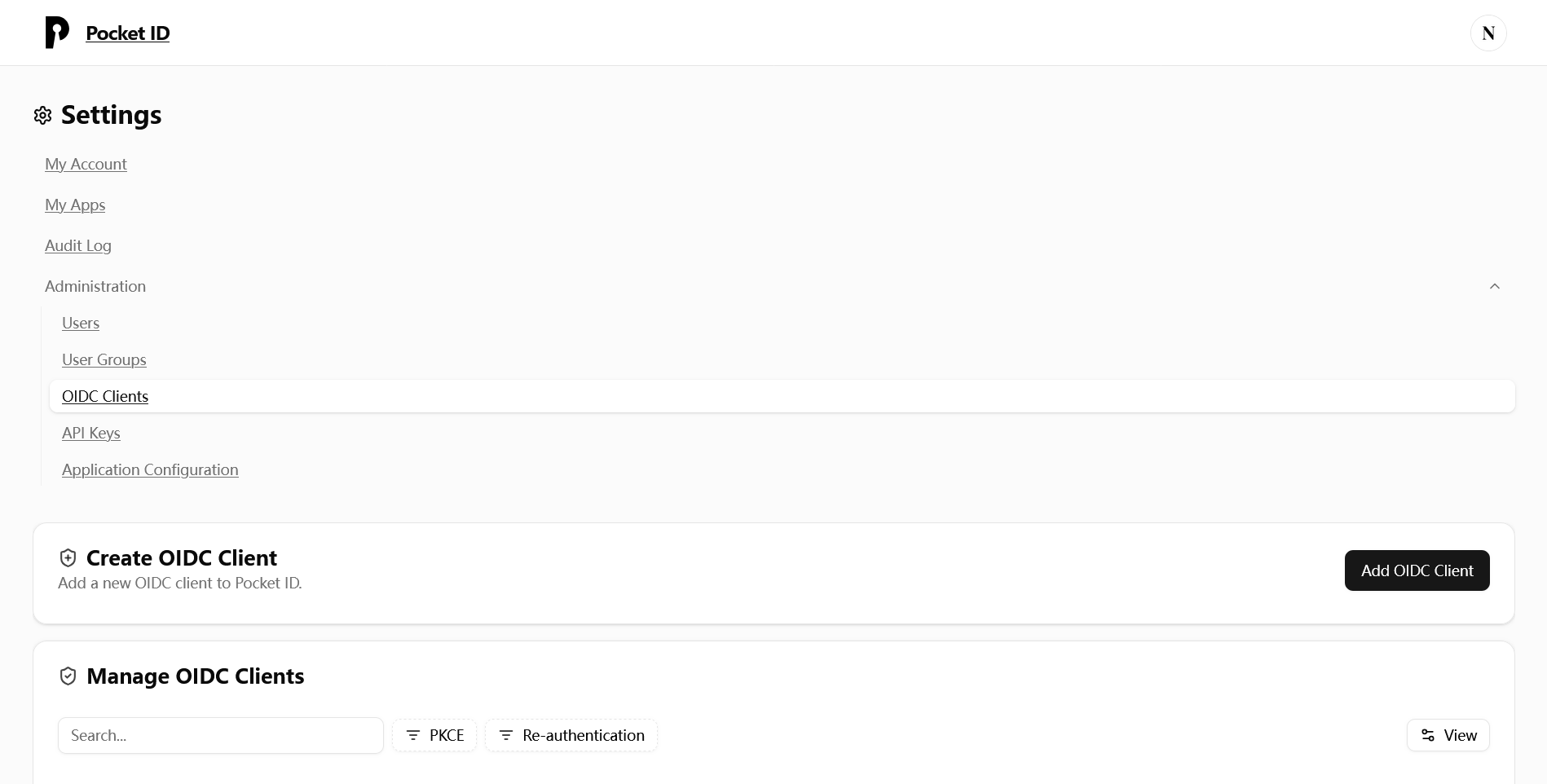
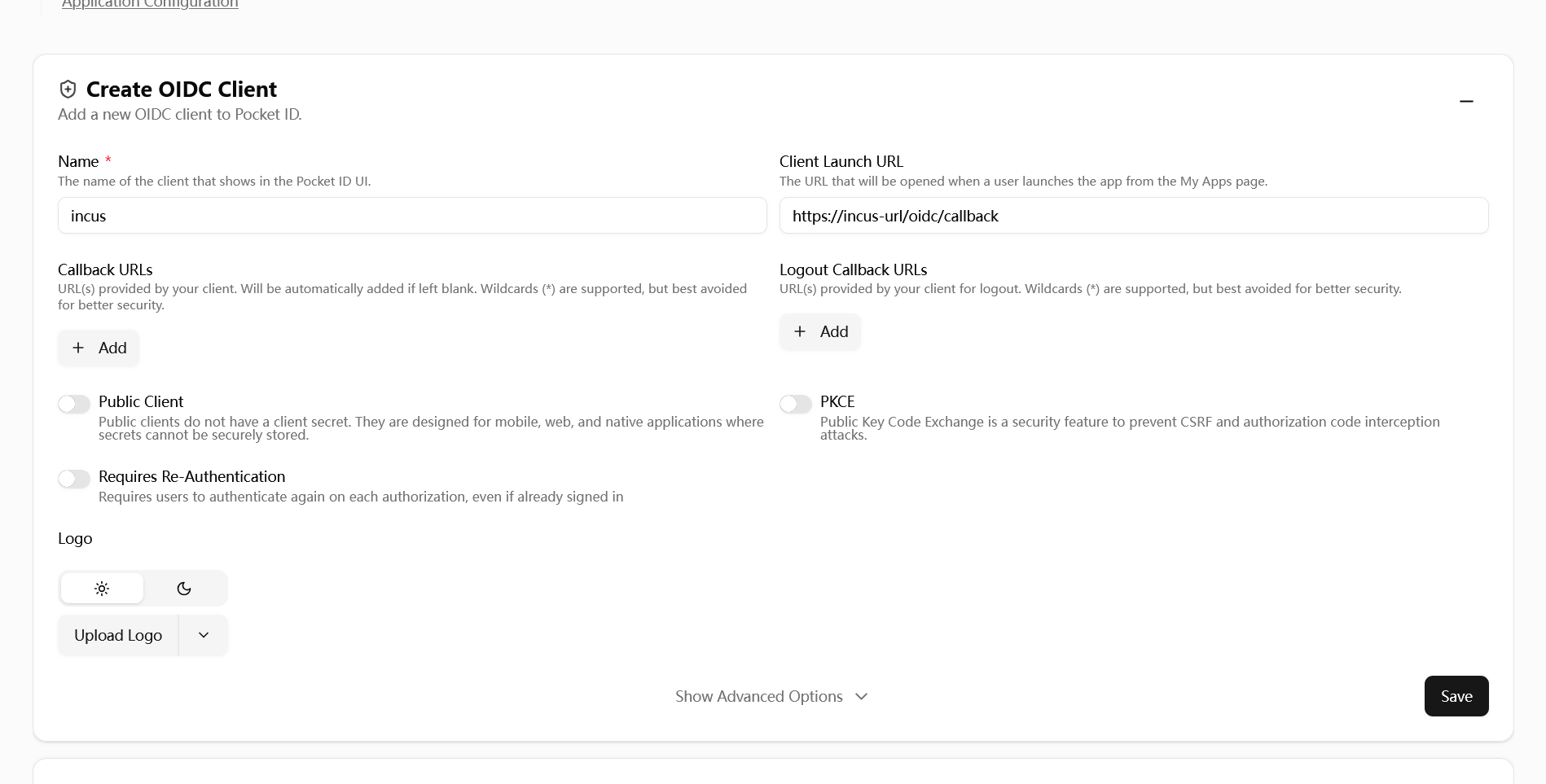
After docker compose up -d , use reverse proxy to reverse proxy pocket id and incus webui, go to https://(pocket id)/setup to create a admin account and setup passkey. Go to Administration - OIDC Clients click Add OIDC Client:
However, I can authenticate with my passkey, but then I receive an error (logs from container):
{“time”:“2026-01-11T11:56:38.772146018Z”,“level”:“WARN”,“msg”:“Request with errors: Error #01: You’re not allowed to access this service\n”,“app”:“pocket-id”,“version”:“2.1.0”,“status”:403,“method”:“POST”,“path”:“/api/oidc/authorize”,“query”:“”,“route”:“/api/oidc/authorize”,“ip”:“xxx.xxx.xxx”,”referer”:”/authorize?”…}
SSL certificates are OK and full chain is trusted.
/oidc/callback is the correct redirect URL for Incus, /oidc/login isn’t meant to receive the JWT data from the IdP, it’s just a trigger URL for the UI.
  environment:
    ENCRYPTION_KEY=(a at least 16 characters long random string)
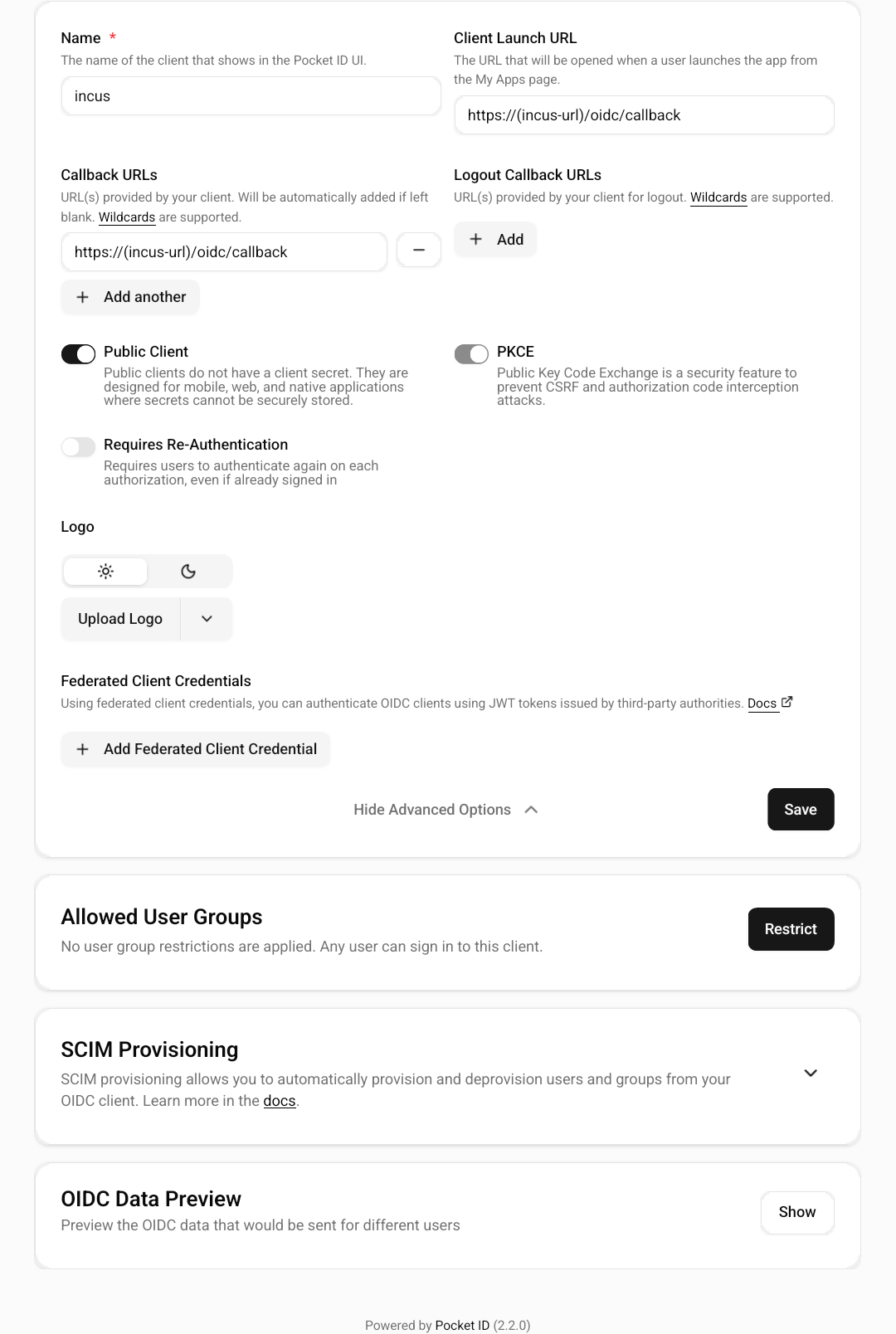
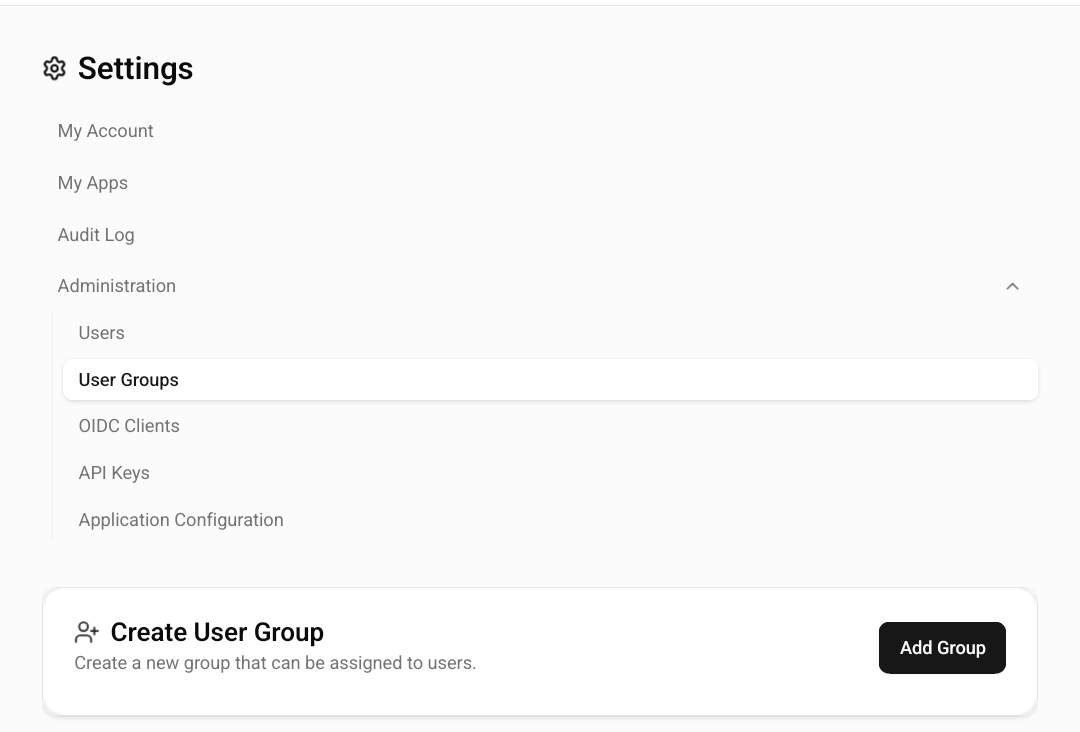
In pocket-id webui-OIDC clients-incus client page. You need to click Public Client, or else oauth will fail. You need to add whoever the users need to sso incus to Allowed User Groups, or else you cannot login.
Thanks for your reply.
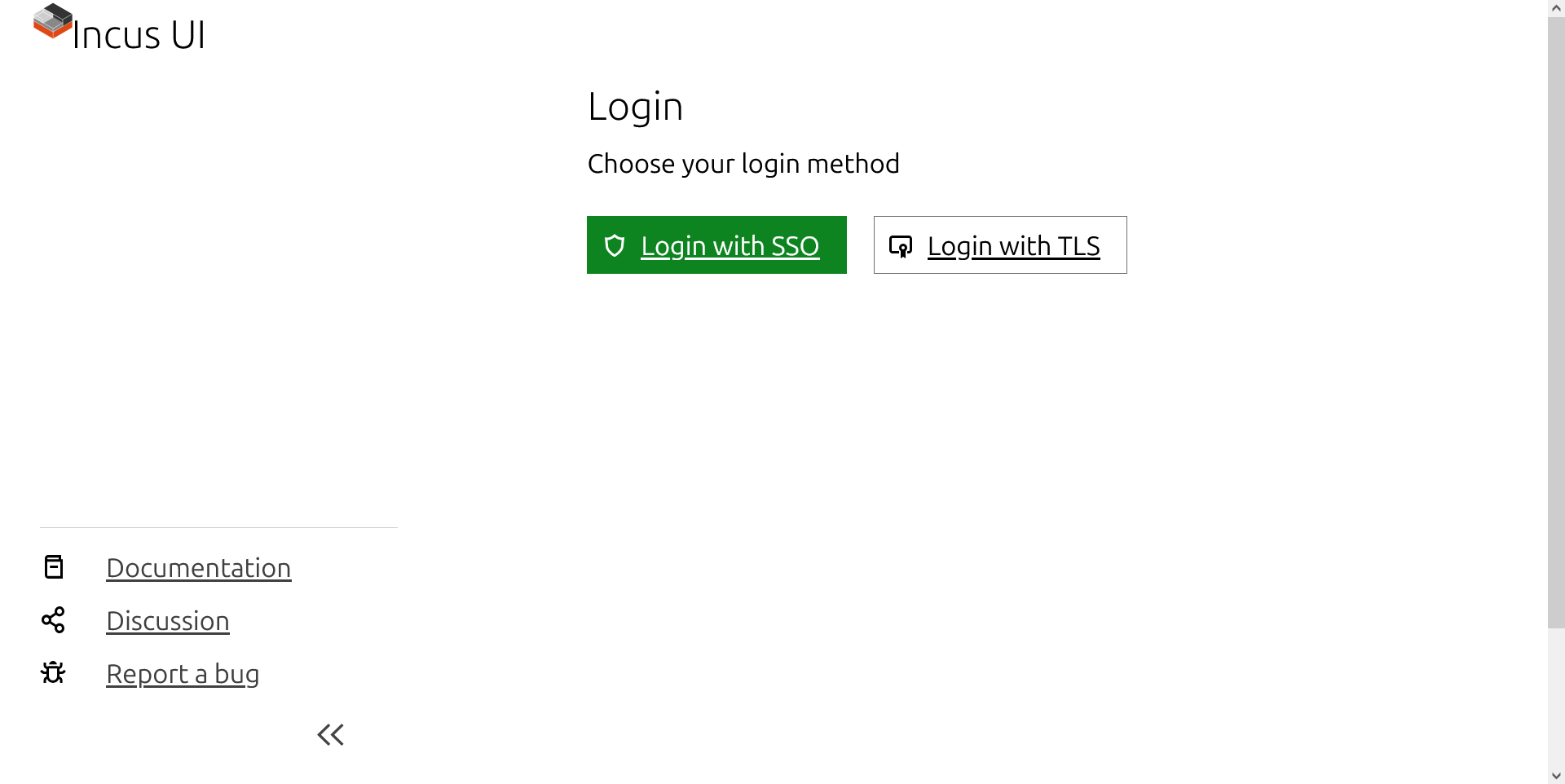
Now I can connect to Pocket-ID and authenticate, but then I am returning back on the login page in incus !
Just have this error in logs of pocket-id:
Error getting logout callback URL, the user has to confirm the logout manually app=pocket-id version=2.0.0 error=“missing authorization”
On the pocket ID account, the login callback url has been successfully added automatically.
I dont know what to do now, i would like to succeed with pocket-id great interface !
Keycloak was infinitely more complicated, but I succeed with it in 5 mn only…
Thanks to you for your interest and time.
Like I tell earlier, I can authenticate on pocket-id, with success.
But incus redirect me always on login again.
I dont understand the error in logs.
My config is full ok with what you say and the recommendation on internet.
However, Im on incus v6.20. Maybe a regression…
@catfish I might be facing an issue similar to yours. Have you by any chance set oidc.claim ?
I’m finding that without setting it, PocketID works fine, but as soon as I set it I can login but am constantly redirected back to the login page.
Sorry, I’ve never set oidc.claim before. And I didn’t find claim in /.well-known/openid-configuration, only find "claims_supported":["sub","given_name","family_name","name","email","email_verified","preferred_username","picture","groups"]. And I switched to keycloak.

 .
.