I have Dell Poweredge R6515 that I am thinking of deploying with IncusOS. Currently there are no drives in the server. To get familiar with IncusOS and to confirm compatibility, I thought I would try running it off a USB. I created an image using the following options:
Wipe the target drive: unchecked
Automatically reboot after installation: unchecked
Target drive identifier: left blank
Apply default configuration: checked
Image channel: stable
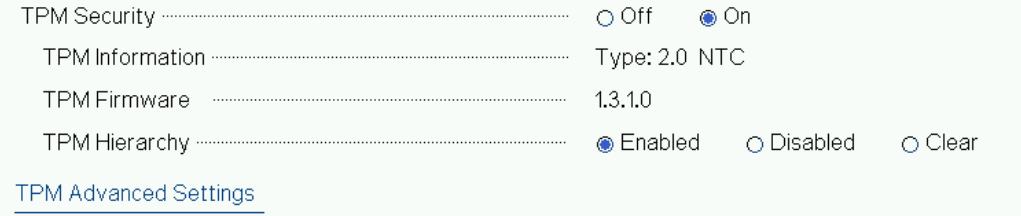
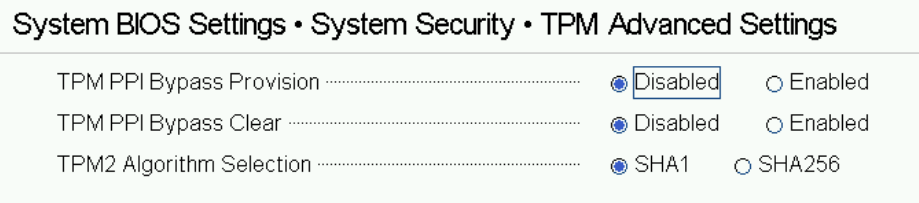
I ensured that TPM 2.0 was enabled and enabled Secure Boot. I’ve added the Incus keys. It’s not clear to me from the documentation if the PK key is required or not. But I have tried with and without, as well as with the default keys present or with all the default keys cleared and only the Incus keys added.
I have also tried a USB stick and a SATA SSD in a USB enclosure.
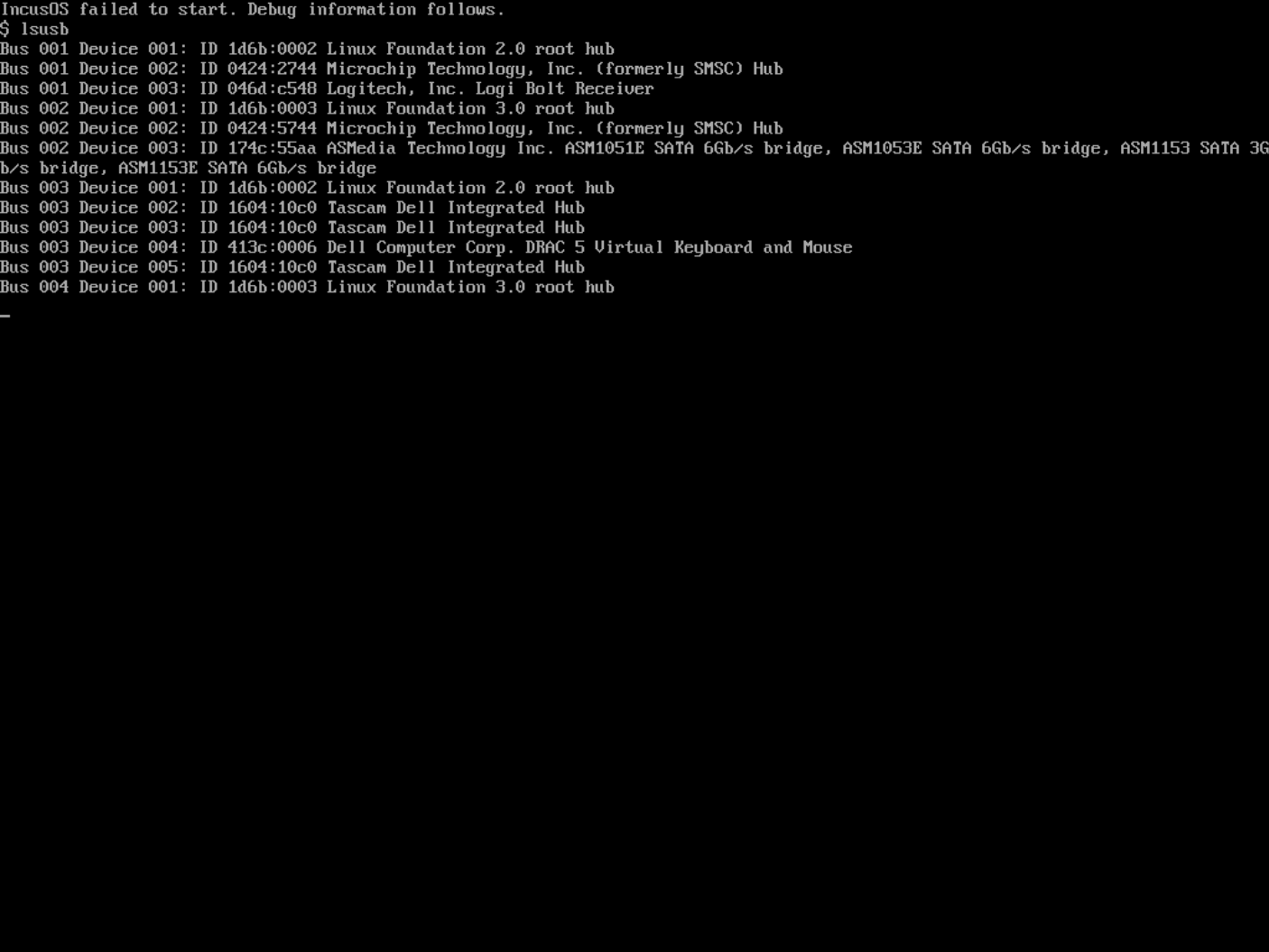
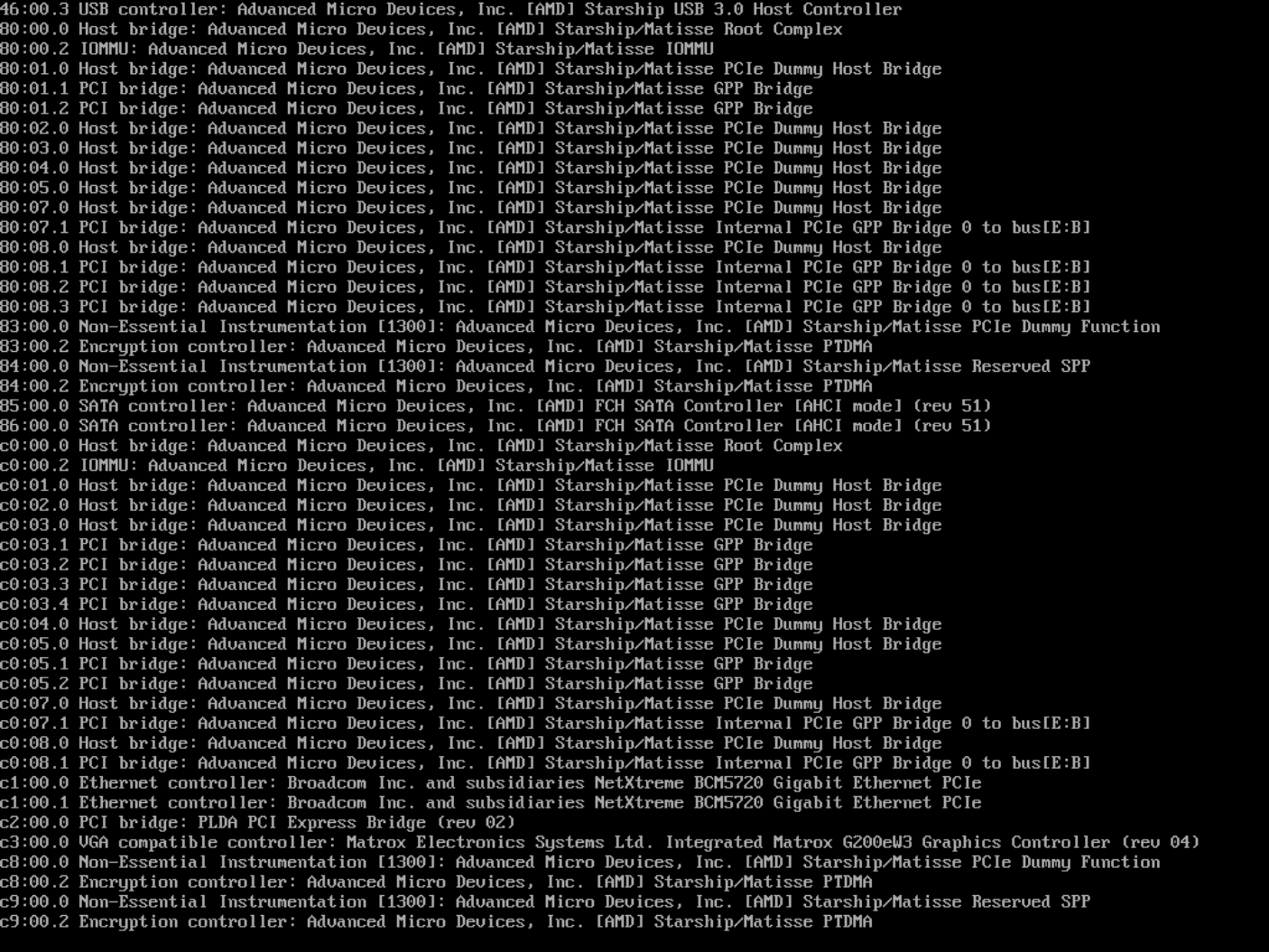
I can boot from the drive, I get the IncusOS countdown, followed by IncusOS is starting… for 10 minutes until the timeout is hit the the debug information cycles. The debug information says nothing useful to me, it just seems to be the specs of the system. No information about what’s not working. So I’m stumped. The docs are a little light on how to run IncusOS off a USB drive like this, but the Image Downloader seems to suggest it should work.
An R6515 isn’t unusual hardware, nor particularly old. Maybe it’s too old? The docs say
For x86_64, the CPU must support x86_64_v3
Which I have tried to research, but have not found anything useful about how to determine if a CPU supports x86_64_v23
Any advice is welcome. I would really like to try IncusOS on this system.
Can you get screenshots/photos of the rotating information?
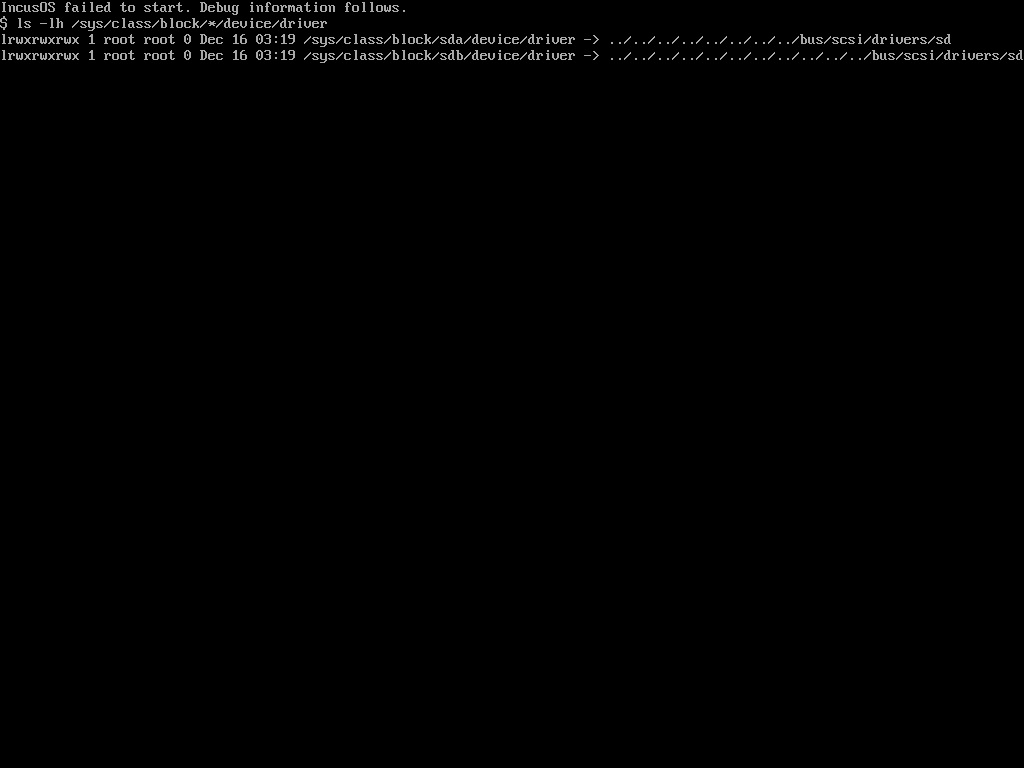
The boot gets stuck there because we can’t find the drive, typically due to a driver issue. The information we show is usually what we need to track it down.
This looks like it should have booted fine to me.
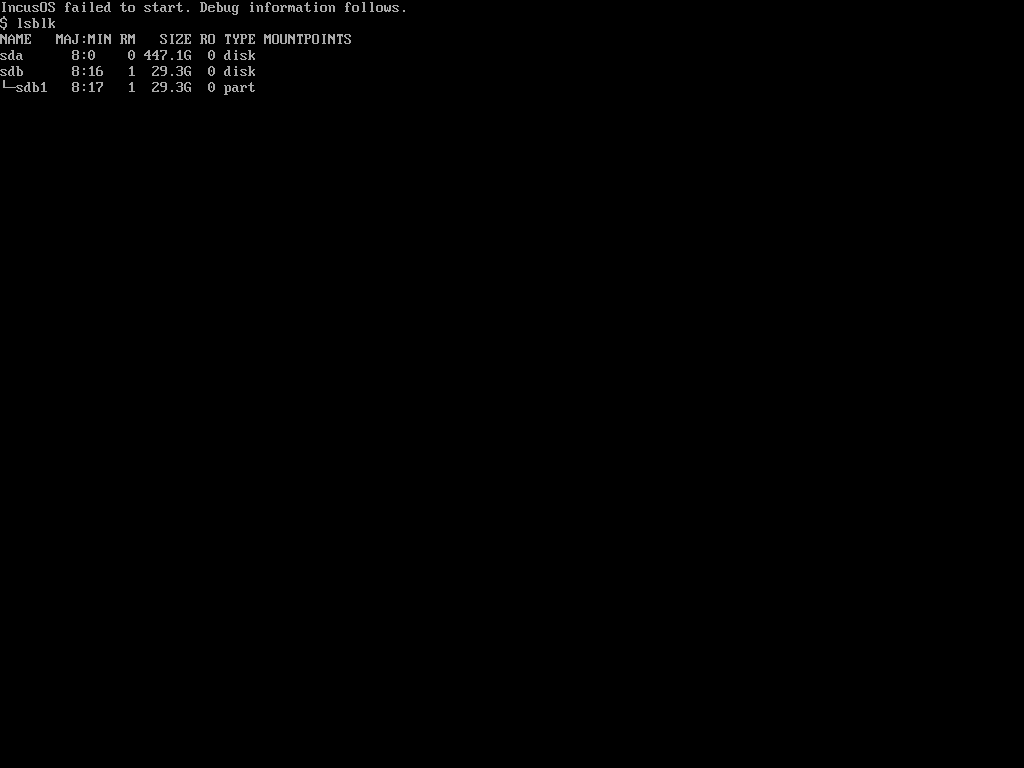
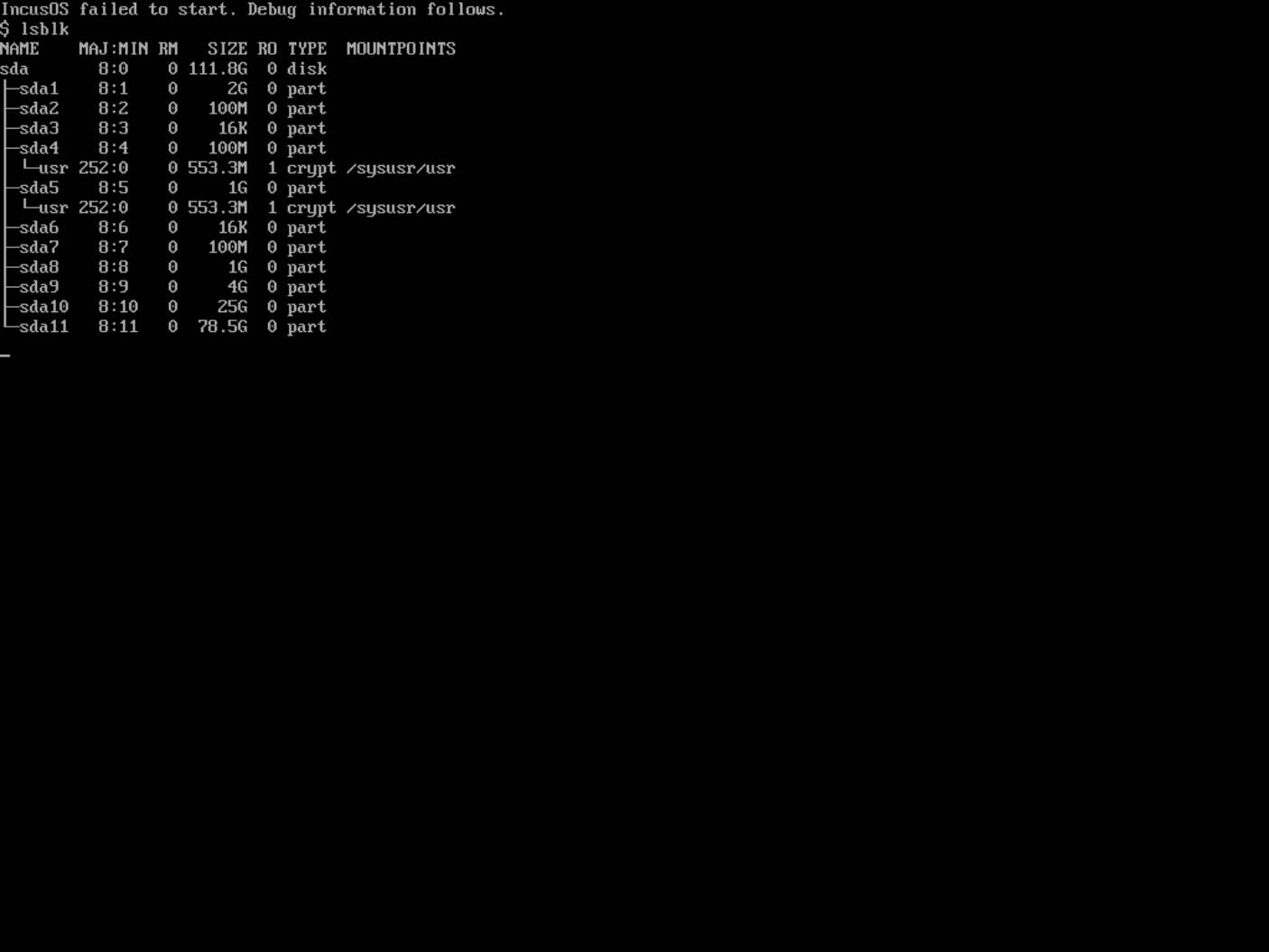
We see a USB SATA controller which leads to a /dev/sda device with what looks like the usual set of partitions on it.
So the storage driver is OK, since we’re clearly getting far enough into the boot process for systemd-repart to create the last three partitions. But I don’t see either swap or the root partition active in the lsblk output, which isn’t a good sign. Typically this will occur if something’s wrong with the state of the TPM that IncusOS expects to see. Since this system is trying to run directly from the USB drive, we haven’t yet been able to run the normal IncusOS pre-start checks which include checking the TPM.
I did just verify that IncusOS 202512060041 boots and runs from a virtual USB drive in an Incus VM.
It would be useful if @n00q could try setting an install seed on the USB image and booting that. It will fail because no other drives are present, but if we can get to that message we’ll at least know that IncusOS can boot up and that there’s likely some sort of issue activating the swap and/or root partitions on that system. And if there’s some sort of TPM issue, we’ll get an nice error about that, too.
The only other recent similar issue I’m aware of is IncusOS got stuck while trying to install - #5 by fred-bloggs , which was stuck on the “IncusOS is starting…” screen because of a GPU issue. It looks like this system is using an integrated GPU, so hopefully that’s not the root cause.
@gibmat should we add something about the TPM to the rotating debug messages?
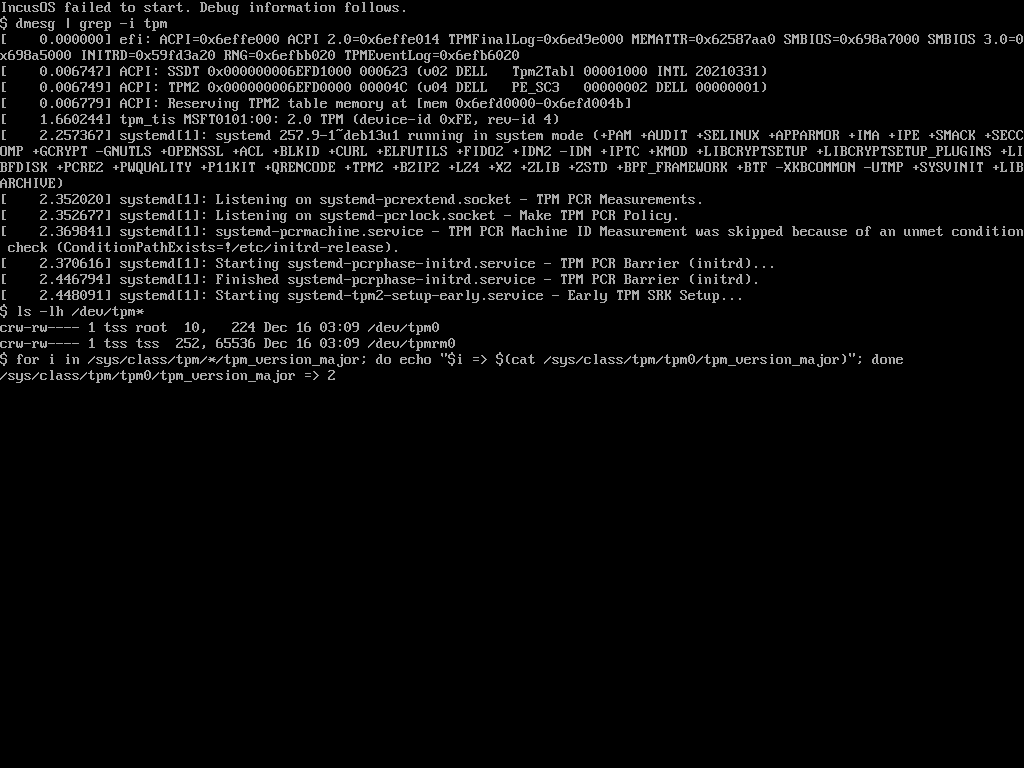
I could see us having a screen which basically shows:
dmesg | grep -i tpm
ls -lh /dev/tpm*
for i in /sys/class/tpm/*/tpm_version_major; do echo “$i => $(cat $i)”; done
/sys/class/tpm/tpm0/tpm_version_major => 2
So we can easily check that we do have a TPM and that it’s a 2.0 module.
But what’s odd here is that if it was a TPM issue, repart should have failed to create part10, yet we can clearly see it in the partition list. Unless it does the partition table changes and then fails shortly after when doing the actual formatting?
In addition to failing for some reason when formatting, it’s also possible for it to create the encrypted partitions using weird TPM state that then causes systemd-cryptsetup to fail to decrypt them. But since it works in a VM, I don’t think it’s a general bug. (While playing with swtpm this week I’ve become more familiar than I want with some of the repart/cryptsetup failure modes. )
I tried creating a new USB Installation image, flashed that to a USB drive and booted from that. It installed successfully IncusOS onto a USB SSD drive, also plugged into the server.
IncusOS has now booted successfully off the USB SSD. So, it appears whatever issue was blocking me was restricted to the USB Operation type image?
I have now installed a 480GB x2 BOSS card into this same Poweredge 6515 server, and I am attempting to install IncusOS onto the BOSS card storage as a boot drive. There are no other drives in the system.
Rather than create a new thread, perhaps this thread can be renamed, since it may be a continuous issue?
I know that IncusOS can boot and run this server, as it was previously working off an SSD plugged in via USB.
I created a new IncusOS ISO image and flashed it to a USB key (the same USB key I used previously)
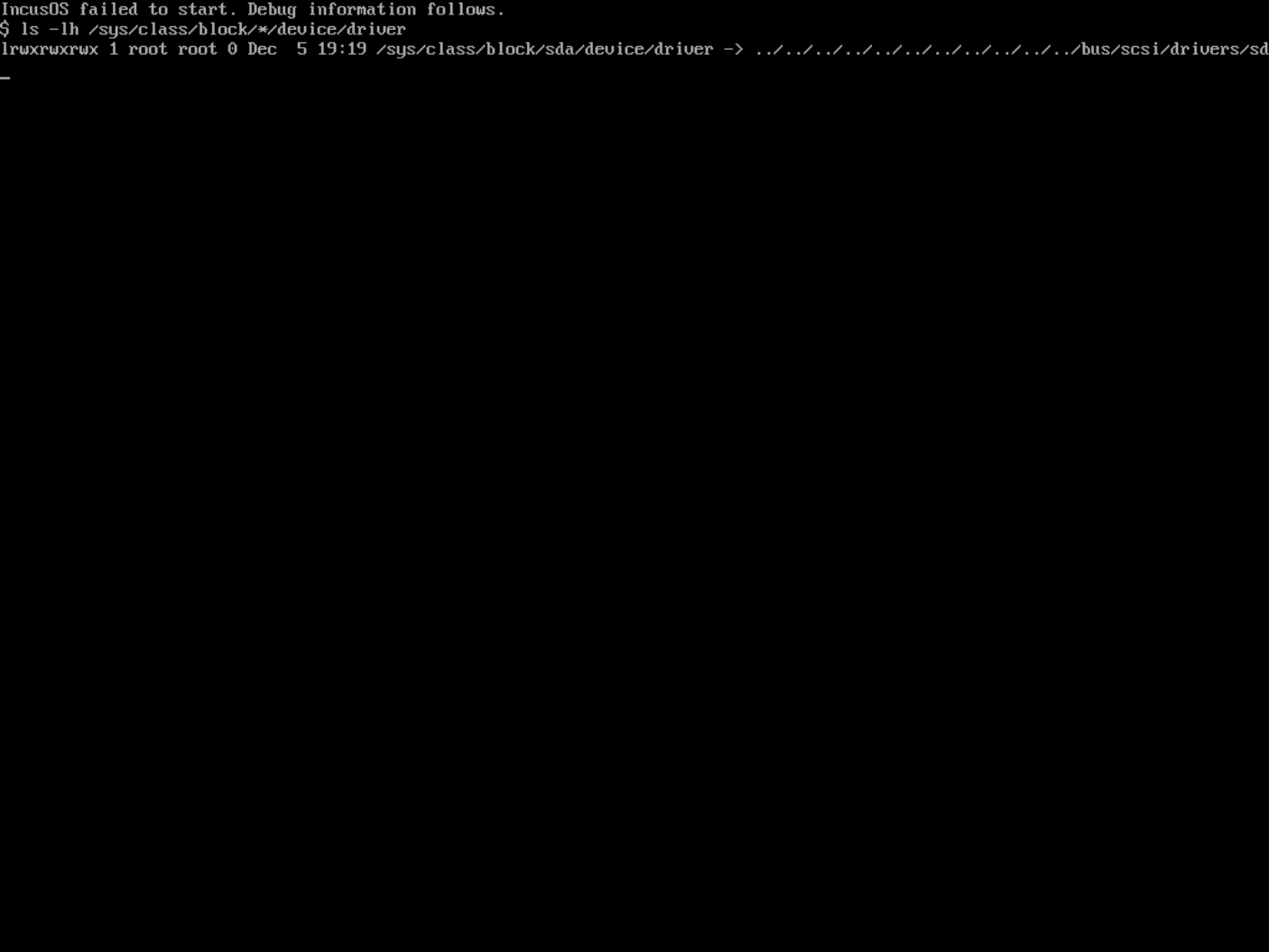
Trying to install to the BOSS card, I am not having luck. From the debug screens, it would seem I have a TPM issue, which is confusing because previously I was able to boot this machine as mentioned above. I’ve tried fiddling with various TPM and Secure Boot setting, clearing and reinstalling the keys, clearing the TPM, etc. Based on my reading on this forum a BOSS card in RAID-1 should work. I have tried with and without the microsoft/stock keys present in the Secure Boot policies.
Happy to try any ideas to get this to work. Thanks.
If you actually did that, then that may well be your problem.
There is a reason we provide both ISO and USB images, they are different and it’s important to use the correct one.
If booting from a virtual CD-ROM drive, you’ll need the ISO image.
If booting from a physical or virtual USB drive, you’ll need the USB image.
Mixing them up can lead to some weird behavior as disk alignment on ISO is 2048 bytes which isn’t normally used on regular storage (512 bytes or 4096 bytes).
 )
)