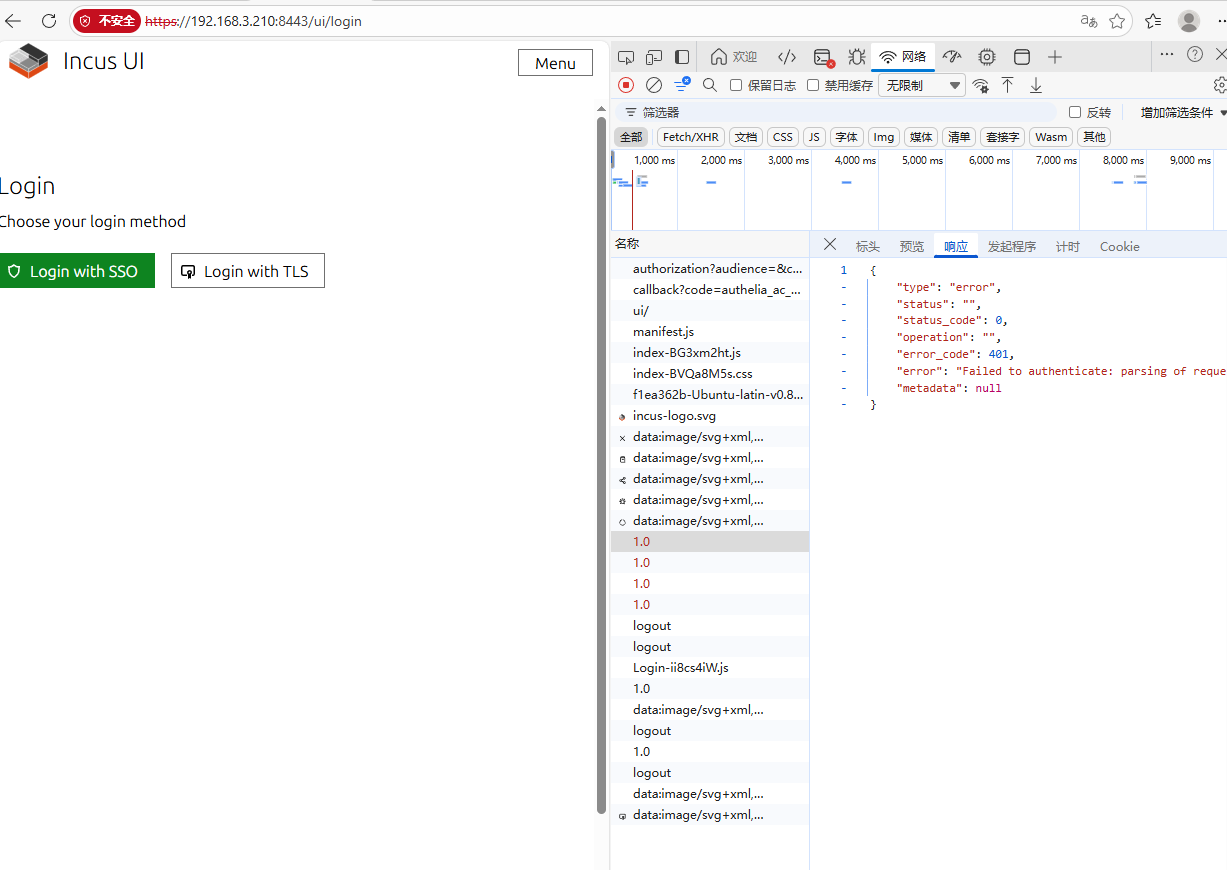
{
“type”: “error”,
“status”: “”,
“status_code”: 0,
“operation”: “”,
“error_code”: 401,
“error”: “Failed to authenticate: parsing of request failed: token contains an invalid number of segments”,
“metadata”: null
}
Is it because the client (192.168.3.96) cannot recognize or trust the server’s TLS certificate when accessing the server?
alpine:~# incus config show | grep -E “oidc”
oidc.claim: preferred_username
oidc.client.id: incus-oidc-client
oidc.issuer: https://192.168.3.210:9091
oidc.scopes: openid,email,profile,groups