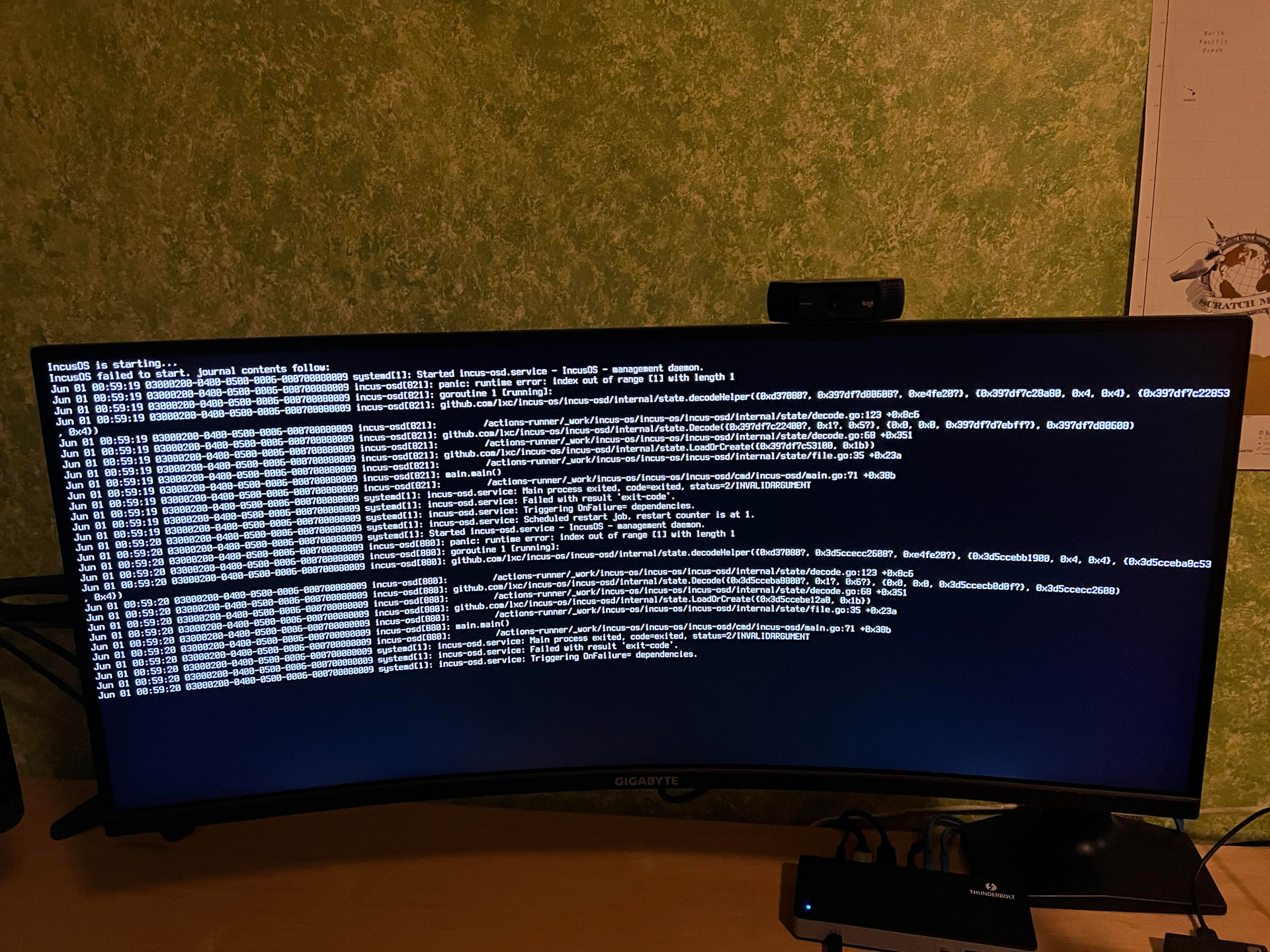
Was on IncusOS 202603310301. Rebooted today, hadn’t seen news of issues with update, now new version (202605310326) won’t boot and switching to old version also fails. This does not match any of the other reports about issues though.
Error Failed to check for secure boot key updates err=http request timed out after five seconds: Get “https://images.linuxcontainers.org/os/index.sjson”: dial tcp: lookup images.linuxcontainers.com on 127.0.0.53:53: server misbehaving provider=images

Info: System is ready version=202605310326
I can ping server by ip but nothing else is working.
Try to boot to previous version (202603310301) from boot menu and get a panic runtime error!
That is exactly what I thought, I should have mentioned I have rebooted many times over the last couple of hours. When I first got the error I tried the url in my browser and it did time out , but now the index.sjson downlods no issue but rebooting keeps bringing up the same error.
I didn’t put it in my original message but there is also a Warn that systemd-timesyncd failed to perform NTP synchronization. It would seem my incusOS can’t reach the internet maybe? The network started and it has an ip which I can ping from within my network. There are noissues on my network and IncusOS had not had issues getting to the internet before.
Also is my inability to revert to previous version, which causes the panic, related to the other reported issue? I would at least like to be able to revert if possible.
You’ll need to wait for the next stable IncusOS release, then rebooting your system should be able to automatically fetch the update, apply it, reboot and you’ll be back to a fully functional system.