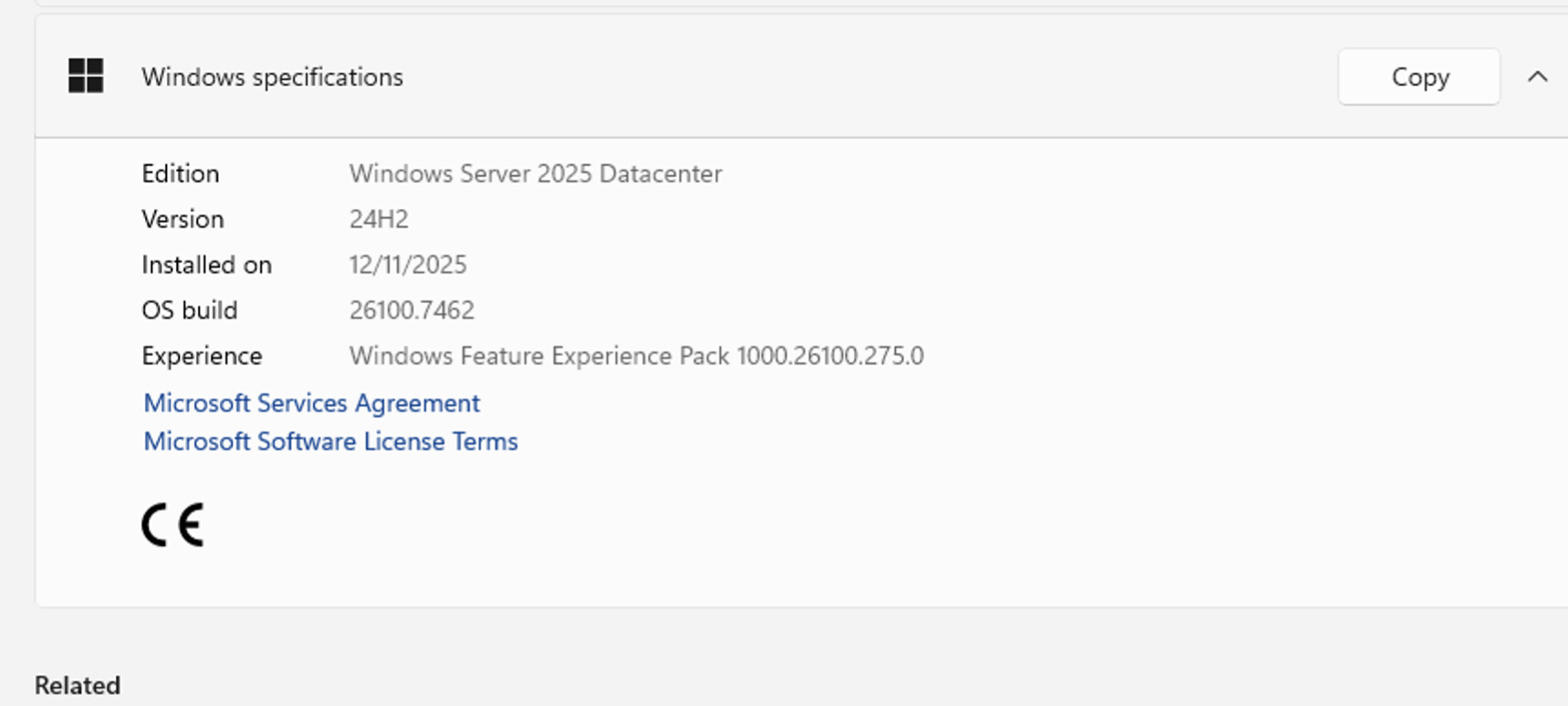
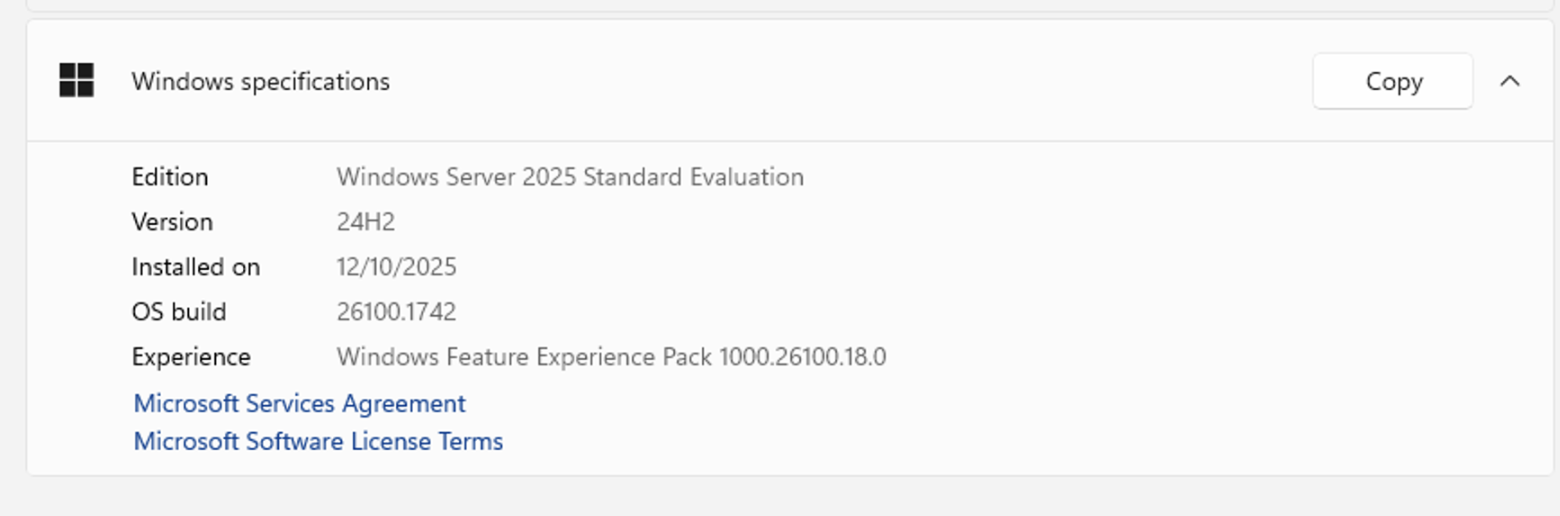
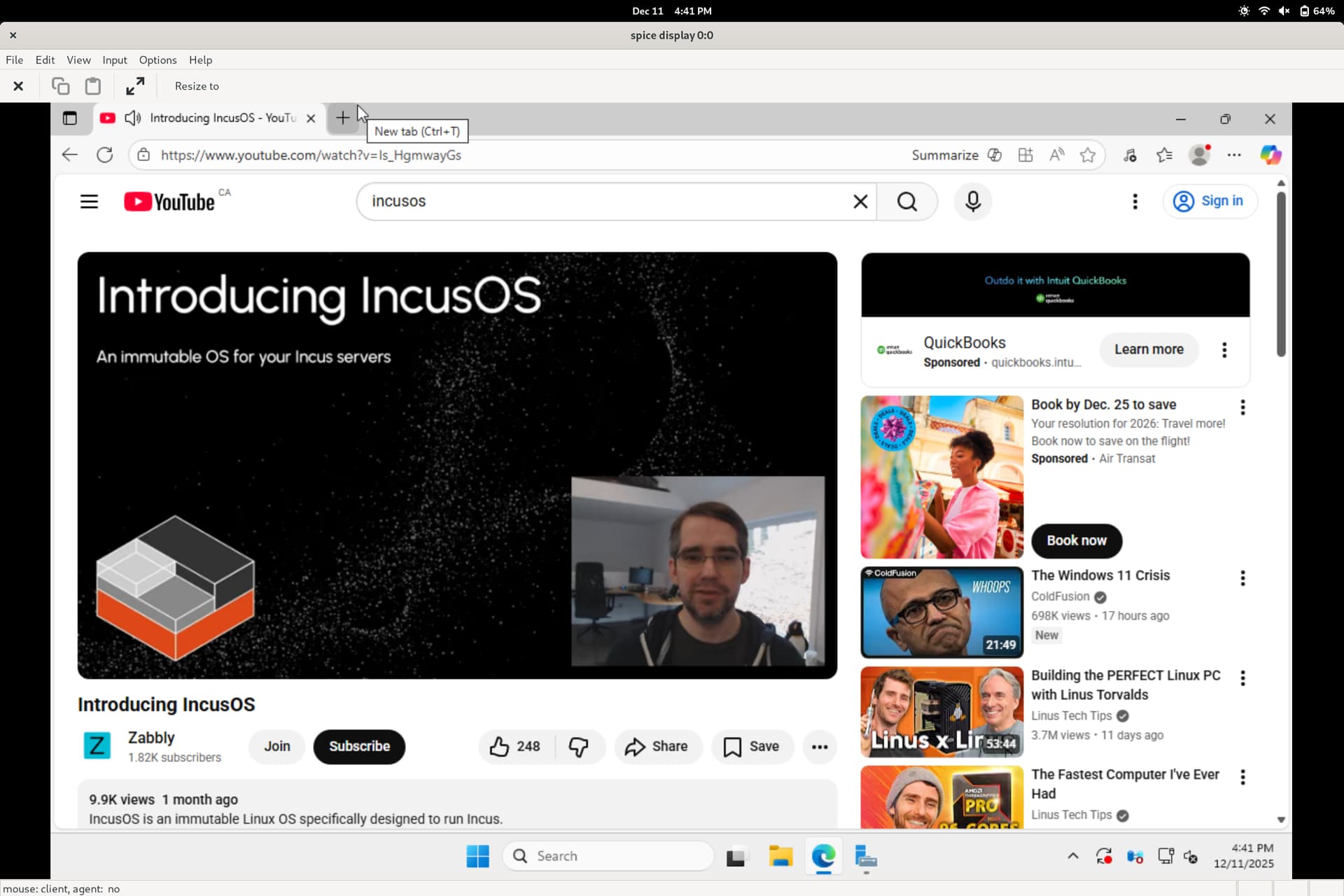
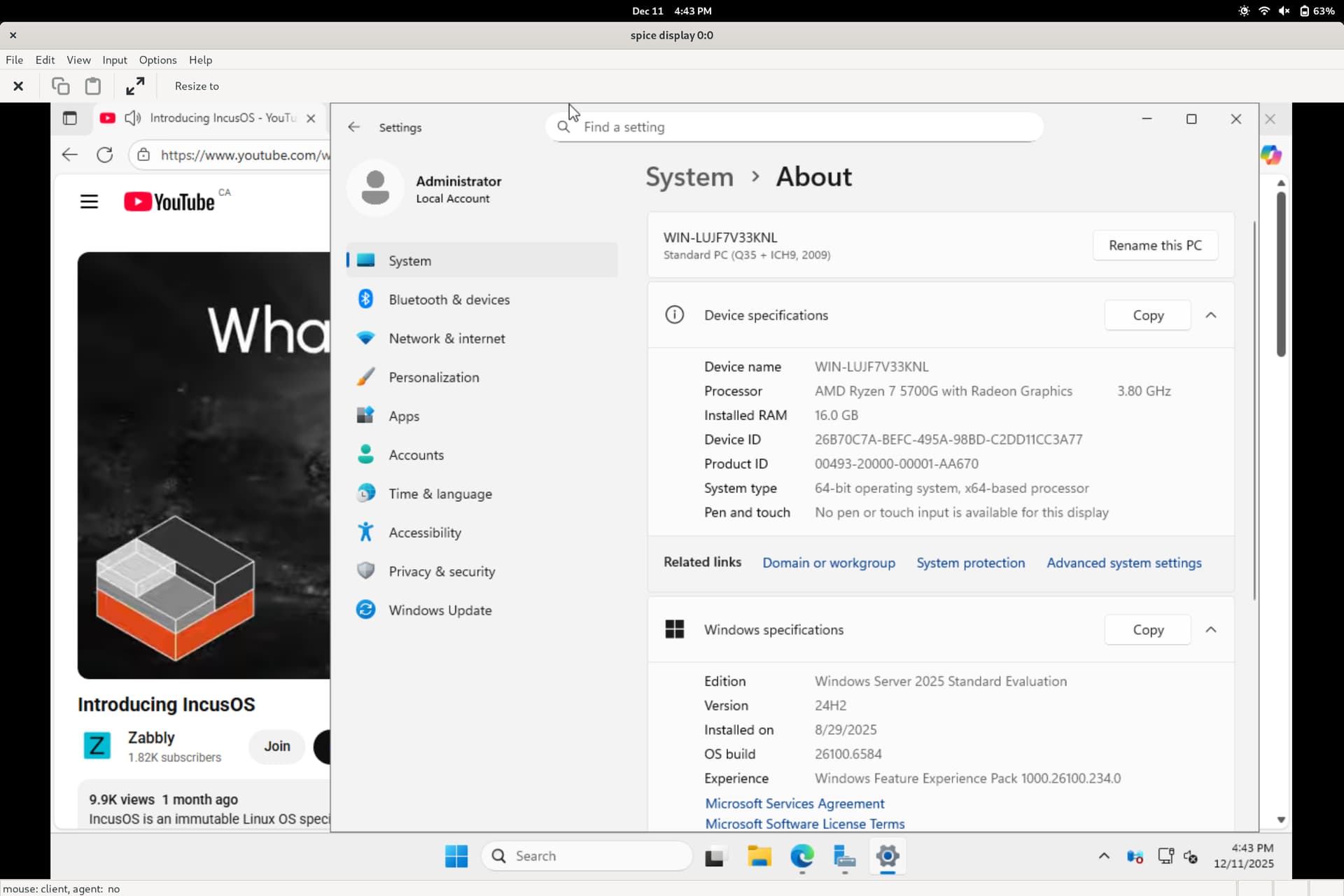
There is no Youtube video playback on Windows that I am running on Incus. The image is Windows 2025 server with desktop experience.
I create a server on Azure, same image, there the videos play fine, with sound. Although I do not plan to play videos this way but I am concerned that my installation is missing something.
So as you can see both builds are almost the same.
I some what felt this is related to graphics thing as the YT videos keep loading infinitely in the Incus VM. So I tried installing things like DirectX, “Media Foundations” from the Windows features (Server Manager).
Nothing worked.
Is there something that needs to be done/added from the Incus side? Like adding a raw qemu setting or such?
May I know how you set it up? Using these instructions?
My Windows VM ins running as a nested VM. I mean it is running on a “nested virtualization” enabled VPS. So the host is a Linux VPS. I installed Incus there and spun up the Windows VM. Could this be the reason?
I’m not sure. But yeah, my VM was installed with what should be equivalent to those instructions.
Basically it’s using NVME storage for the root so no drivers are needed for that and it was installed from a clean ISO from Microsoft (no repacking) by passing it as a USB storage device. Then after installation all the VirtIO drivers were installed.
It’s also correctly marked as a Windows VM by having image.os: Windows 2025 set in the VM config.