JoeDex
(Joe)
1
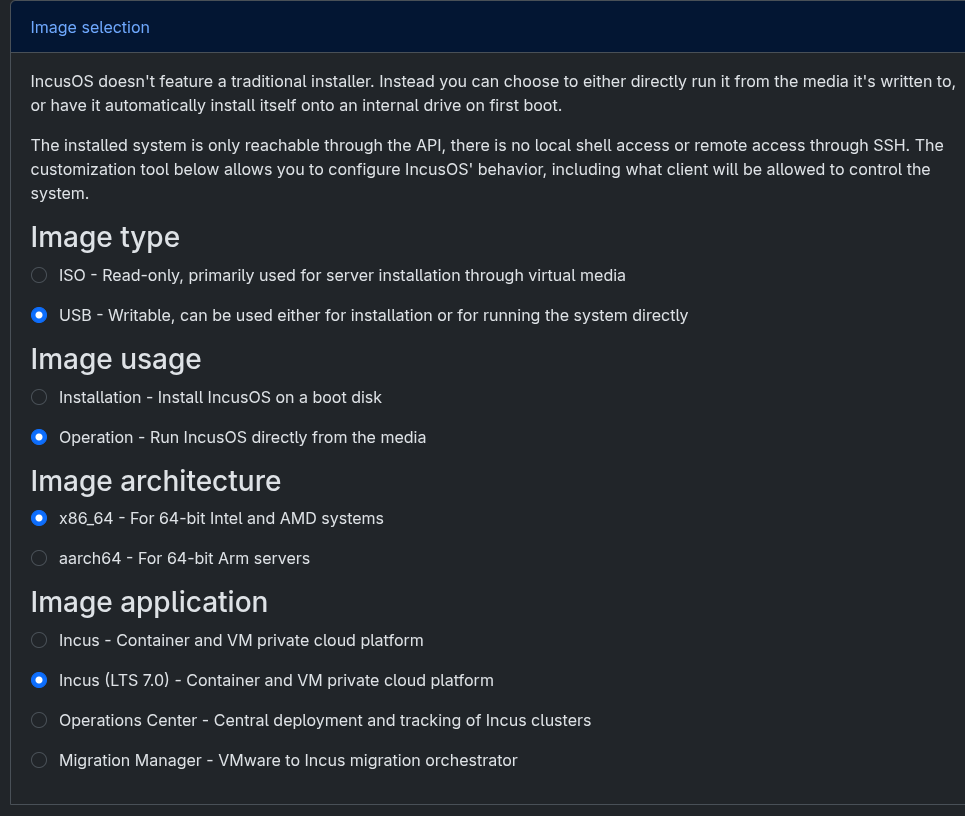
I built two IncusOS images from the web customizer with the same settings, except the “Image application”:
Settings (both images):
- Image type: USB
- Image usage: Operation
- Image architecture: x86_64
- TLS client certificate: pasted from
incus remote get-client-certificate
Image application Incus (LTS 7.0):
- Flashed and installed
incus remote add prompts for a trust token (certificate not trusted)- Inspected the .img seed partition, there are no incus.yaml / preseed / certificate found (only applications.yaml with incus-lts-7.0)
Image application Incus:
- Same settings, only change: Image application: Incus
- Inspected the .img seed partitio, incus.yaml present with my certificate in preseed.certificates
Looks like the customizer may not embed the client certificate when Incus (LTS 7.0) is selected.
1 Like
stgraber
(Stéphane Graber)
2
There’s a known issue with operations images and certificates that we need to look into.
1 Like