I would really appreciate any help I can get trying to install IncusOS
I am trying to install an image downloaded from the customizer today. It boots with Starting incusos… and then it timeouts and starts cycling through debug dump screens. I did previously have IncusOS installed on the drive but it got corrupted with the bad update this last May. None of the suggested fixes in the forums worked at the time and I eventually gave up.
Tried many things to do a fresh install, but most recently:
Wiped the one and only disk (nvme ssd) in the computer, removed partitions, all space unallocated.
Cleared TPM
Restored factory secure boot keys and manually deleted (kek and auth keys) and then installed Incus keys from install usb key (1 kek and 2 Auth keys). I also had previously tried just putting in setup mode and after rebbot Incus keys were installed but install failed the same way after that.
I have also tried installing after I had installed Ubunto on the ssd but that also failed.
I had a similar issue the first time I installed back in Feb. I actually never cleared TPM then and honestly have no idea why it eventually worked.
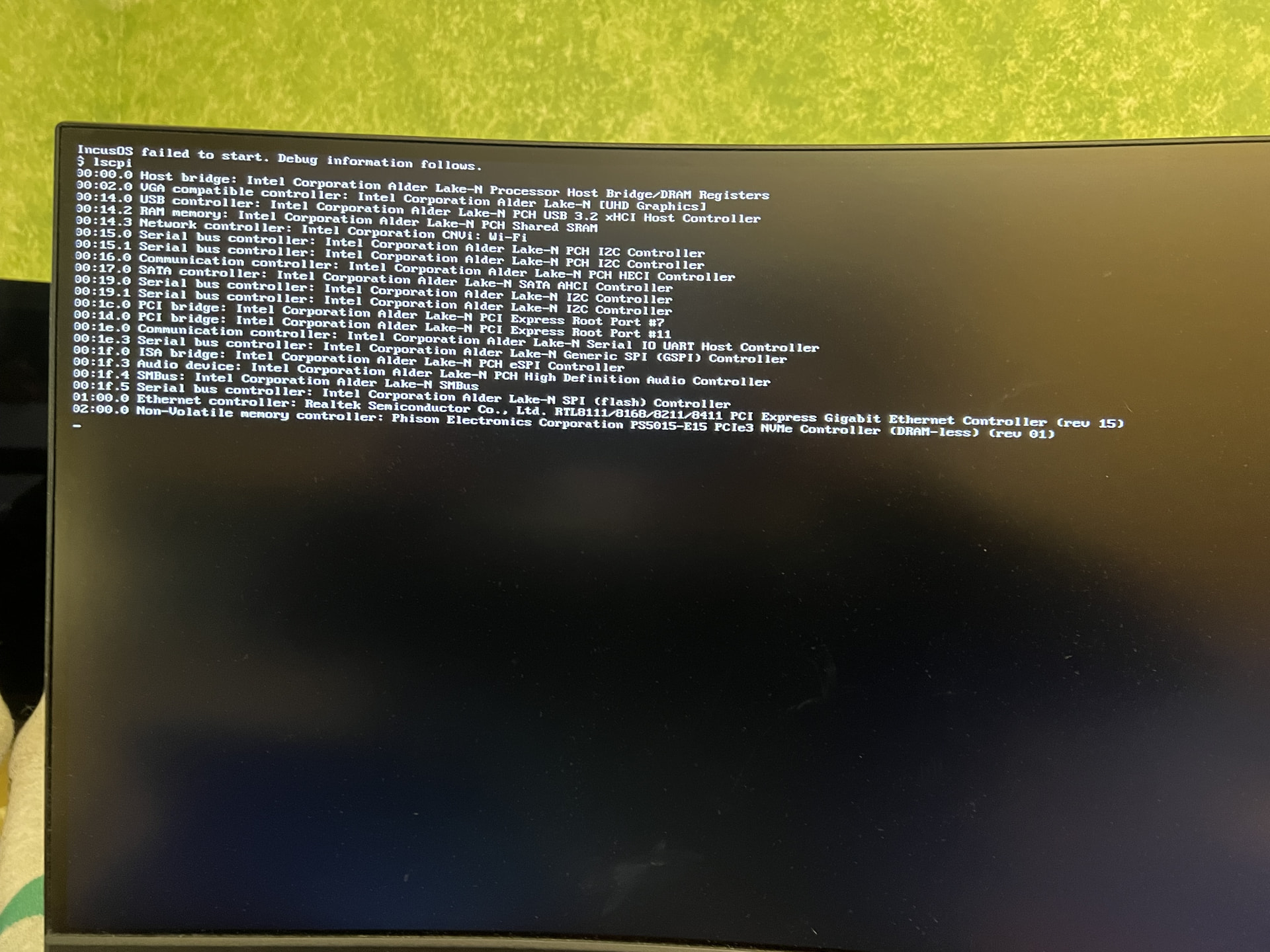
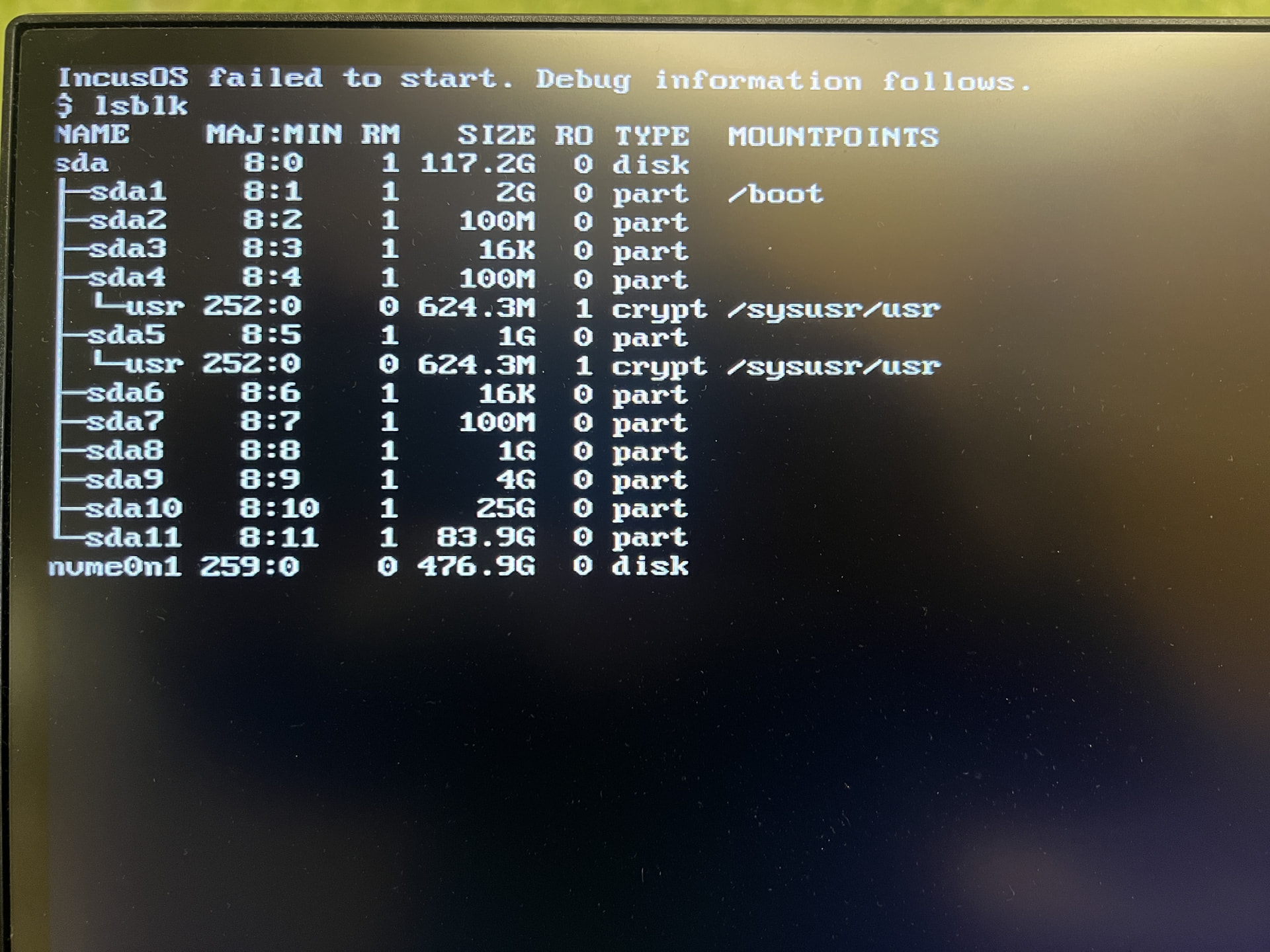
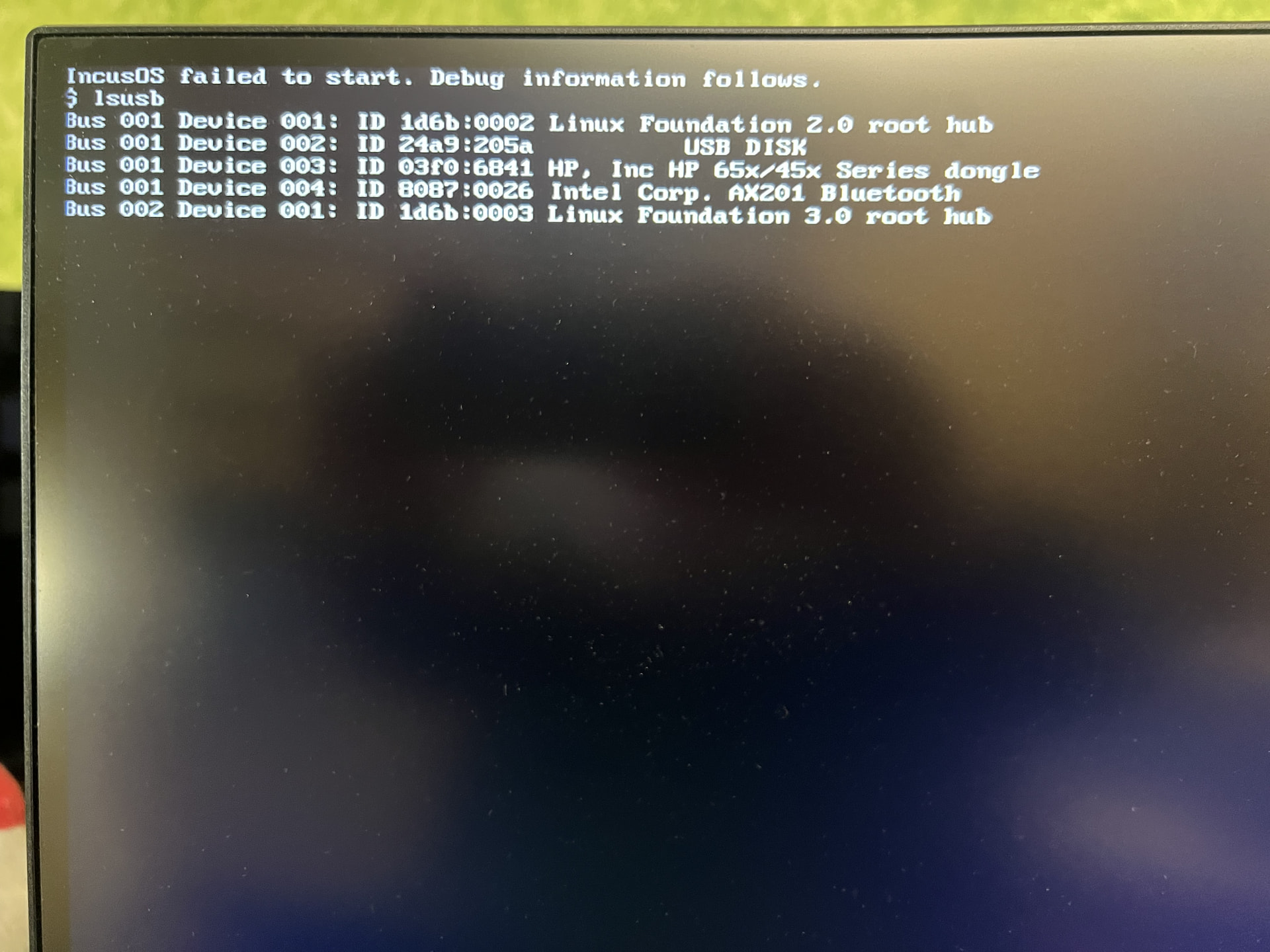
Debug screens from most recent attempt:
Edit: Photos at the bottom but I am adding the text as extracted by AI for easier reading:
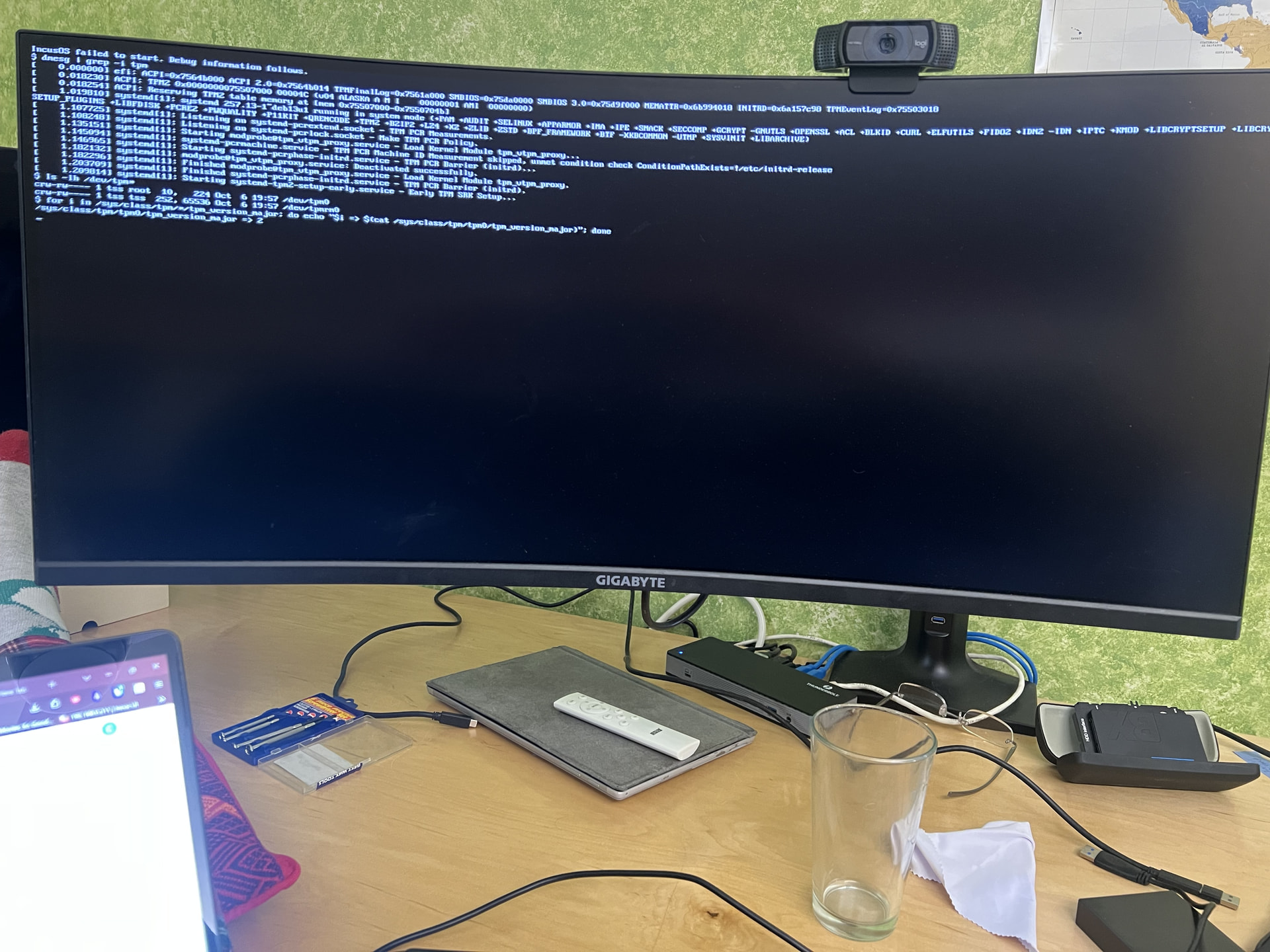
$ dmesg | grep -i tpm
[ 0.000000] efi: ACPI=0x7564b000 ACPI 2.0=0x7564b014 TPMFinalLog=0x7561a000 SMBIOS=0x75da0000 SMBIOS 3.0=0x75d9f000 MEMATTR=0x6b994018 INITRD=0x6a157c90 TPMEventLog=0x75503018
[ 0.018230] ACPI: TPM2 0x0000000075507000 00004C (v04 ALASKA A M I 00000001 AMI 00000000)
[ 0.018254] ACPI: Reserving TPM2 table memory at [mem 0x75507000-0x7550704b]
[ 1.019810] systemd[1]: systemd 257.13-1~deb13u1 running in system mode (+PAM +AUDIT +SELINUX +APPARMOR +IMA +IPE +SMACK +SECCOMP +GCRYPT -GNUTLS +OPENSSL +ACL +BLKID +CURL +ELFUTILS +FIDO2 +IDN2 -IDN +IPTC +KMOD +LIBCRYPTSETUP +LIBCRY…
SETUP_PLUGINS +LIBFDISK +PCRE2 +PWQUALITY +P11KIT +QRENCODE +TPM2 +BZIP2 +LZ4 +XZ +ZLIB +ZSTD +BPF_FRAMEWORK +BTF -XKBCOMMON +UTMP +SYSVINIT +LIBARCHIVE)
[ 1.107725] systemd[1]: Listening on systemd-pcrextend.socket - TPM PCR Measurements.
[ 1.108248] systemd[1]: Listening on systemd-pcrlock.socket - Make TPM PCR Policy.
[ 1.135151] systemd[1]: Starting modprobe@tpm_vtpm_proxy.service - Load Kernel Module tpm_vtpm_proxy…
[ 1.145094] systemd[1]: Starting systemd-pcrmachine.service - TPM PCR Machine ID Measurement…
[ 1.146965] systemd[1]: systemd-pcrmachine.service - TPM PCR Machine ID Measurement skipped, unmet condition check ConditionPathExists=!/etc/initrd-release
[ 1.182132] systemd[1]: Starting systemd-pcrphase-initrd.service - TPM PCR Barrier (initrd)…
[ 1.182296] systemd[1]: modprobe@tpm_vtpm_proxy.service: Deactivated successfully.
[ 1.203709] systemd[1]: Finished modprobe@tpm_vtpm_proxy.service - Load Kernel Module tpm_vtpm_proxy.
[ 1.209814] systemd[1]: Finished systemd-pcrphase-initrd.service - TPM PCR Barrier (initrd).
[ … ] systemd[1]: Starting systemd-tpm2-setup-early.service - Early TPM SRK Setup…
$ ls -lh /dev/tpm*
crw-rw---- 1 tss root 10, 224 Oct 6 19:57 /dev/tpm0
crw-rw---- 1 tss tss 252, 65536 Oct 6 19:57 /dev/tpmrm0
$ for i in /sys/class/tpm/*/tpm_version_major; do echo “$i => $(cat /sys/class/tpm/tpm0/tpm_version_major)”; done
/sys/class/tpm/tpm0/tpm_version_major => 2
$ lspci
00:00.0 Host bridge: Intel Corporation Alder Lake-N Processor Host Bridge/DRAM Registers
00:02.0 VGA compatible controller: Intel Corporation Alder Lake-N [UHD Graphics]
00:14.0 USB controller: Intel Corporation Alder Lake-N PCH USB 3.2 xHCI Host Controller
00:14.2 RAM memory: Intel Corporation Alder Lake-N PCH Shared SRAM
00:14.3 Network controller: Intel Corporation CNVi: Wi-Fi
00:15.0 Serial bus controller: Intel Corporation Alder Lake-N PCH I2C Controller
00:15.1 Serial bus controller: Intel Corporation Alder Lake-N PCH I2C Controller
00:16.0 Communication controller: Intel Corporation Alder Lake-N PCH HECI Controller
00:17.0 SATA controller: Intel Corporation Alder Lake-N SATA AHCI Controller
00:19.0 Serial bus controller: Intel Corporation Alder Lake-N I2C Controller
00:19.1 Serial bus controller: Intel Corporation Alder Lake-N I2C Controller
00:1c.0 PCI bridge: Intel Corporation Alder Lake-N PCI Express Root Port #7
00:1d.0 PCI bridge: Intel Corporation Alder Lake-N PCI Express Root Port #11
00:1e.0 Communication controller: Intel Corporation Alder Lake-N Serial IO UART Host Controller
00:1e.3 Serial bus controller: Intel Corporation Alder Lake-N Generic SPI (GSPI) Controller
00:1f.0 ISA bridge: Intel Corporation Alder Lake-N PCH eSPI Controller
00:1f.3 Audio device: Intel Corporation Alder Lake-N PCH High Definition Audio Controller
00:1f.4 SMBus: Intel Corporation Alder Lake-N SMBus
00:1f.5 Serial bus controller: Intel Corporation Alder Lake-N SPI (flash) Controller
01:00.0 Ethernet controller: Realtek Semiconductor Co., Ltd. RTL8111/8168/8211/8411 PCI Express Gigabit Ethernet Controller (rev 15)
02:00.0 Non-Volatile memory controller: Phison Electronics Corporation PS5015-E15 PCIe3 NVMe Controller (DRAM-less) (rev 01)
$ lsblk
NAME MAJ:MIN RM SIZE RO TYPE MOUNTPOINTS
sda 8:0 1 117.2G 0 disk
├─sda1 8:1 1 2G 0 part /boot
├─sda2 8:2 1 100M 0 part
├─sda3 8:3 1 16K 0 part
├─sda4 8:4 1 100M 0 part
│ └─usr 252:0 0 624.3M 1 crypt /sysusr/usr
├─sda5 8:5 1 1G 0 part
│ └─usr 252:0 0 624.3M 1 crypt /sysusr/usr
├─sda6 8:6 1 16K 0 part
├─sda7 8:7 1 100M 0 part
├─sda8 8:8 1 1G 0 part
├─sda9 8:9 1 4G 0 part
├─sda10 8:10 1 25G 0 part
└─sda11 8:11 1 83.9G 0 part
nvme0n1 259:0 0 476.9G 0 disk
$ lsusb
Bus 001 Device 001: ID 1d6b:0002 Linux Foundation 2.0 root hub
Bus 001 Device 002: ID 24a9:205a USB DISK
Bus 001 Device 003: ID 03f0:6841 HP, Inc HP 65x/45x Series dongle
Bus 001 Device 004: ID 8087:0026 Intel Corp. AX201 Bluetooth
Bus 002 Device 001: ID 1d6b:0003 Linux Foundation 3.0 root hub
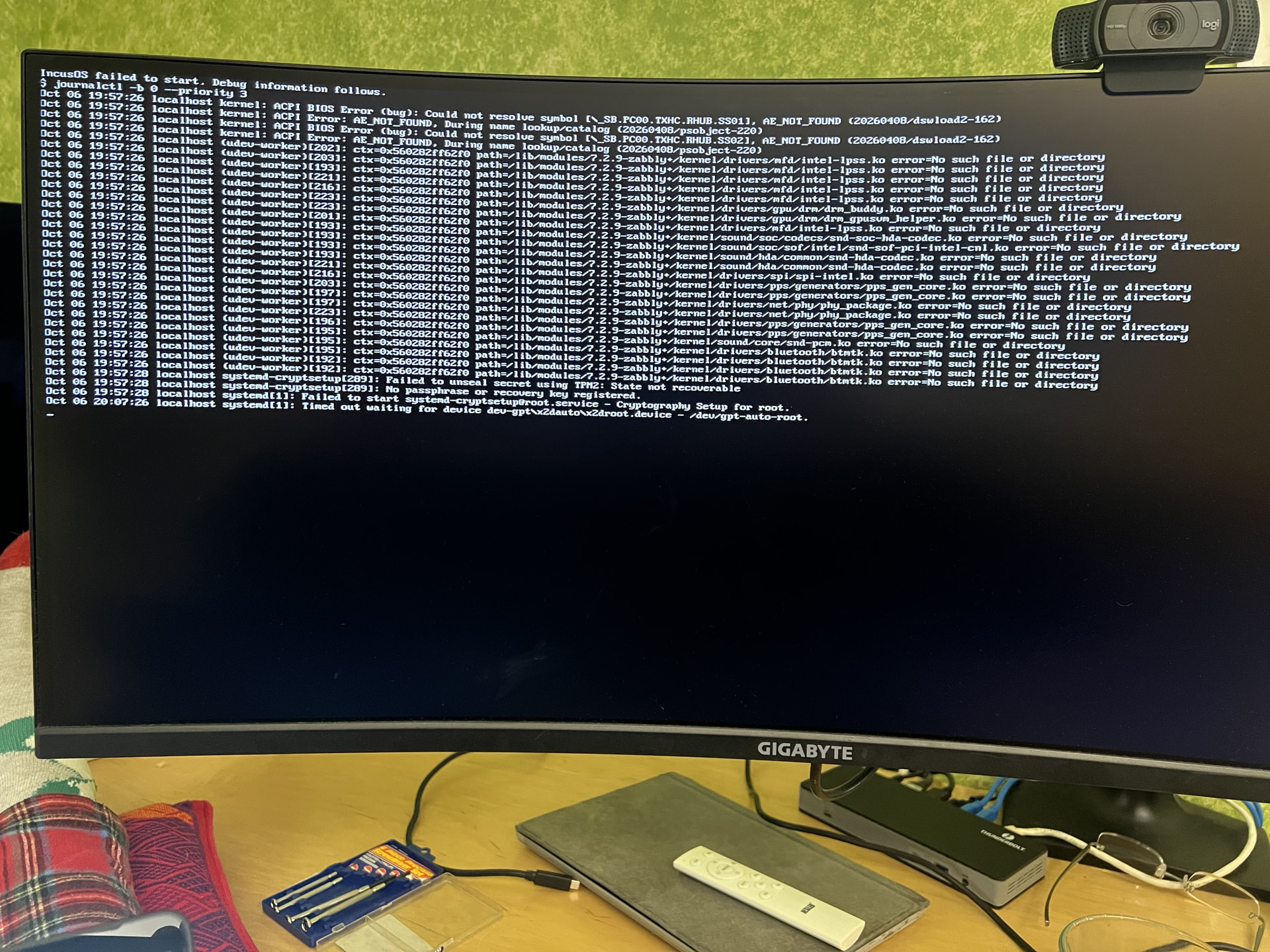
Oct 06 19:57:28 localhost systemd-cryptsetup[289]: Failed to unseal secret using TPM2: State not recoverable
Oct 06 19:57:28 localhost systemd-cryptsetup[289]: No passphrase or recovery key registered.
Oct 06 19:57:28 localhost systemd[1]: Failed to start systemd-cryptsetup@root.service - Cryptography Setup for root.
Oct 06 20:07:26 localhost systemd[1]: Timed out waiting for device dev-gpt\x2dauto\x2droot.device - /dev/gpt-auto-root.
$ journalctl -b 0 --priority 3
Oct 06 19:57:26 localhost kernel: ACPI BIOS Error (bug): Could not resolve symbol [_SB.PC00.TXHC.RHUB.SS01], AE_NOT_FOUND (20260408/dswload2-162)
Oct 06 19:57:26 localhost kernel: ACPI Error: AE_NOT_FOUND, During name lookup/catalog (20260408/psobject-220)
Oct 06 19:57:26 localhost kernel: ACPI BIOS Error (bug): Could not resolve symbol [_SB.PC00.TXHC.RHUB.SS02], AE_NOT_FOUND (20260408/dswload2-162)
Oct 06 19:57:26 localhost kernel: ACPI Error: AE_NOT_FOUND, During name lookup/catalog (20260408/psobject-220)
Oct 06 19:57:26 localhost (udev-worker)[PID]: ctx=0x560282ff62f0 path=/lib/modules/7.2.9-zabbly+/kernel/.ko error=No such file or directory
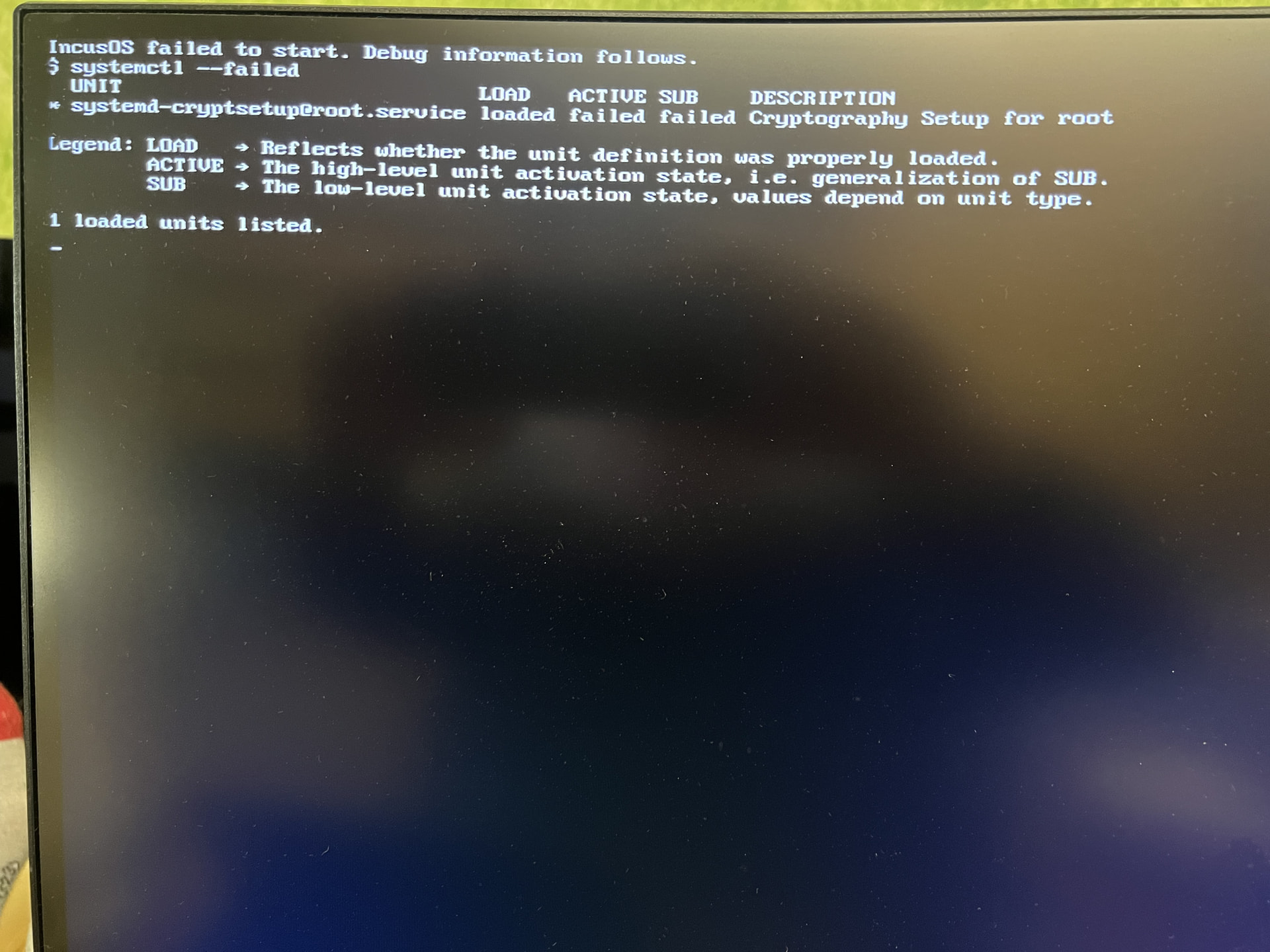
IncusOS failed to start. Debug information follows.
$ systemctl --failed
UNIT LOAD ACTIVE SUB DESCRIPTION
- systemd-cryptsetup@root.service loaded failed failed Cryptography Setup for root
Legend: LOAD → Reflects whether the unit definition was properly loaded.
ACTIVE → The high-level unit activation state, i.e. generalization of SUB.
SUB → The low-level unit activation state, values depend on unit type.
1 loaded units listed.